An IPTV server quotation can look straightforward: a rackmount unit, a channel allowance, and a maximum number of users. Yet those three items do not tell a hotel operator or system integrator whether the proposed platform will handle the actual service. Live television distribution, interactive menus, video-on-demand, device management, and video conversion place different demands on the system.
This guide helps B2B buyers turn a room count into a procurement specification. It explains what belongs in the server scope, which capacities need separate confirmation, and how to verify a configuration before deployment. It covers managed commercial IPTV, not consumer subscription services or unauthorized channel resale. For the complete property-level service chain, use our hotel IPTV architecture and procurement guide alongside this equipment-focused checklist.
What Does a Commercial IPTV Server Actually Do?
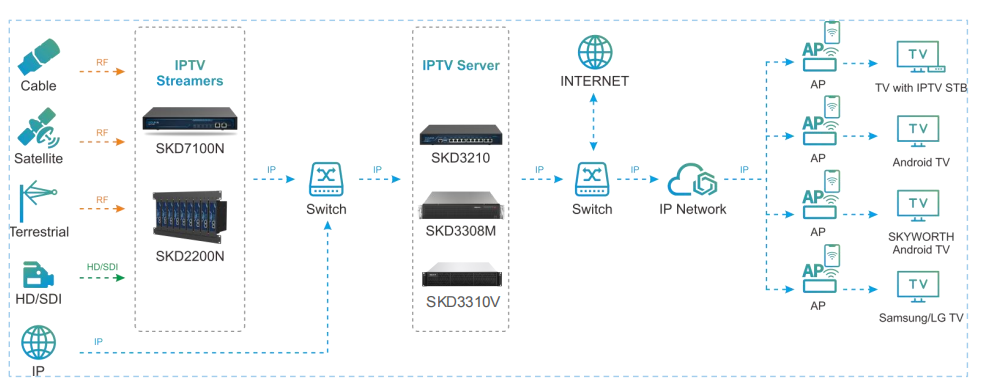
A commercial platform may combine several functions, but the name alone is not a specification. The server can manage channel lists and users, publish streams, host a television interface, and coordinate services. A separate encoder or tuner gateway may still be required to obtain usable IP video from HDMI or broadcast sources. Equally, a middleware application does not automatically provide real-time video transcoding.
Separate the control plane from the media path
The control plane handles device registration, permissions, menus, and administration. The media path carries the video and audio. Sometimes both run on one appliance; sometimes clients receive live multicast streams directly from a gateway while the server manages the interface. Ask the supplier to draw the actual path instead of assuming that every video packet passes through the server.
Start with the IPTV server product range to compare available platforms, then request a configuration that names each included role. If your project includes television sources, room displays, and guest services, the hotel IPTV solution provides the broader deployment context. A server purchase should support that design, not substitute for it.
Make the responsibility boundaries explicit: source acquisition, licensed content, media processing, network delivery, interface software, and endpoint support. This simple separation prevents a hardware purchase from becoming an unexpected software or integration project.
Choose Hardware Around the Workload, Not a CPU Label
Processor and memory specifications are useful only when linked to the tasks being performed. Relaying compatible streams differs fundamentally from decoding and re-encoding video. Building menus differs from delivering hundreds of individual VOD sessions. Therefore, compare equivalent workloads before comparing processors or chassis prices.
What to ask about the physical platform
- Compute: identify software tasks, any supported acceleration, and the tested codec and resolution combinations.
- Memory: confirm the installed configuration, expansion limits, and whether an upgrade changes validated capacity.
- Network: list the role of every port, supported link speeds, and the actual media interface arrangement.
- Storage: distinguish operating-system storage, content storage, backups, and logging.
- Installation: confirm rack dimensions, ventilation, power requirements, and accessible maintenance space.
Several Ethernet ports do not necessarily provide one aggregated high-bandwidth connection. Bonding, routing, independent input interfaces, and management segregation are different designs. Similarly, extra RAM is not proof of higher transcoding capacity. Ask which upgrade the supplier supports for the specific bottleneck you expect.
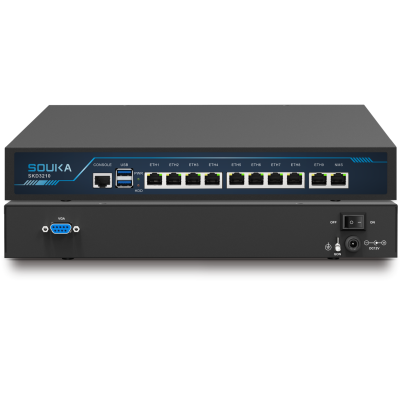
The published SKD3310 server specifications describe a particular product configuration. Use model-specific specifications rather than a category-wide promotional statement to define your purchase. Confirm the supplied revision and options in the quotation.
Define Middleware, Licences and Integration Deliverables
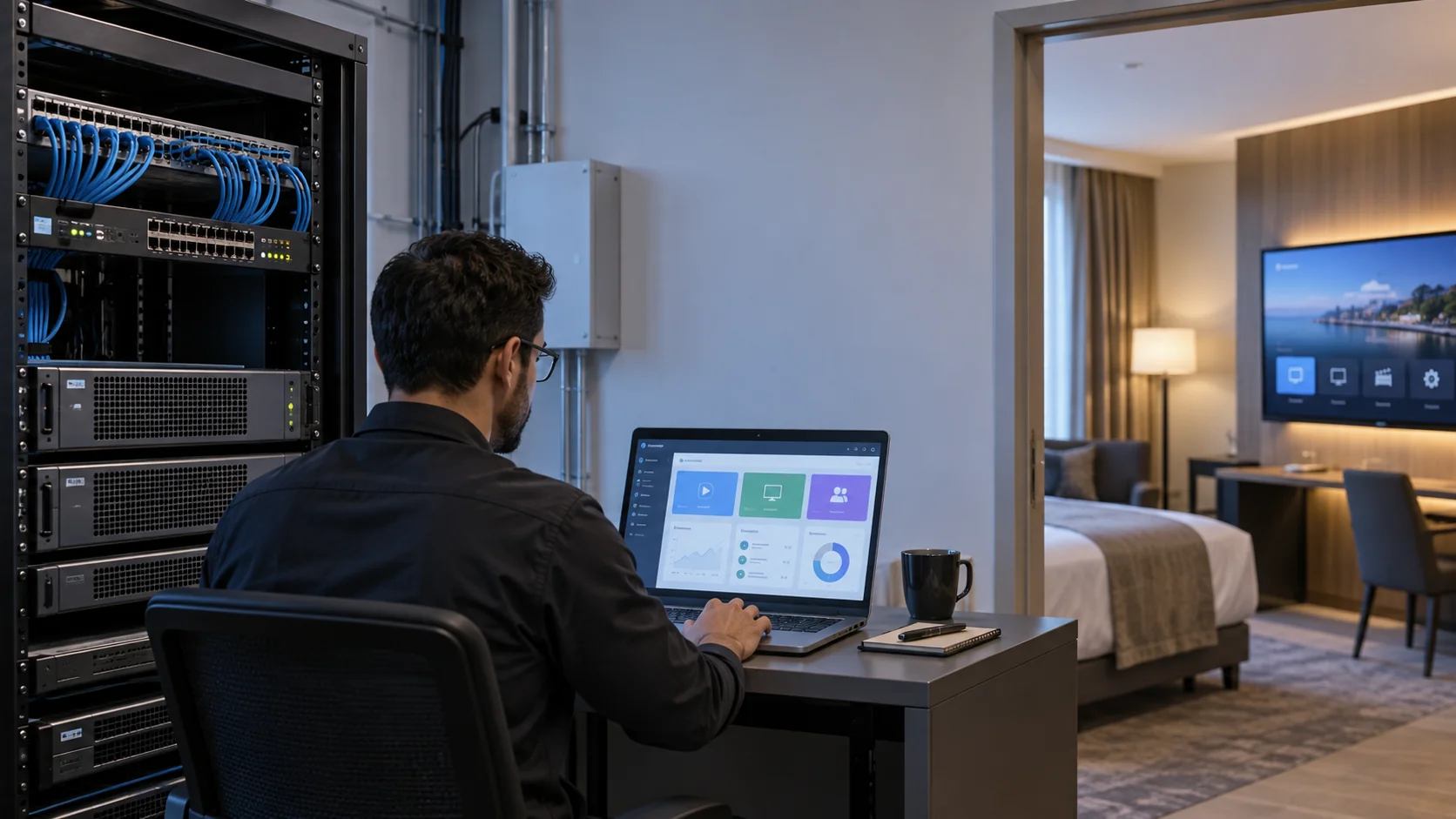
IPTV middleware is the application layer that turns streams and devices into a manageable viewing service. Typical requirements include channel administration, electronic programme information, branding, user or room grouping, and endpoint provisioning. Availability varies by platform, software revision, and the scope purchased.
Turn feature names into testable outcomes
Instead of accepting “customizable interface,” specify the home-screen layout, language choices, logo treatment, and device models on which it must work. Instead of “remote upgrade,” define who approves updates, how failed updates are handled, and which endpoints are covered. Request an administrator demonstration using representative tasks.
Clarify whether licences count rooms, registered devices, active devices, concurrent sessions, or properties. A twin room with two displays may not count the same way as one room with one endpoint. Also distinguish perpetual rights, support periods, optional modules, and future expansion costs. Written terms matter more than a generic “unlimited” description.
PMS integration should name the system, interface version, permitted events, test access, and responsibilities. A local guest-information tool is not evidence that every external PMS connector is included. For projects combining media with room automation, review the integrated IPTV and GRMS solution and keep the two systems' interfaces and acceptance criteria distinct.
Ask for administrator documentation, a configuration export method, and a clear handover of account ownership. These operational deliverables are important when a distributor or integrator, rather than the hotel, maintains the installation.
Size Users, Channels, Sessions and Transcoding Separately
A maximum user figure is not a universal capacity promise. It may refer to registered terminals, managed endpoints, or a defined operating scenario. The number of live channels is a separate measure, and VOD introduces individual sessions and storage reads. Use a capacity schedule so the supplier can state what has actually been validated.
| Capacity dimension | Project requirement | Evidence to request |
|---|---|---|
| Managed endpoints | Installed displays and devices, including public areas | Licence definition and supported endpoint count |
| Live channels | Source count, codec, bitrate and delivery format | Validated simultaneous input/output profile |
| Concurrent viewing | Busy-hour viewing and traffic type | Session and interface load under that scenario |
| Video processing | Remuxing, protocol conversion or transcoding | Specific codec/resolution conversion test |
| VOD | Simultaneous plays, catalogue and media format | Storage, network and application limits |
| Expansion | Additional buildings, rooms or channels | Supported upgrade path and revised quote |
Describe the busy-hour mix
For example, a hypothetical property might have 180 room endpoints, 12 public-area displays, 40 available live channels, and 30 simultaneous VOD viewers. These are planning assumptions, not SOUKA benchmark results. The supplier needs the mix because 192 registered devices are not equivalent to 192 transcoding jobs.
Check startup behaviour as well as steady operation. A power recovery or scheduled wake-up can cause many devices to request menus and streams together. Include that burst in acceptance testing. Reserve an agreed expansion allowance, but do not impose an arbitrary percentage without assessing the actual network and processing constraints.
Keep the test profile with the quotation
Attach the proposed capacity schedule to the purchase order and record the software version used for validation. If the channel mix later changes from HD relay to higher-resolution conversion, request a new assessment rather than carrying the old rating forward. The same principle applies when more endpoints begin using VOD instead of live multicast. A documented operating profile gives future technicians a baseline, helps procurement evaluate upgrades, and prevents both sides from interpreting a headline terminal count differently. Include the approved assumptions in the final commissioning pack so the information is not lost when project personnel change.
Calculate the Relevant Network and Storage Loads
The server's rated capacity cannot overcome an undersized uplink or congested access switch. Establish whether each stream is multicast or unicast, where replication occurs, and which link carries it. Account separately for management traffic, programme metadata, downloads, and other services sharing the network.
Use transparent arithmetic, not a universal bitrate
For a hypothetical unicast workload, 80 simultaneous streams at 8 Mbps represent 640 Mbps of media payload. Protocol overhead, traffic bursts, other services, and operational headroom are additional. With multicast, a link carrying 20 distinct 8 Mbps channels carries 160 Mbps of media payload if each channel crosses that link once. These figures illustrate the method; they are not recommended bitrates or a performance claim for a particular server.
Managed multicast needs appropriate switching and membership behaviour. Cisco's IGMP configuration guidance explains group membership and snooping-querier operation. Use documentation for your switch model and software release; do not copy a configuration blindly between platforms. Test membership refresh and channel changes in the real topology.
Do not confuse an operating-system SSD with a VOD library
For an illustrative storage calculation, one hour of video averaging 8 Mbps is approximately 3.6 GB using decimal units, before extra files and filesystem overhead. A 100-hour catalogue at that average would be approximately 360 GB. Capacity alone is insufficient: simultaneous read performance, content update procedures, and backups also affect the design.
Storage redundancy is not a substitute for an independent backup. Identify which data must be restored after an appliance replacement and verify a restoration procedure before acceptance.
Confirm Protocol and Endpoint Compatibility End to End
A protocol list is a starting point, not proof of interoperability. Input and output support may differ. A stream transported successfully over IP may still fail on a television because of its codec profile, audio format, container, resolution, or application behaviour. Document the complete combination from source to display.
Distinguish conversion tasks
Remuxing changes packaging; protocol conversion changes delivery; transcoding changes the encoded media. A device that can convert a transport protocol does not necessarily convert H.265 video to H.264. Where conversion is required, request explicit confirmation of the direction, simultaneous channel count, and resulting quality and latency.
For television sources, compare the IPTV streamer and gateway range rather than assuming the management server includes every input interface. For older displays, assess the IPTV set-top box range and the HDMI, control, and remote requirements. Direct smart-TV operation must be confirmed for the exact model and software environment.
Create a compatibility matrix containing the source, stream format, server function, network delivery, client application, and display. Test subtitles, programme information, audio selection, standby recovery, and channel switching. A successful demonstration on one television does not validate a mixed fleet.
Confirm lawful access and distribution rights for all programmes. Equipment capability does not grant content rights, and a supplier's hardware list should not be mistaken for a content subscription.
Select an Appliance, Modular Gateway or Separate Server Design
Integration can simplify commissioning, but concentrating functions can also concentrate maintenance impact. Compare the design against the property's service priorities and the integrator's support capability. The right option depends on sources, endpoint count, processing tasks, and future changes, not solely on rack space.
Three design patterns to compare
- Integrated server appliance: useful when a validated combination of middleware and media functions matches the project.
- Modular gateway/headend: useful when multiple physical input types must be collected and converted within a configurable platform.
- Separated functions: useful where independent scaling, maintenance windows, or operational ownership justify separate components.
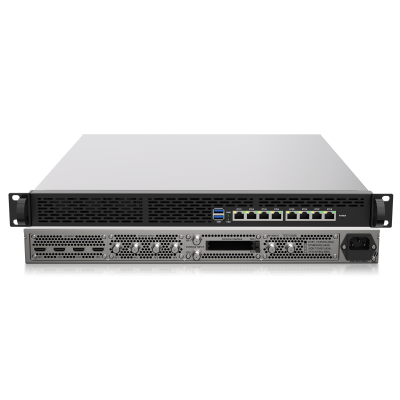
The SKD7200N modular server and gateway is an example of the modular approach. Its selected input modules still need to match the project's sources. An “all-in-one” designation should trigger a scope review, not an assumption that all possible modules and software services are included.
A dedicated generic server can be an option only when the software supplier supports the proposed hardware and operating environment. Ask about installation ownership, update compatibility, and support boundaries. Virtualization or off-site hosting should likewise be supported explicitly rather than assumed from the word “server.”
For phased renovations, define which functions remain on the existing system during migration. Avoid promising a seamless transition before endpoint, network, and channel tests have been completed.
Plan Operations, Security, Recovery and Supplier Support
Commercial television needs an operating plan after installation. Define administrator roles, maintenance access, software updates, log retention, and configuration backups. Put management interfaces on controlled networks and restrict remote access according to the owner's IT policy. Do not expose administration to the public Internet merely to make servicing convenient.
Ask what happens when something fails
Redundant power, spare hardware, application failover, and backup restoration solve different problems. Two appliances in a rack do not automatically form a functioning failover system. Confirm detection, switchover, shared dependencies, licence treatment, and restoration of client service. Demonstrate the supported procedure rather than relying on the term “high availability.”
Agree support hours, escalation contacts, diagnostic information, and spare-part arrangements for the deployment country. Separate hardware warranty from software maintenance and integration support. A distributor may need a different escalation path from a property operator.
If guest names or room-service events are exchanged with external systems, minimize data and use authorized test records. Confirm retention and access requirements with the property. The television service should not become an uncontrolled copy of sensitive operational data.
Finally, document ownership of configuration files and credentials, with secure handover to the appointed operator. A working demonstration is not a complete operational handover.
Use a Staged Acceptance Test Before Full Deployment
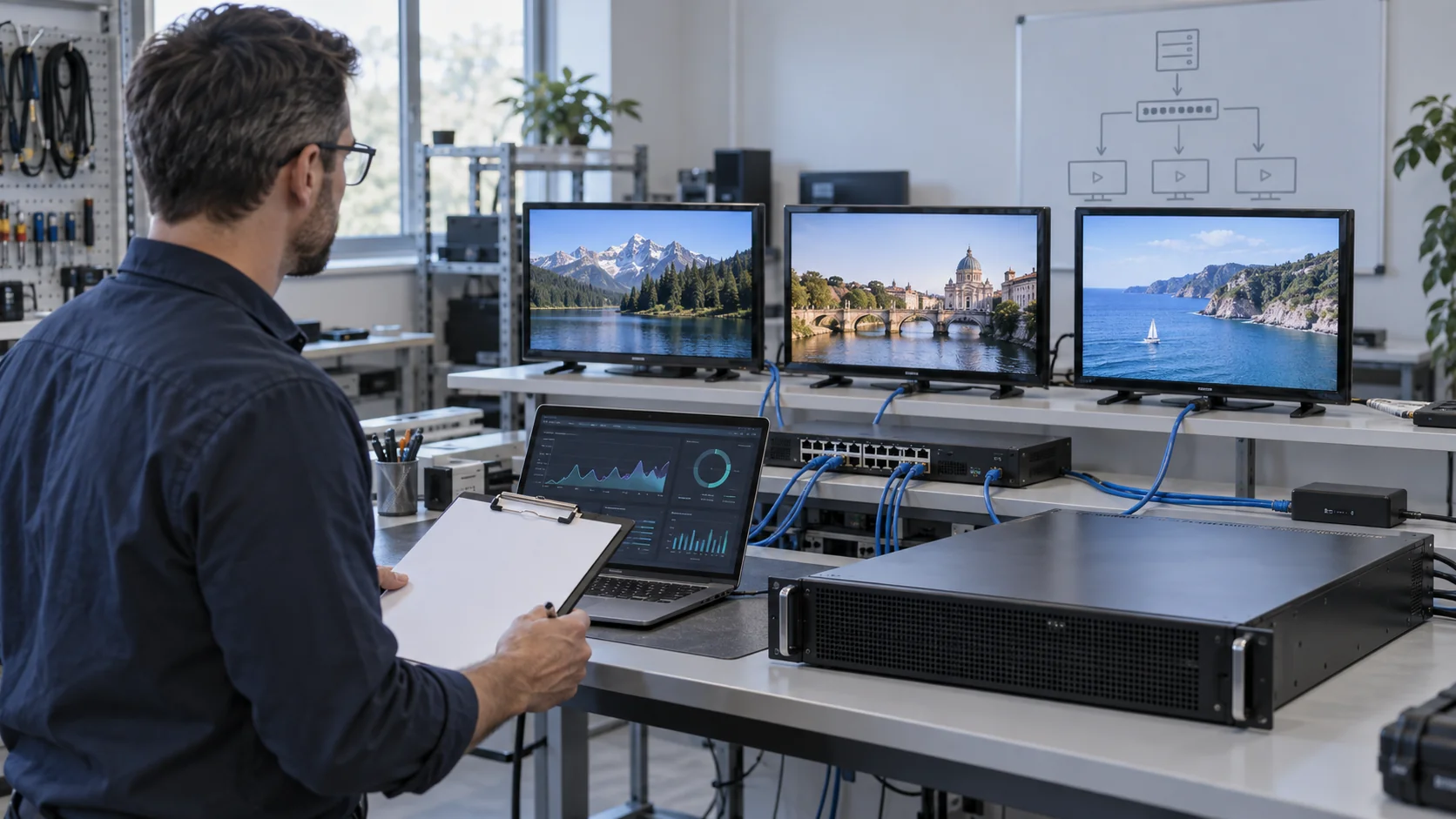
Build a pilot with representative sources, the actual network settings, and the display models that will be installed. Establish measurable acceptance criteria jointly with the supplier. Criteria should reflect the service expected by the property rather than a generic lab demonstration.
A practical commissioning sequence
- Verify the supplied hardware, installed software, licences, and input modules against the approved quotation.
- Validate every intended source format and endpoint combination before scaling device counts.
- Exercise the agreed simultaneous live, VOD, menu and management workload.
- Check sustained operation, channel changes, device restarts, and recovery after permitted simulated failures.
- Confirm backup restoration, administrator training, and handover documentation.
Record observed network usage, application behaviour, and service errors during the same test window. This helps distinguish a source problem from an access-network or endpoint issue. Agree the test duration, success thresholds, and retest process beforehand; do not invent a universal “pass” value for every hotel.
Any advertised performance statement that matters to your project should be converted into an acceptance condition for the purchased configuration. If a feature is optional or not tested, identify it as such in the sign-off. Keep a rollback procedure for staged deployment into occupied rooms.
Prepare a Comparable IPTV Server RFQ
A strong request for quotation makes competing offers comparable and helps engineering teams identify missing information early. Share a technical brief rather than only a room count. If details are uncertain, label the assumptions and ask the supplier which decisions depend on them.
- Property: use case, buildings, rooms, public displays, and deployment phases.
- Sources: lawful input services, channel count, interfaces, codecs, and formats.
- Clients: exact televisions or set-top boxes, software versions, and remote-control expectations.
- Network: topology, available uplinks, multicast arrangements, and responsible IT contact.
- Services: live TV, VOD, branding, languages, device administration, and integrations.
- Commercial scope: licences, options, installation, freight, support, upgrades, and acceptance tests.
Compare the total delivered scope, not an appliance price alone. Content licensing, endpoint devices, network changes, storage, integration work, and maintenance can sit outside the server line item. Ask for exclusions and assumptions to be stated clearly. When an offer is cheaper, identify which responsibilities or functions differ before treating it as equivalent.
A useful final deliverable is a signed configuration schedule: what is supplied, what workload it supports, which interfaces are included, and who verifies each requirement. That schedule gives both the buyer and supplier a practical basis for commissioning and future expansion.
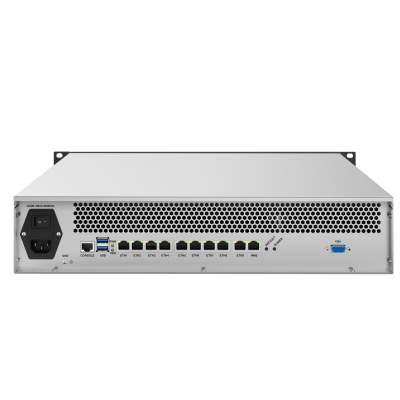
Compare SOUKA IPTV Server Platforms
Use these actual product pages as starting points. Confirm the selected hardware, software scope, and validated workload before ordering.
Related Commercial IPTV Solutions
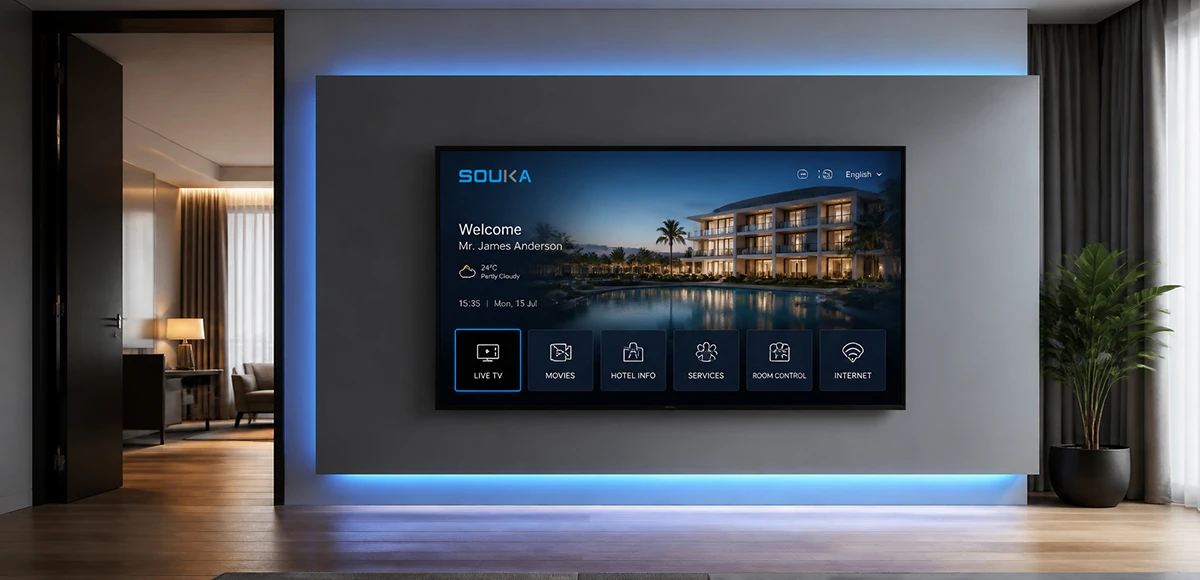
IPTV Solution for Hotels
Deliver lag-free 4K live TV to every guest room, customize your interactive brand interface with zero coding, and automate database workflows. Our carrier-grade Linux streaming matrix bridges natively with global property management systems to eliminate integration friction and slash hardware deployment overhead.
Explore Solutions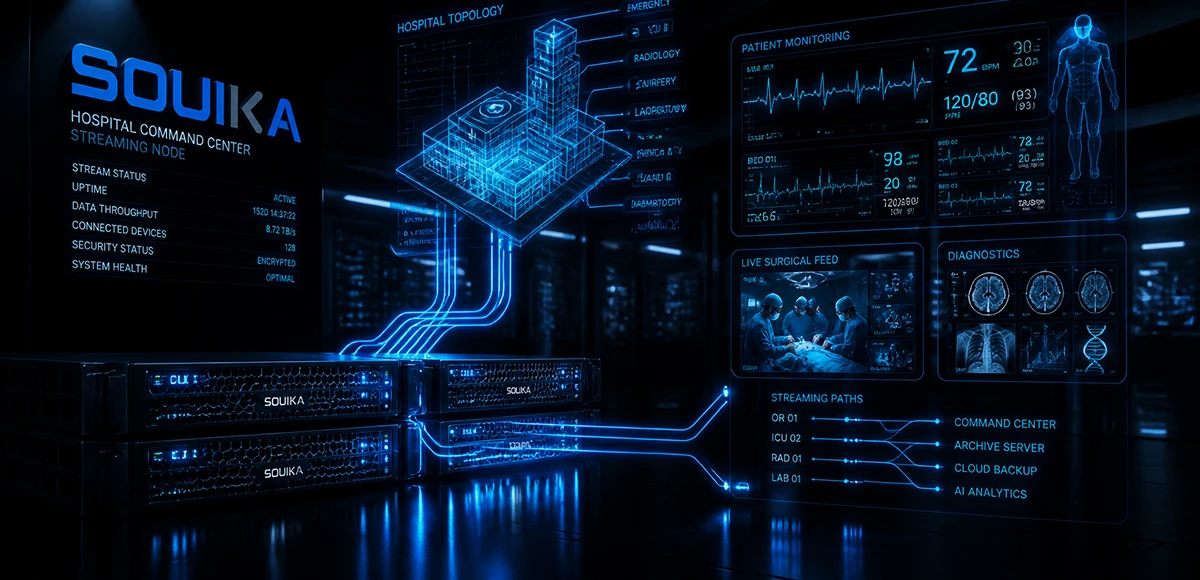
IPTV Solution for Hospital
Deliver zero-downtime 4K live broadcast, interactive patient education channels, and doctor-patient service portals across wards and consultation rooms. Powered by SOUKA’s high-concurrency streaming core, our carrier-grade system natively bridges with Hospital Information Systems (HIS) while strictly isolating video multicast traffic from sensitive medical telemetry networks.
Explore Solutions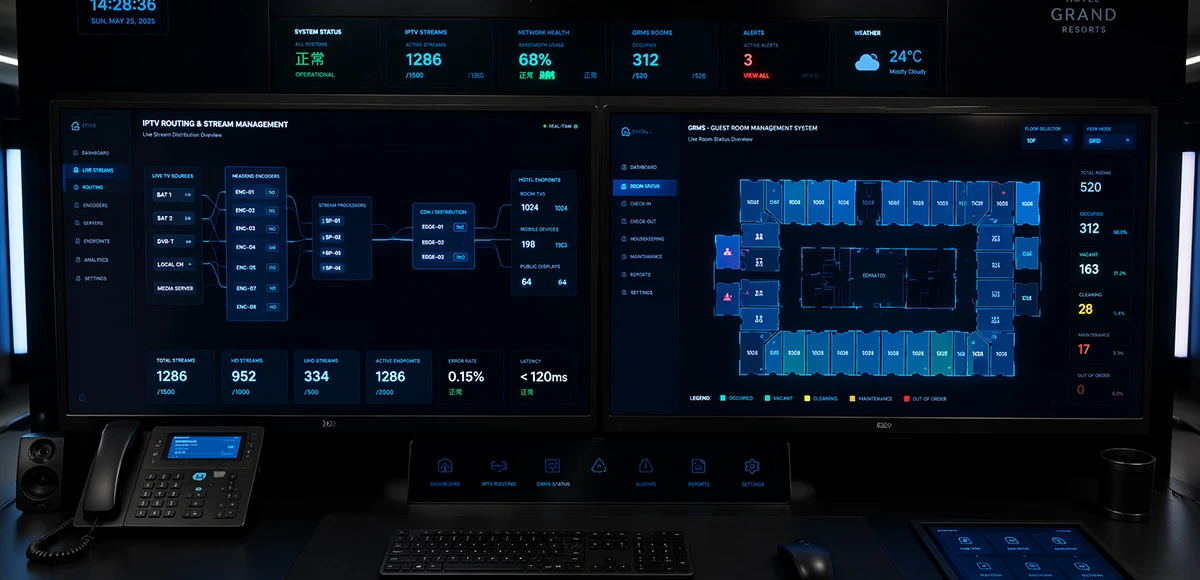
Integrated IPTV & GRMS Solution
Unify carrier-grade 4K IPTV streaming and autonomous RCU room controls into a single, cohesive hospitality IoT architecture. SOUKA bridges interactive in-room entertainment, smart lighting scenes, dynamic HVAC energy optimization, and native PMS database synchronization—slashing hardware CapEx, simplifying structured cabling, and delivering seamless guest experiences.
Explore Solutions
IPTV Solution for Hotels
Deliver lag-free 4K live TV to every guest room, customize your interactive brand interface with zero coding, and automate database workflows. Our carrier-grade Linux streaming matrix bridges natively with global property management systems to eliminate integration friction and slash hardware deployment overhead.
Explore Solutions
IPTV Solution for Hospital
Deliver zero-downtime 4K live broadcast, interactive patient education channels, and doctor-patient service portals across wards and consultation rooms. Powered by SOUKA’s high-concurrency streaming core, our carrier-grade system natively bridges with Hospital Information Systems (HIS) while strictly isolating video multicast traffic from sensitive medical telemetry networks.
Explore Solutions
Integrated IPTV & GRMS Solution
Unify carrier-grade 4K IPTV streaming and autonomous RCU room controls into a single, cohesive hospitality IoT architecture. SOUKA bridges interactive in-room entertainment, smart lighting scenes, dynamic HVAC energy optimization, and native PMS database synchronization—slashing hardware CapEx, simplifying structured cabling, and delivering seamless guest experiences.
Explore SolutionsIPTV Server Questions for B2B Buyers
An IPTV Server is the core device of an IPTV system. It is used to manage, process, and distribute IPTV content to multiple terminals over an IP network. It is suitable for hotels, hospitals, apartments, schools, enterprises, and other commercial IPTV applications.
Choose a Verified Configuration, Then Plan Expansion
The best IPTV server for a commercial property is the one whose documented configuration matches the sources, endpoints, services, and support arrangements. User counts and hardware labels are useful only when their operating conditions are understood. Separate the capacity dimensions, verify compatibility, and test the proposed workload before a full rollout.
Send SOUKA your channel list, endpoint models, expected concurrent usage, network outline, and required integrations. We can review the relevant IPTV server platforms and help define the questions needed for a project-specific proposal. Request an IPTV server configuration quote with your deployment requirements rather than relying on a generic capacity figure.