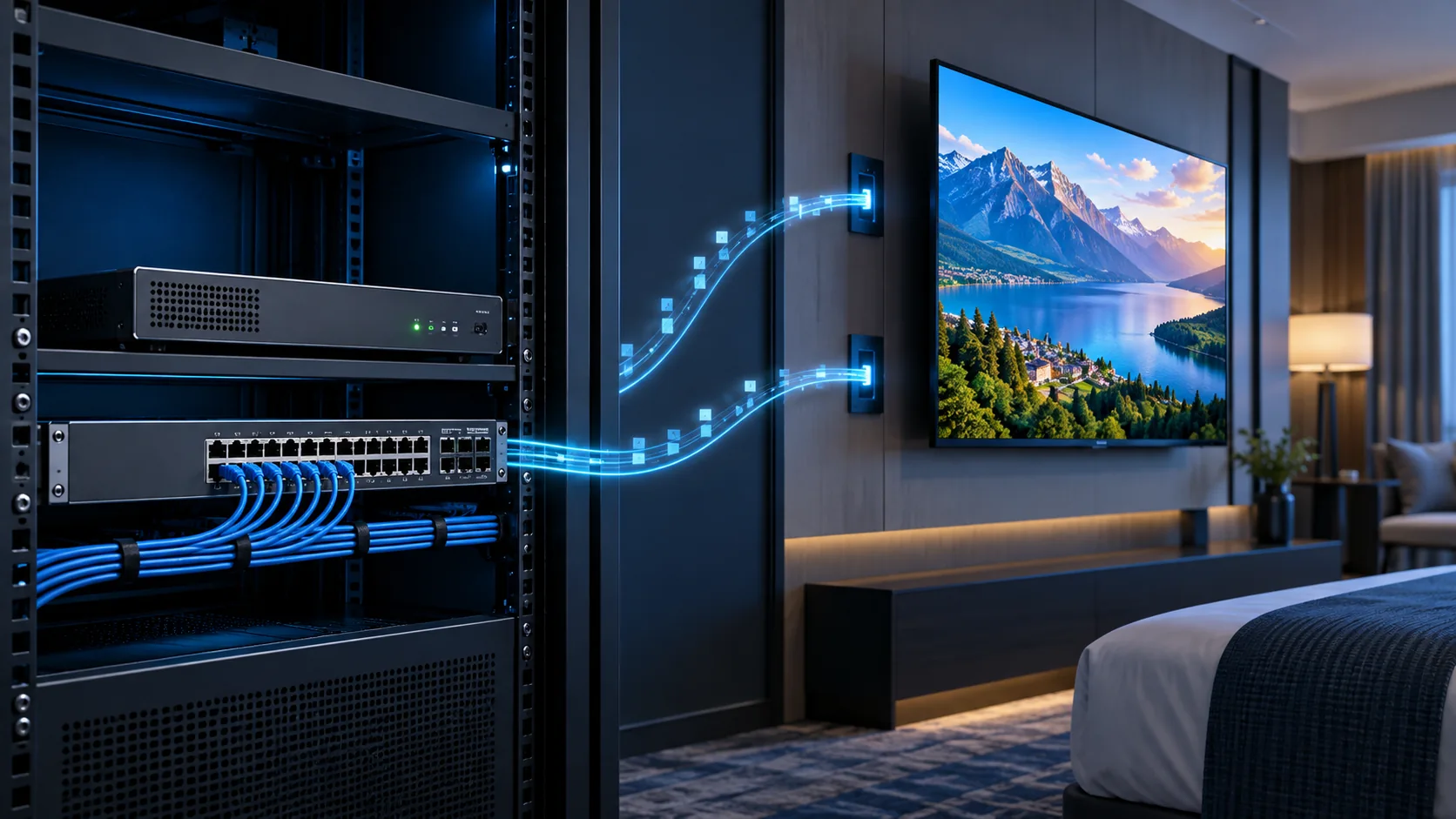
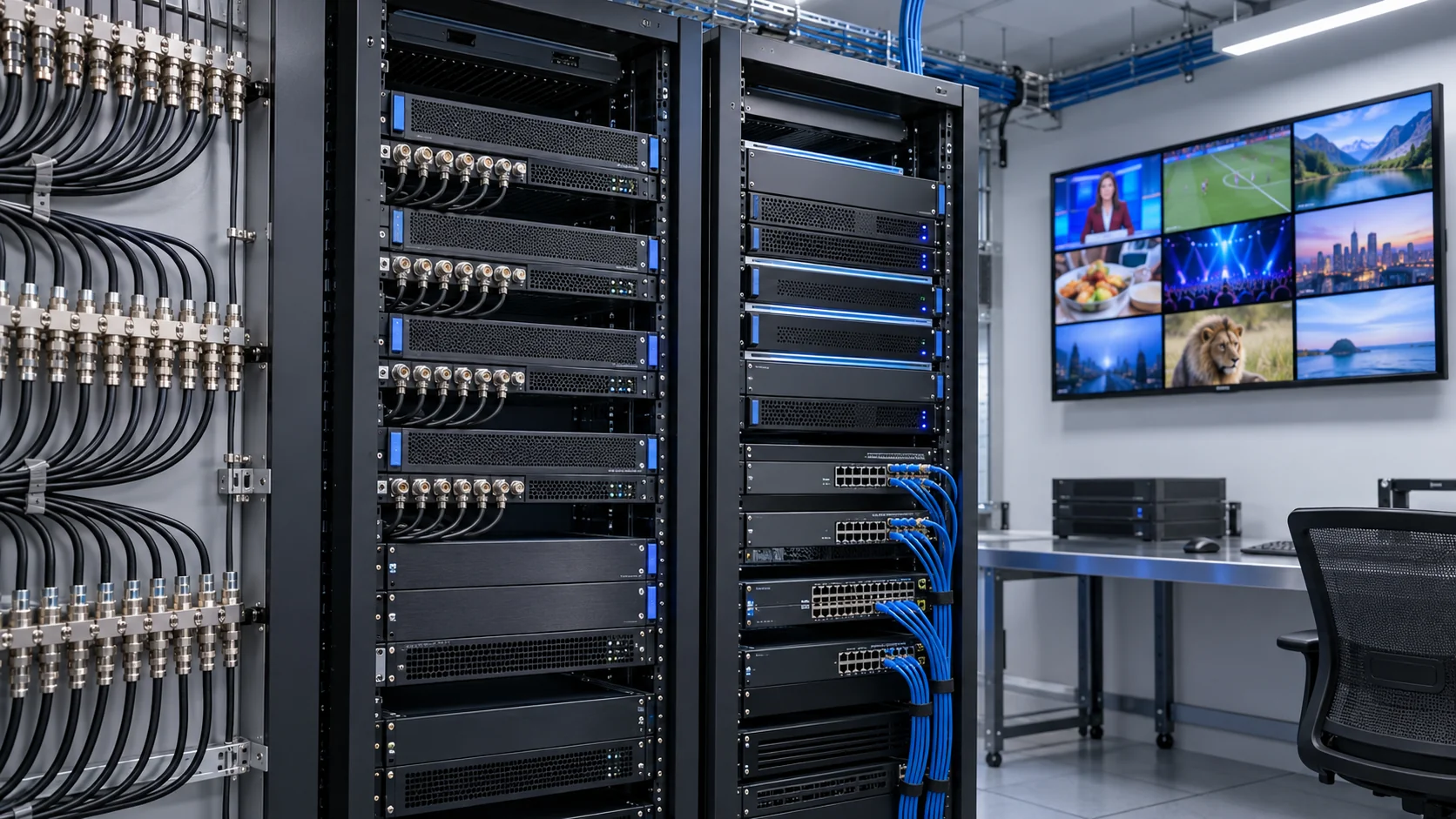
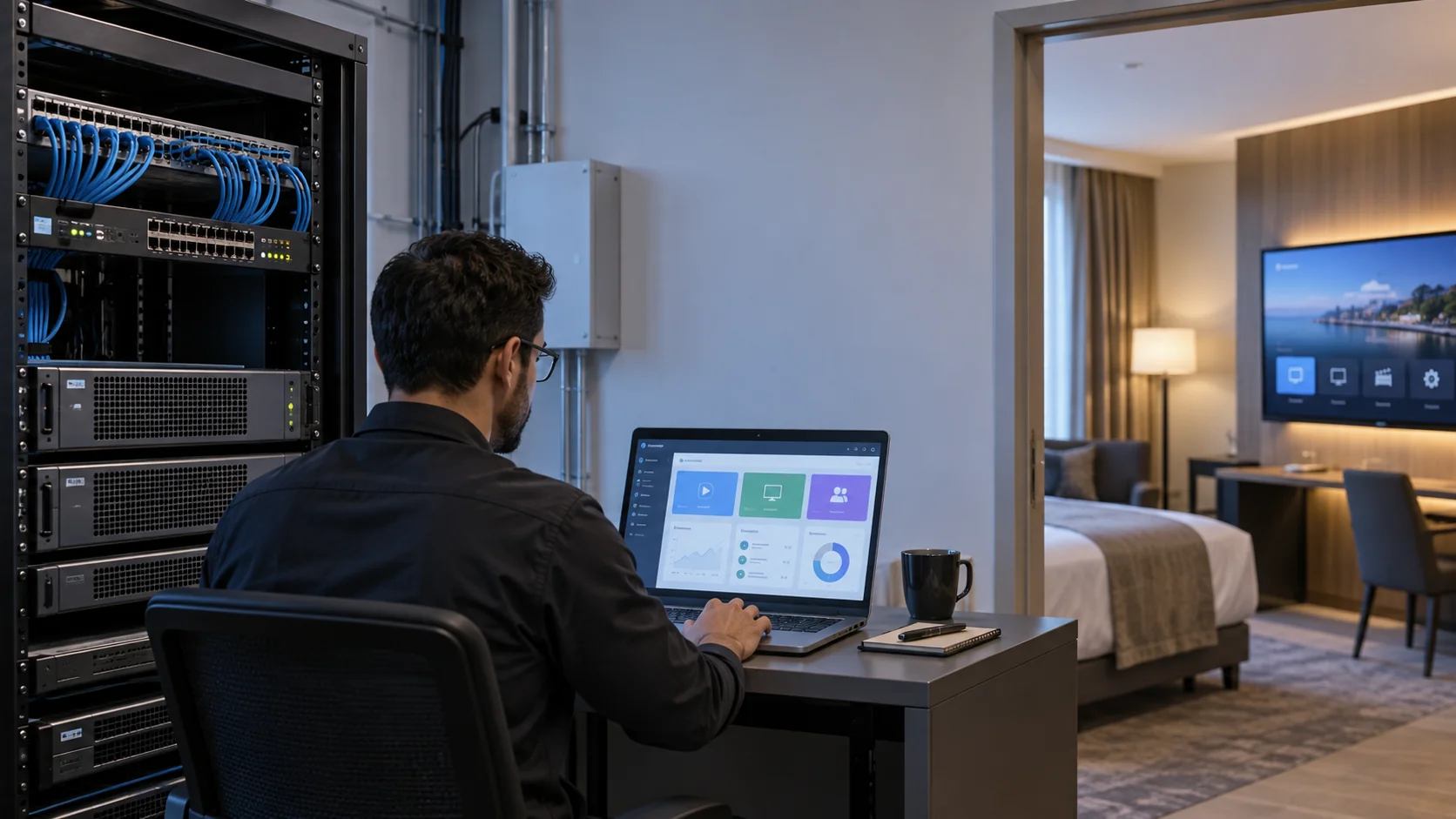
An IPTV encoder converts a video source into a compressed stream that compatible receivers can play over an IP network. For a hotel or commercial building, the right choice depends on much more than resolution: source interfaces, audio support, simultaneous encoding capacity, delivery protocols and endpoint compatibility must work together.
This buying guide helps system integrators and B2B procurement teams turn those requirements into a comparable quotation and an acceptance test. It covers source-to-stream equipment selection, not consumer IPTV subscriptions. For the wider network and service layers, use our IPTV headend architecture guide alongside the checklist below.
IPTV encoder requirements: map the source-to-screen path
Before comparing an IPTV encoder for hotels, document what enters the system and what must appear on each type of screen. A channel name alone is insufficient. The same programme may arrive from a satellite receiver, an HDMI presentation source or an existing IP feed, and these require different interfaces or processing stages.
Make one row per source. Record the connector, actual output resolution, frame rate, audio format, operating schedule and content rights. Then list the receiving televisions, set-top boxes and player applications, including firmware versions. Finally, identify whether the network uses multicast within the property, unicast sessions or delivery between sites. This short inventory prevents an attractive hardware quotation from becoming an integration problem.
Keep responsibilities separate
An encoder compresses audiovisual inputs. A gateway can receive or repackage existing transport streams; it does not necessarily re-encode them. An IPTV server supplies functions such as channel management and guest-facing services, depending on the platform. A modulator turns a compatible stream into an RF signal for a coaxial network. Purchasing one of these devices does not automatically provide the functions of the others.
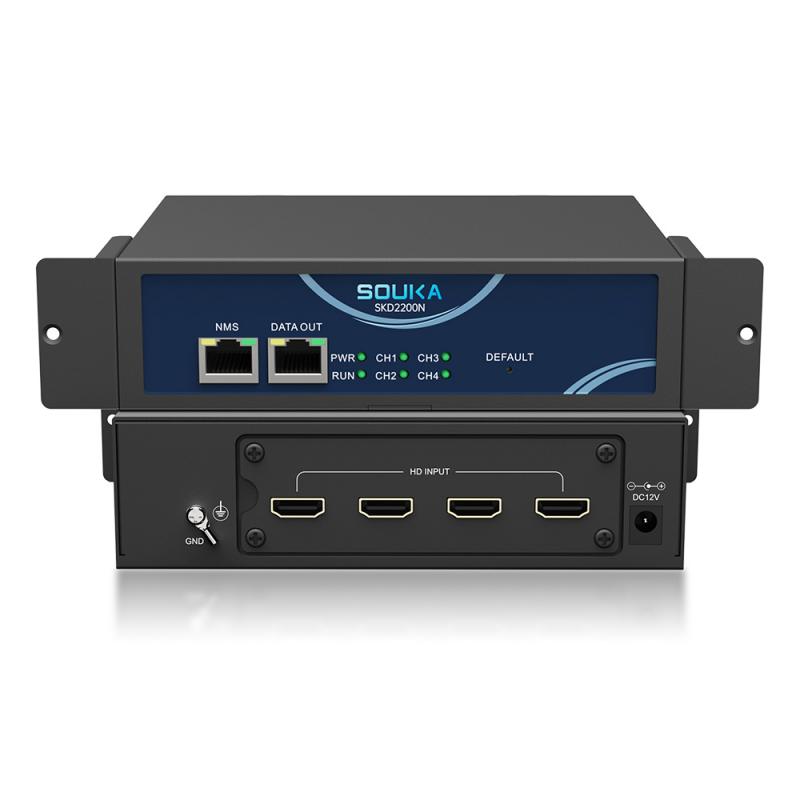
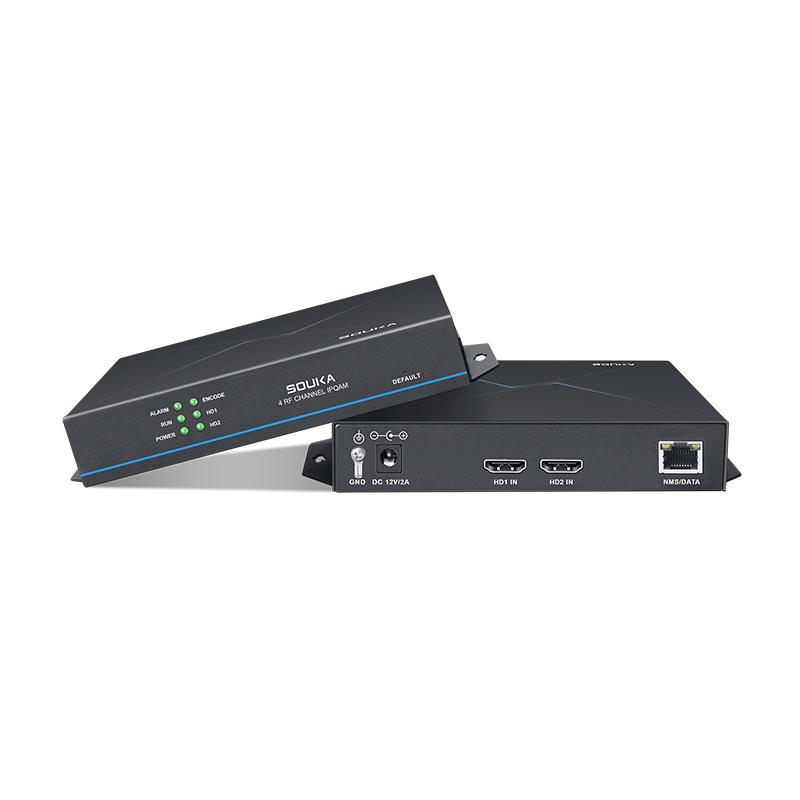
Browse the SOUKA IPTV streamer and encoder range with that distinction in mind. Specify the required signal path before choosing a model, and ask the supplier to identify any receiver, decoder, transcoder or server required between the source and the room TV.
Match input interfaces, resolution and audio
A HDMI encoder for IPTV is appropriate when the source already presents a suitable HDMI output. A tuner-to-IP gateway may be more direct when the source is a supported broadcast transport stream. SDI, analogue video and IP inputs are separate requirements: never infer their availability from the generic word “encoder.”
| Source requirement | What to confirm before purchase |
|---|---|
| HDMI output | Connector type, accepted timings, EDID behaviour and authorised source compatibility |
| Broadcast tuner feed | Supported standard, tuner count, conditional-access requirements and output stream format |
| Existing IP stream | Protocol, codec, container and whether pass-through or transcoding is required |
| Audio | Input format, output codec, channel layout and receiver decoding support |
Check input and output limits separately. A device that accepts a high-resolution source may encode only a lower-resolution output, or may reduce frame rate at its maximum resolution. Ask for the supported combinations rather than isolated headline numbers. Include interlaced sources in the test plan if they are part of the existing channel lineup.
Do not assume that an encoder can ingest every protected HDMI source. Content permissions and the source device’s protection behaviour must be resolved through authorised arrangements. For audio, test speech, music and channel changes on the actual endpoint; a stable picture does not establish correct lip synchronisation or decoding.
Choose H.264 or H.265 around receiving devices
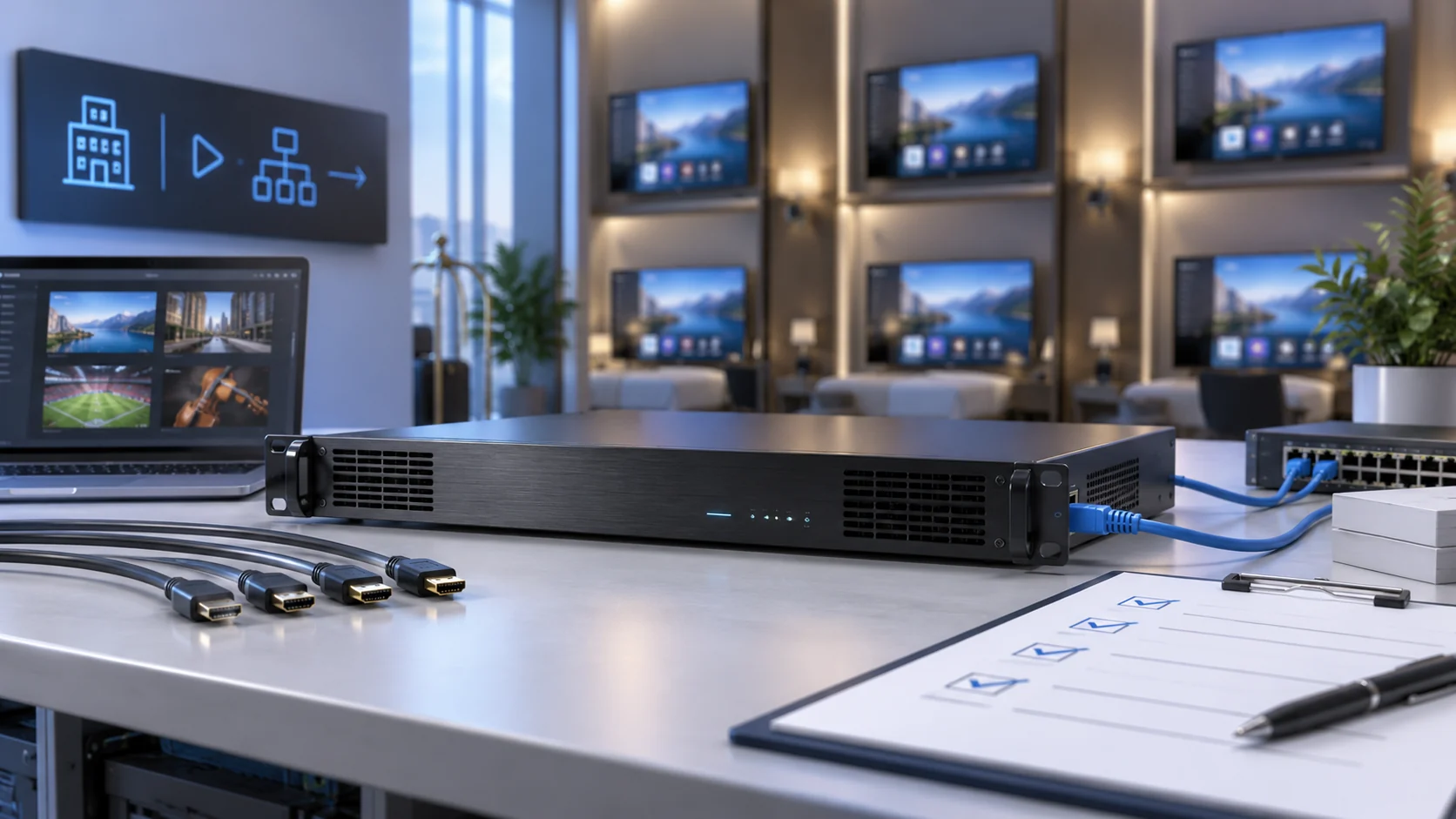
The best codec is the one your intended receivers decode reliably at the required quality and bitrate. H.264 IPTV encoding can be a practical common denominator in mixed deployments, but support still depends on profile, level, resolution and audio. H.265/HEVC can improve compression efficiency for suitable content and settings, yet it is not a universal replacement for testing older televisions or set-top boxes.
Ask for a complete encoding profile
Specify codec, profile, level, output resolution, frame rate, bitrate mode, target bitrate, maximum bitrate and keyframe interval. Include audio codec and sampling settings. Two proposals both labelled “H.265” may differ materially in these details and in the processing resources needed to produce the stream.
If a project needs separate profiles for legacy room TVs and newer displays, establish whether the equipment can generate both simultaneously. An advertised secondary stream may have its own resolution or bitrate restrictions. Count these additional encoding jobs when sizing the system rather than treating them as free extra channels.
Use representative motion and low-light scenes for comparison. A static menu can conceal compression artefacts that become obvious during sport or a camera pan. Our 4K IPTV encoder and HEVC planning guide examines high-resolution bitrate and network choices in greater detail; this article focuses on selecting a complete input-to-output configuration.
Select delivery protocols for the actual network
A protocol list is not an integration guarantee. Confirm which protocols are available for input and output, their supported stream formats, whether multicast is available, and which combinations can run concurrently. Test the exact receiving application or television, not only a laptop player that supports many formats.
| Delivery option | Typical evaluation question |
|---|---|
| UDP or RTP multicast | Can the managed network and all receivers join and leave the channel groups correctly? |
| RTSP | Does the receiving client support the device’s session and transport implementation? |
| HLS | Does the endpoint accept the playlist, segments and codecs, and is playback delay acceptable? |
| SRT | Are both ends compatible, with suitable latency settings and firewall configuration? |
| RTMP | Does the intended ingest platform accept the supported audio and video configuration? |
RTP provides functions useful for real-time delivery, but it does not itself guarantee delivery or quality of service, as described in RFC 3550. Reliability still depends on the surrounding network and implementation. Likewise, Apple’s HLS documentation describes HTTP-based delivery; it does not establish that every hotel TV supports every HLS stream.
For property-wide multicast, involve the network team early on group management and VLAN design. For a link between buildings or sites, evaluate available bandwidth, loss and recovery behaviour. Do not select a WAN transport solely because it also appears in a local receiver’s specification.
Count channels and concurrent encoding workloads
Define “channel” in the purchase specification. It can mean a physical input, one encoded programme, an output transport stream or a selectable TV service. A device with multiple connectors does not necessarily encode all of them at the maximum advertised settings at the same time.
Build the workload from programme requirements
Start with the number of simultaneous source programmes, then add any extra encoding profiles. Four source programmes with two genuinely independent output profiles each may require eight encoding workloads, although the device’s architecture determines the real capacity. Ask the vendor to confirm the exact configuration under continuous full load, including audio and any overlays.
Separate encoding capacity from network output capacity. Several protocols carrying the same compressed content may increase outgoing traffic without requiring separate compression jobs; on another implementation they may consume additional resources. Similarly, SPTS and MPTS describe transport organisation, not interchangeable promises about processing power or receiver compatibility.
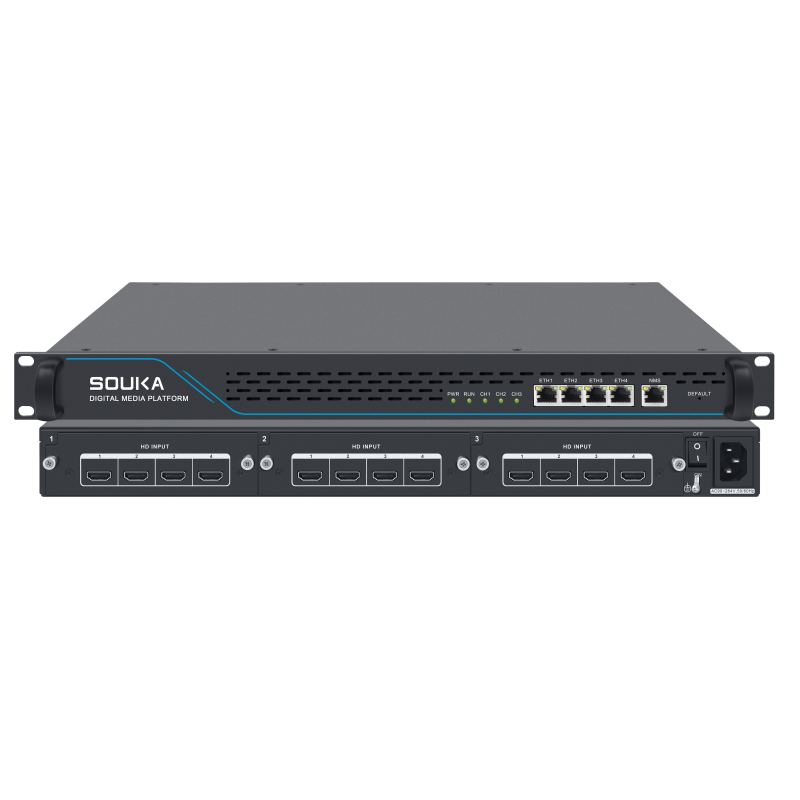
As a concrete product example, SOUKA lists the SKD1510 H.265/H.264 multi-channel HD encoder with 12 HD inputs arranged across three modules and 12 SPTS IP outputs. Confirm the required resolution, codec and protocol combination for the quotation. Do not reinterpret “HD” as a 4K specification, or extend one model’s capabilities to every unit in the range.
Provide a growth scenario as well as the initial requirement. Compare adding another standalone unit with reserving suitable modular capacity, while considering rack space, power, maintenance access and replacement availability.
Example: compare two proposals on equal terms
Suppose a hotel needs six live sources today and expects two more next year. Proposal A provides eight inputs, while Proposal B provides twelve. Neither is automatically the better choice. Check whether each supports eight simultaneous outputs at the required codec and frame rate, whether all needed audio formats are available, and whether the physical input types match the source inventory.
Next compare failure impact and expansion cost. Two smaller units may divide the affected channels during maintenance, but add management and power requirements. One larger unit may simplify the rack, but its replacement plan deserves attention. Document those consequences without labelling either design universally redundant or more reliable.
Budget bandwidth and latency independently
Build the traffic estimate from the configured streams, including audio and transport overhead. For illustration only, twelve programmes at 6 Mb/s video plus 0.2 Mb/s audio produce 74.4 Mb/s before overhead. This is arithmetic for a sample configuration, not a recommended bitrate or a capacity promise for a particular encoder.
Multicast can avoid sending a separate copy of the same programme for every viewer across a given network segment, but traffic still follows the distribution topology and group membership. Unicast sessions can multiply outgoing traffic with viewer count. Account for secondary profiles, other services on the links and the required operating margin; do not size an uplink to equal the theoretical payload total.
Measure end-to-end delay
Encoding delay is only one part of the viewing experience. Capture, buffering, transport, server processing and receiver playback can all contribute. A setting that lowers buffering may make interruptions more visible on an unstable link. Measure the complete path with the intended protocol, picture settings and endpoints.
Agree separately on channel-change behaviour, audiovisual synchronisation and steady-state delay. A channel that plays smoothly after starting can still take too long to open on a room television. For the service platform beyond the encoder, refer to our IPTV server hardware and capacity guide rather than assuming extra server resources will correct an incompatible source stream.
Run an endpoint compatibility and acceptance test
A bench test should reproduce the proposed installation closely enough to expose compatibility issues before deployment. Use the actual source type, encoder firmware, switch configuration and a sample of every receiver family. Include the longest or least favourable practical network path when moving from the bench to site testing.
- Establish a baseline: confirm picture, audio, stream identification and channel mapping using the agreed profile.
- Exercise transitions: change channels, restart sources and reconnect receivers. Record whether recovery requires manual intervention.
- Test full load: enable all purchased channels and intended concurrent outputs, not just a single demonstration input.
- Check difficult content: use motion, scrolling text, dark scenes and speech to assess artefacts and synchronisation.
- Verify operations: export configuration, restore it to a test unit where supported, and confirm monitoring and alert expectations.
Set the pass criteria in writing. Include the acceptable picture quality, measured delay, receiver startup behaviour and how faults are logged. Choose a test duration appropriate to the project risk and record environmental conditions. A short demonstration cannot establish a universal continuous-operation guarantee.
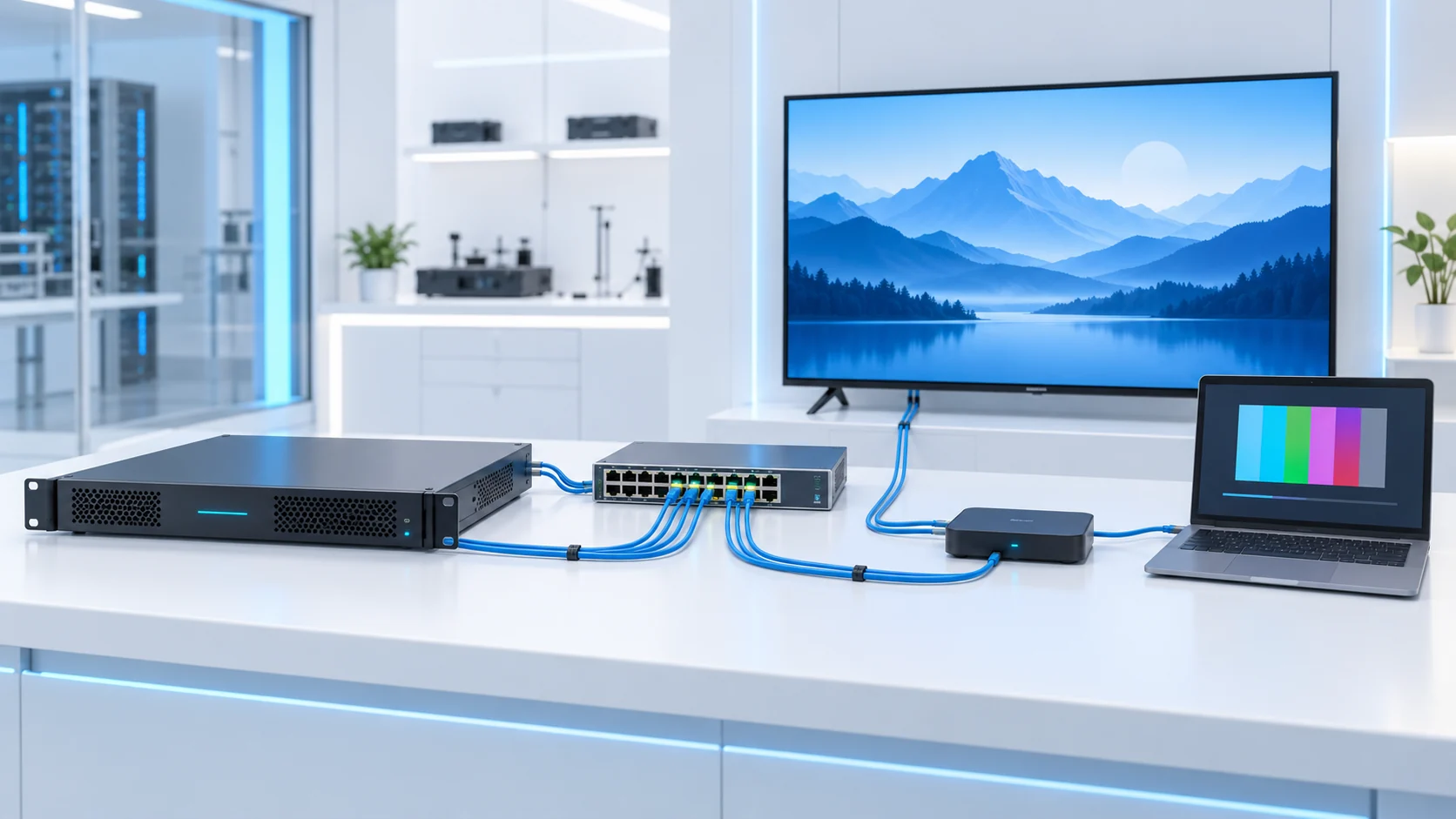
Keep a signed configuration sheet with firmware versions and stream parameters. If a later firmware or source change alters behaviour, this baseline allows the integrator and supplier to reproduce the issue instead of troubleshooting different assumptions.
Separate a source fault from an encoder fault
When a test fails, first check the source directly on a known compatible display. Then verify the encoder’s input status and configured output, followed by a receiver on the same managed network segment. Change one parameter at a time and retain the results. This sequence helps distinguish an unsupported source timing, an encoding profile mismatch and a distribution-network problem.
Record the exact symptom instead of “not working”: no input lock, no video with audio present, periodic freezes, delayed channel start or missing sound. Each points to a different investigation. Provide the supplier with the tested settings and endpoint details, but keep passwords and private network credentials out of routine support attachments.
Compare maintainability, security and lifecycle costs
For a B2B installation, the lowest purchase price is not always the lowest delivered cost. Compare commissioning effort, support arrangements, replacement lead time and the operational effect of a failed unit. A dense chassis can simplify installation, while also concentrating more channels in one maintenance event; evaluate that trade-off against the project’s continuity requirements.
Management should fit the operator’s workflow
Ask which settings are accessible through the supported management interface, how configurations are backed up, and what status information is available. Confirm firmware update and recovery procedures before handover. Do not assume that every model offers the same monitoring protocols or remote management features.
Place administration interfaces on an appropriately restricted network, change default credentials where applicable, and use the supported secure access methods. Remote assistance should use the site’s approved access process rather than unrestricted public management access. These are deployment requirements to agree with the integrator, not a claim that an encoder replaces network security controls.
Include rack space, cooling, power, spares, shipping and any separately licensed software in the cost comparison. Ask for warranty scope and the practical fault-reporting process. For hotels, coordinate planned maintenance with occupancy and service expectations; an easily replaceable configuration can matter more than an unused feature on a marketing checklist.
Send a quotation brief suppliers can answer
A useful request for quotation describes the same measurable workload to every supplier. Avoid asking only for the “best multi-channel IPTV encoder.” That phrase leaves vendors to make different assumptions about picture quality, capacity and receiving devices, making prices difficult to compare fairly.
- Source list: input interfaces, quantities, resolutions, frame rates and audio formats.
- Output list: codec profiles, stream formats, delivery protocols and multicast or unicast requirements.
- Concurrency: all simultaneous channels, secondary profiles and output destinations.
- Endpoints: television, set-top box or player models and firmware versions.
- Network: topology, available links, inter-site connections and management access requirements.
- Acceptance: agreed test conditions, recovery expectations, documentation and support scope.
Request a compliance response for each item, distinguishing supported, conditional and unavailable functions. Any exception should state the proposed additional equipment or configuration and its cost. Ask the supplier to name the firmware or tested configuration behind critical compatibility claims.
SOUKA’s equipment selection should sit inside the intended deployment, such as an IPTV solution for hotels, rather than being treated as a substitute for the server, switching or endpoint work. The following product and solution cards provide relevant starting points; final selection should follow a review of your actual source and receiver list.
Related Products
Related Solutions
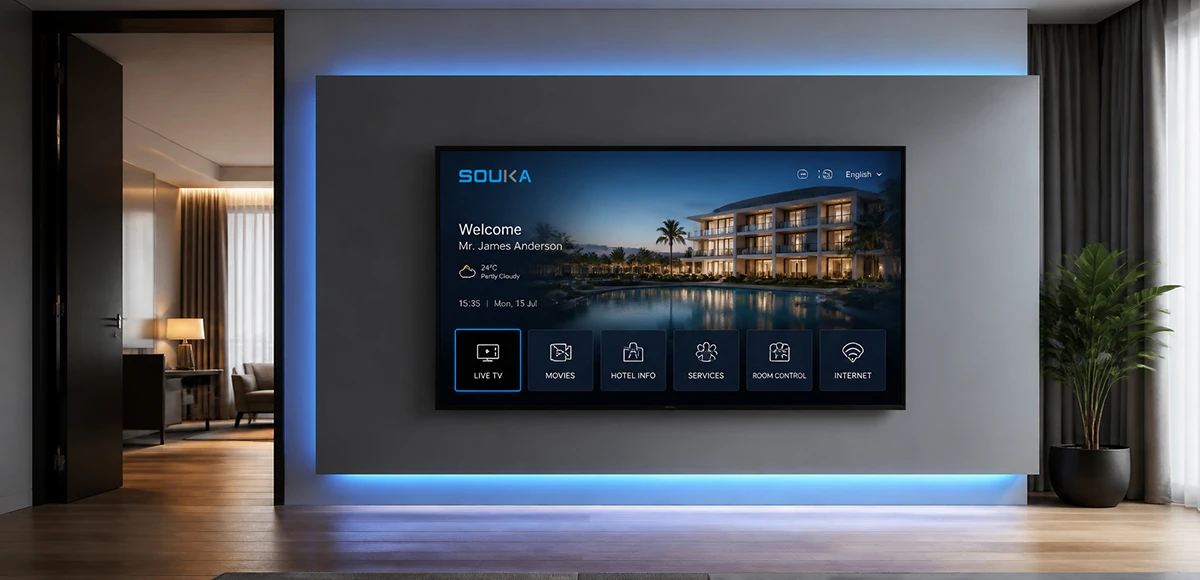
IPTV Solution for Hotels
Deliver lag-free 4K live TV to every guest room, customize your interactive brand interface with zero coding, and automate database workflows. Our carrier-grade Linux streaming matrix bridges natively with global property management systems to eliminate integration friction and slash hardware deployment overhead.
Explore Solutions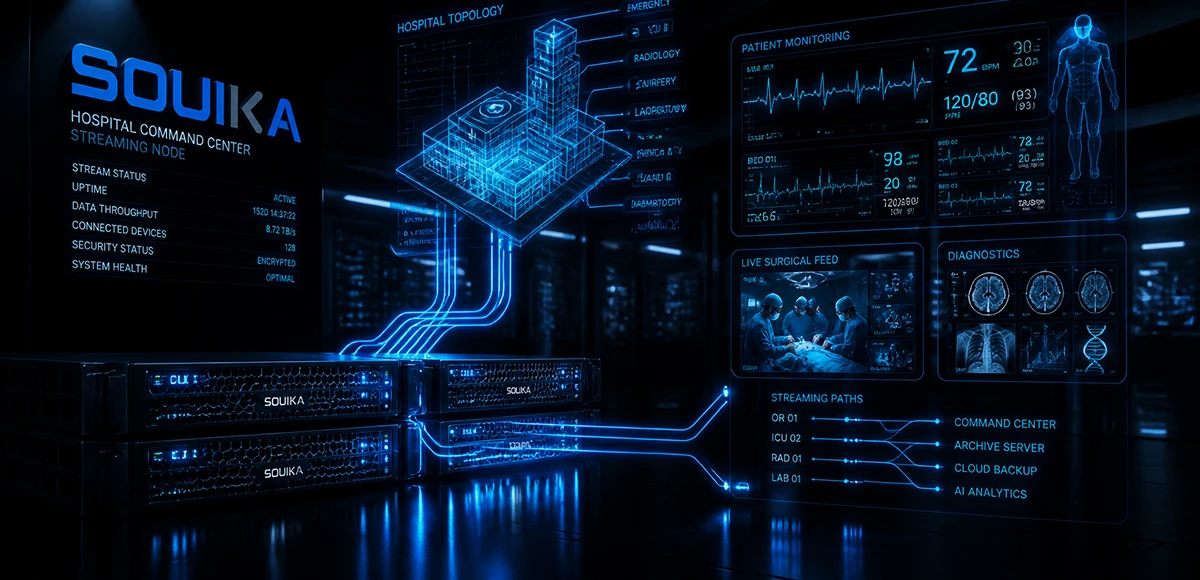
IPTV Solution for Hospital
Deliver zero-downtime 4K live broadcast, interactive patient education channels, and doctor-patient service portals across wards and consultation rooms. Powered by SOUKA’s high-concurrency streaming core, our carrier-grade system natively bridges with Hospital Information Systems (HIS) while strictly isolating video multicast traffic from sensitive medical telemetry networks.
Explore Solutions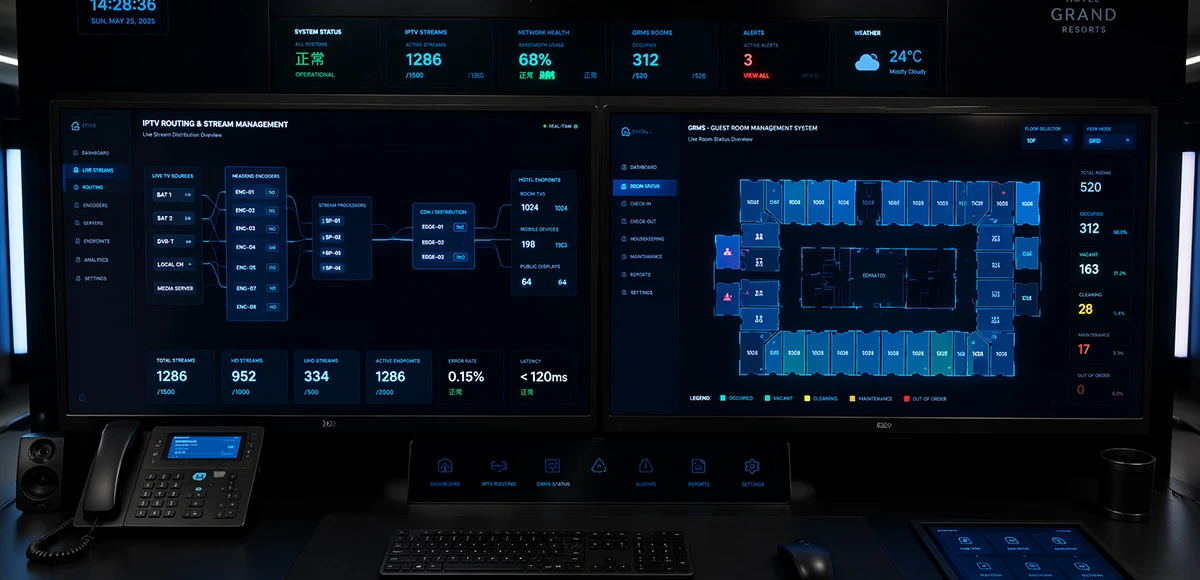
Integrated IPTV & GRMS Solution
Unify carrier-grade 4K IPTV streaming and autonomous RCU room controls into a single, cohesive hospitality IoT architecture. SOUKA bridges interactive in-room entertainment, smart lighting scenes, dynamic HVAC energy optimization, and native PMS database synchronization—slashing hardware CapEx, simplifying structured cabling, and delivering seamless guest experiences.
Explore Solutions
IPTV Solution for Hotels
Deliver lag-free 4K live TV to every guest room, customize your interactive brand interface with zero coding, and automate database workflows. Our carrier-grade Linux streaming matrix bridges natively with global property management systems to eliminate integration friction and slash hardware deployment overhead.
Explore Solutions
IPTV Solution for Hospital
Deliver zero-downtime 4K live broadcast, interactive patient education channels, and doctor-patient service portals across wards and consultation rooms. Powered by SOUKA’s high-concurrency streaming core, our carrier-grade system natively bridges with Hospital Information Systems (HIS) while strictly isolating video multicast traffic from sensitive medical telemetry networks.
Explore Solutions
Integrated IPTV & GRMS Solution
Unify carrier-grade 4K IPTV streaming and autonomous RCU room controls into a single, cohesive hospitality IoT architecture. SOUKA bridges interactive in-room entertainment, smart lighting scenes, dynamic HVAC energy optimization, and native PMS database synchronization—slashing hardware CapEx, simplifying structured cabling, and delivering seamless guest experiences.
Explore SolutionsFrequently Asked Questions
Conclusion: buy a verified signal path, not a feature list
Select an IPTV encoder by tracing the source all the way to the intended screen. Confirm interface and audio compatibility, choose an encoding profile the endpoints support, select a suitable transport, and validate every required channel under simultaneous load. Treat network capacity, viewing delay and maintenance as separate acceptance requirements.
Keep the quotation and test record linked to the final configuration. This gives procurement a defensible comparison and gives operations a practical baseline for handover. It also makes future expansion easier: new channels can be evaluated against documented limits instead of assumptions carried over from the original installation.
Ready to shortlist equipment? Contact SOUKA for a project-based encoder quotation with your source list, target TV or set-top box models, required protocols and simultaneous channel count. Ask for a configuration review before confirming the order so that the proposed encoder fits the rest of your commercial IPTV system.