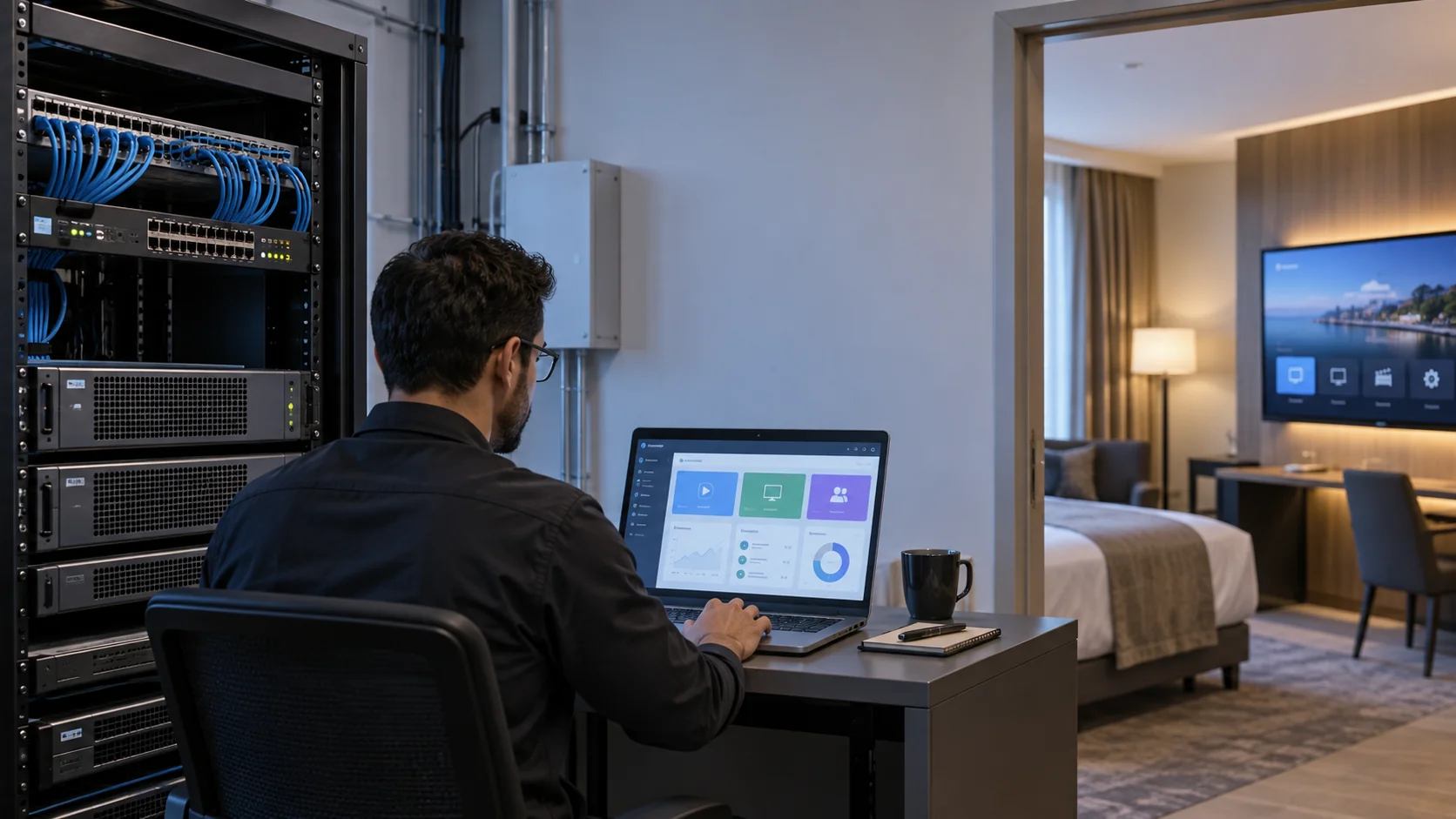
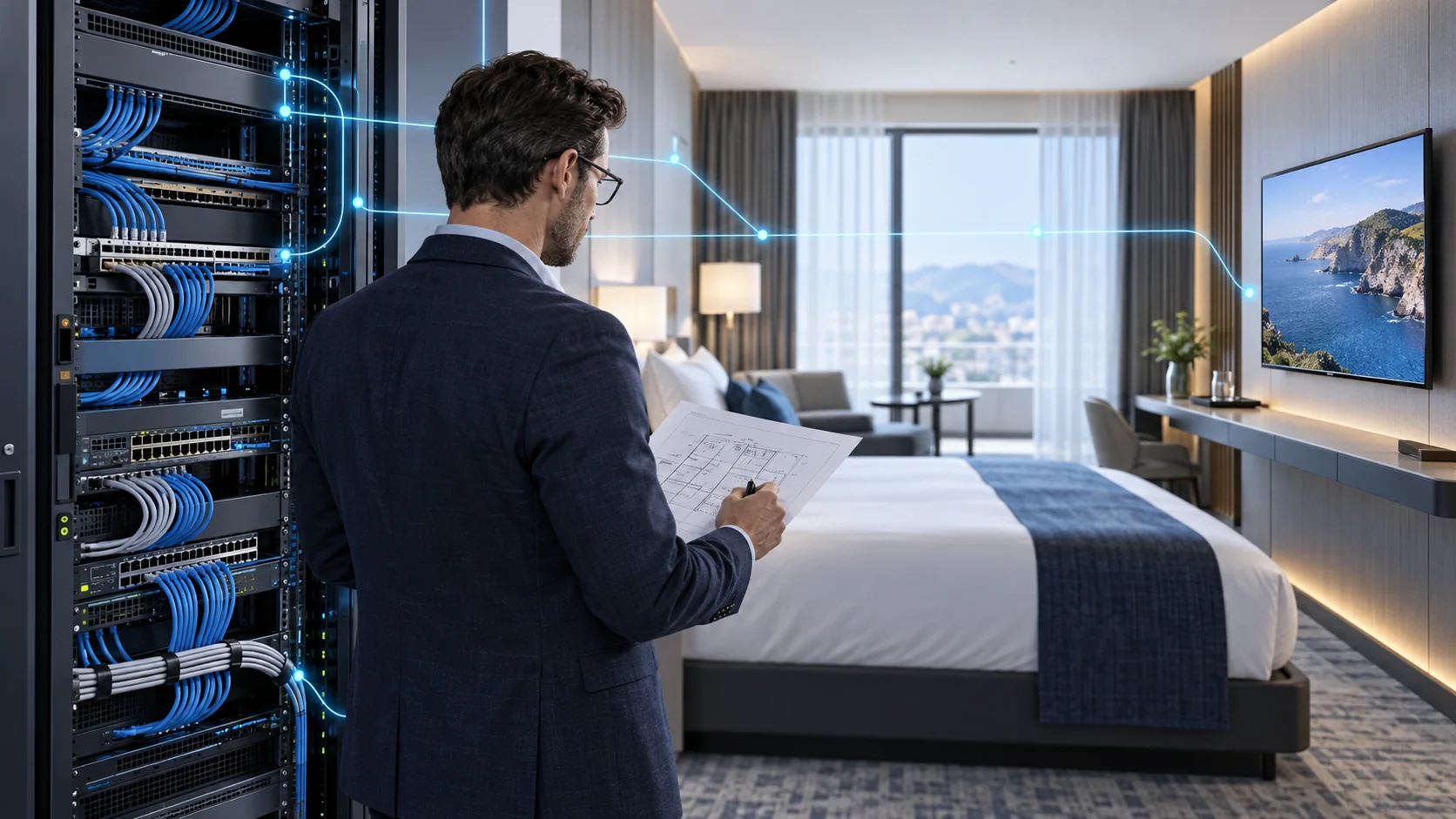
An IPTV headend system receives television sources, prepares usable IP streams and delivers them into a managed distribution network. Choosing the right equipment starts with the complete signal path, not the number of boxes in a rack. A source can appear healthy at the headend yet fail on a room television because its codec, delivery method or service information is incompatible.
This guide helps system integrators, hotel IT teams and commercial buyers define input requirements, assign equipment roles and test a proposed configuration. It complements our hotel IPTV system planning guide and IPTV server procurement guide. Here the focus is source acquisition and media delivery, rather than guest-interface design or server purchasing alone.
Define the IPTV Headend Boundary Before Choosing Equipment
The headend is the preparation point for the television service. Depending on the design, it may include receivers, tuner gateways, HDMI encoders, media processing, stream aggregation and monitoring. Middleware, network switches and endpoint applications work with that headend, but they are not interchangeable functions. Put their responsibilities on one project drawing.
Follow the media path and the control path separately
The media path carries programme video and audio from sources to viewers. The control path manages channel lists, device registration, menus, entitlements and administration. Live multicast can travel from a gateway through switches to endpoints without passing through the middleware server. Other designs route media through an application platform. Ask the supplier to identify the actual route.
Use the commercial IPTV solutions overview as the commercial starting point, then compare the IPTV streamer and gateway range for source preparation. For a hospitality project, the hotel IPTV solution adds the room-display and operating requirements. Equipment selection should follow this scope rather than define it accidentally.
Record who owns each interface: the content provider, AV installer, network team, middleware supplier and endpoint integrator. This prevents a problem at a handoff from becoming an argument about whether “the IPTV system” was included in the quotation.
Inventory Broadcast, HDMI and Existing IP Sources
Create a source schedule before requesting a headend quotation. For every programme, list its delivery interface, codec, resolution, audio format and required availability. Also identify the party authorized to provide and distribute it. Purchasing a tuner or encoder does not grant the right to retransmit television content.
Physical input type changes the equipment requirement
- Broadcast RF sources: specify the supported satellite, terrestrial or cable standard and the tuning requirements. A tuner compatible with one standard is not automatically compatible with another.
- HDMI sources: identify the lawful source device, its output timing and the intended encoded output. Confirm supported audio and any source-protection restrictions.
- Existing IP streams: document transport, addresses, ports, container and codec. Confirm whether the streams can be relayed unchanged or need conversion.
For encrypted services, obtain an approved distribution arrangement and confirm the receiver, conditional-access and licensing requirements with the provider. Do not assume that a CAM slot authorizes hotel redistribution. Never design a project around circumventing protection on a consumer subscription device.
A useful inventory includes operational questions as well as signal specifications. Who changes a receiver subscription? Who restores a lost source? Does a source require Internet connectivity even when the internal television network is local? Separate those dependencies from the network used to deliver channels within the property.
Match Each Headend Component to a Specific Function
A commercial IPTV headend can combine functions in a modular appliance or distribute them across dedicated devices. Either approach can work when the purchased configuration covers the required inputs and outputs. The important question is which function each component performs and what evidence supports that scope.
| Component | Primary role | Requirement to confirm |
|---|---|---|
| Tuner gateway | Receive supported RF services and produce IP streams | Input standard, tuning, access authorization and output format |
| HDMI encoder | Compress a compatible video/audio source | Input timing, codec, audio, channel count and latency |
| Media processor | Perform specified packaging or conversion tasks | Exact conversion direction and validated simultaneous load |
| Middleware/server | Manage service information, interface and supported delivery functions | Licence scope, media route and endpoint integration |
| Managed network | Forward the agreed streams to authorized endpoints | Multicast behaviour, uplinks, isolation and monitoring |
Read model-specific specifications
The SOUKA SKD7200N modular server and gateway is a starting point for projects combining source modules and IPTV functions. The ordered module set still needs to match the source schedule. “All-in-one” describes an integration approach, not inclusion of every possible input or software service.
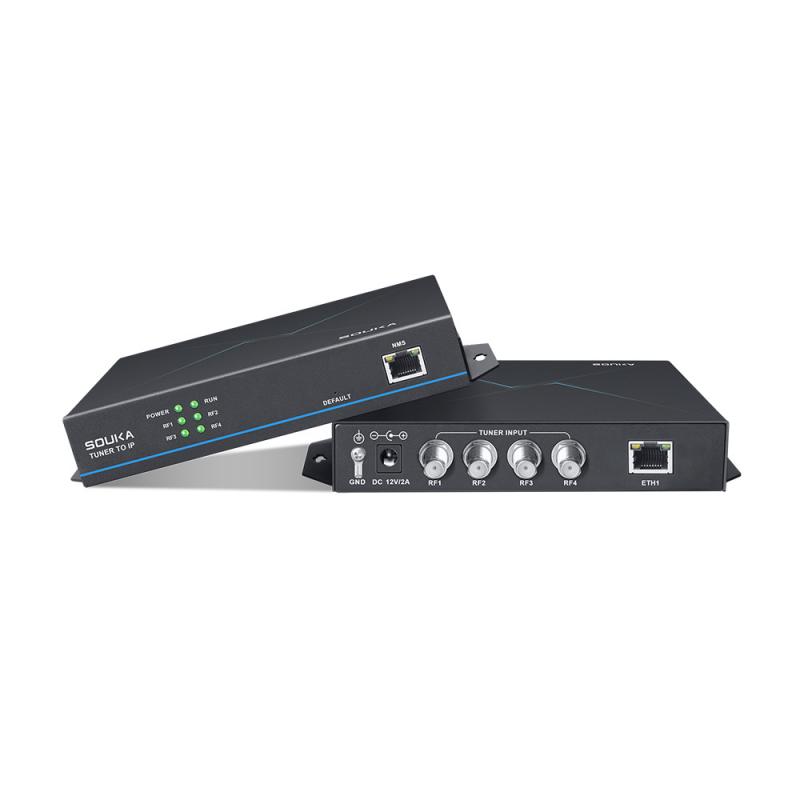
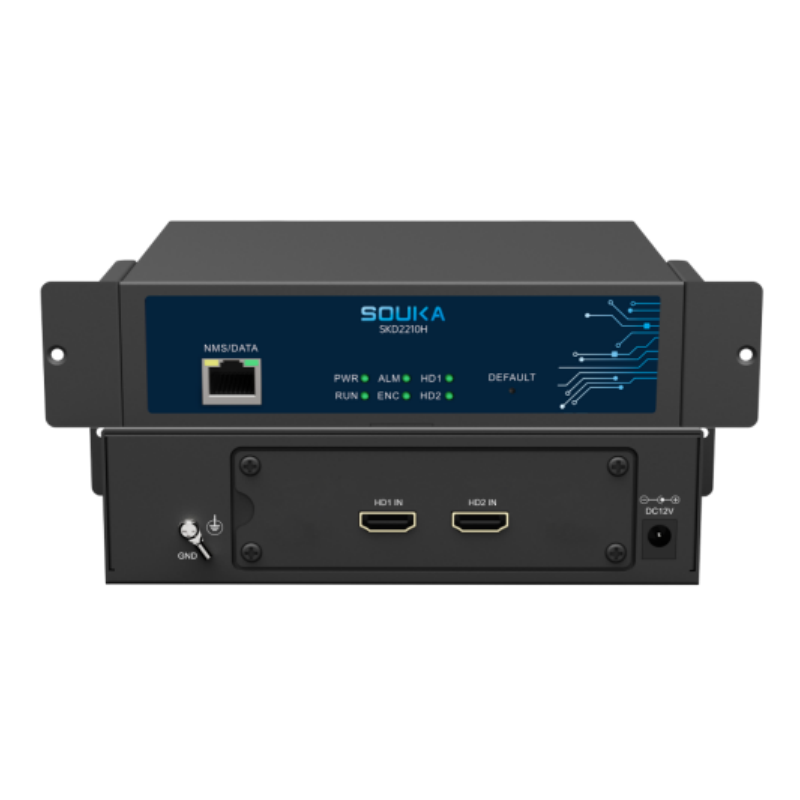
The tuner-to-IP headend product addresses RF-to-IP acquisition, while HDMI sources call for an encoder. Keep those roles separate when comparing prices. Also distinguish a management Ethernet connection from a media output connection, even when both use the same physical connector.
Decide Whether Streams Need Relay, Remuxing or Transcoding
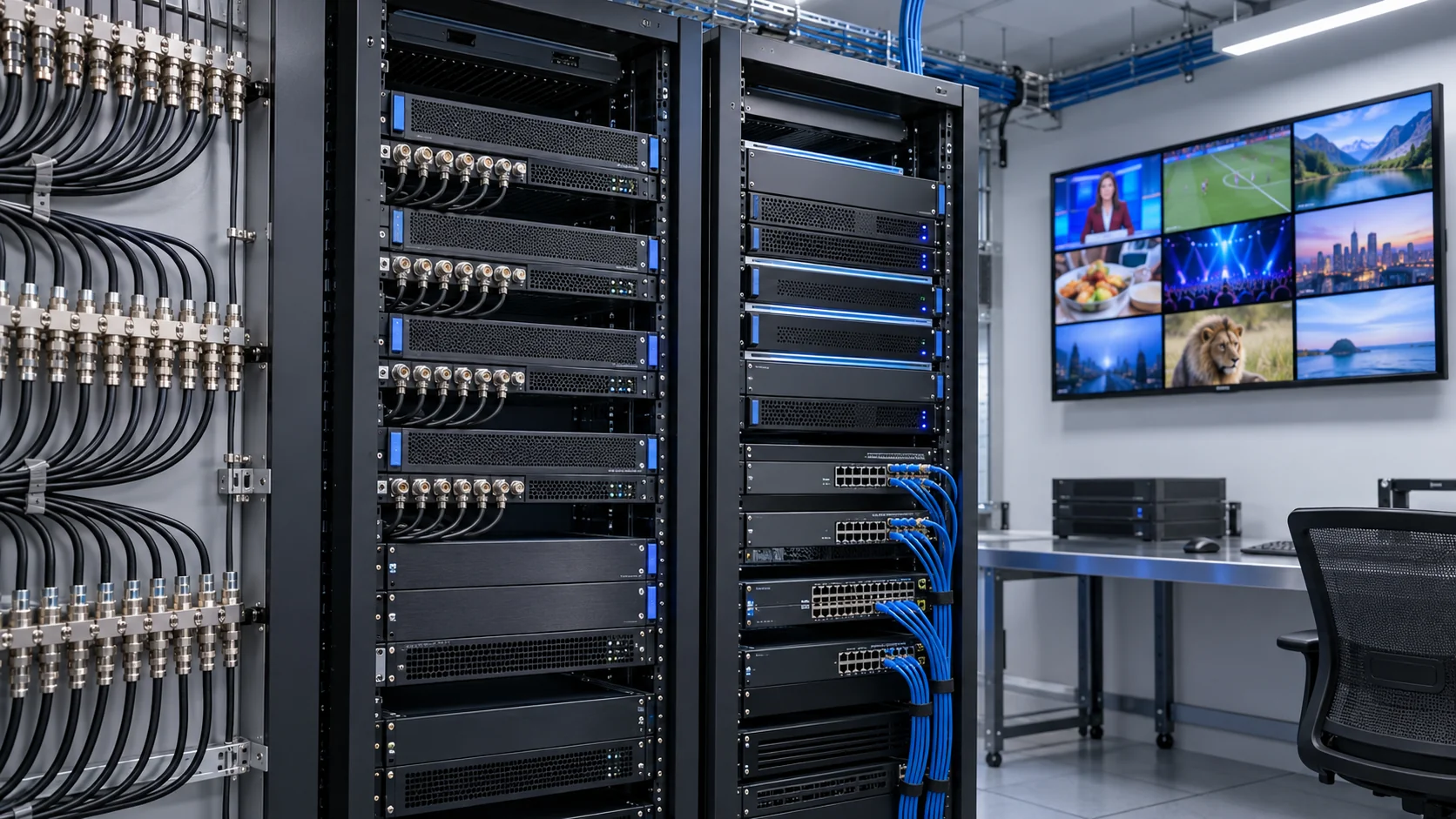
Conversion terminology often hides a major procurement difference. Relaying a compatible stream is a different workload from decoding it and generating a new encoded stream. Establish the required transformation for every source before sizing the headend.
Separate transport changes from codec changes
Remuxing changes how existing encoded content is packaged. Protocol conversion changes how it is transported. Transcoding changes the encoded media itself, for example when a television cannot decode the supplied video format. A gateway advertising multiple transport protocols does not necessarily support every codec conversion.
Define output video and audio together. A picture with unsupported audio is still a failed channel. Confirm subtitles, language selection and programme information where these are required. Transport-stream structures and service identifiers should be tested against the actual player, not merely inspected in a desktop tool.
When discussing RTP, the RTP specification provides the underlying transport context. It does not guarantee bandwidth or timely delivery. Therefore, the presence of “RTP” on a specification sheet is not proof of end-to-end playback quality.
Ask for conversion capacity under the proposed codec, resolution, frame rate and audio profile. Avoid comparing a relay-only channel rating with a transcoding rating. If no conversion is needed, retaining compatible source encoding can simplify the processing chain and remove an unnecessary failure point.
Plan Multicast and Unicast Around the Actual Network
Multicast can distribute one live programme stream to multiple receivers sharing a network path. Unicast delivers separate sessions to individual clients. A commercial installation may use both, with live channels on managed multicast and interactive services on unicast. The design must reflect endpoint support and the network team's operational policy.
Document multicast membership and forwarding
IGMP snooping helps switches learn which ports have interested receivers. The network also needs an appropriate membership-query arrangement. Cisco's IGMP guidance describes membership and snooping-querier behaviour. Follow the documentation for the exact switch model and software release rather than copying commands between platforms.
Draw VLAN boundaries, routed links and media interfaces. A VLAN separates traffic domains, but it does not by itself guarantee a working multicast route or adequate bandwidth. Confirm how streams cross buildings and what happens after a device restarts or a receiver leaves a group.
Use controlled tests to check unwanted flooding, stale membership and channel switching. Include the permitted failure scenarios for uplinks and switches. Wi-Fi delivery needs separate validation of the access-point design, client behaviour and radio conditions. A successful wired demonstration does not establish reliable wireless service across occupied rooms.
Keep administration on restricted management paths. Do not expose gateway or switch control interfaces publicly for convenience. Coordinate access, credentials and maintenance with the property's IT team without making broad security changes as a side effect of television commissioning.
Calculate Capacity by Link and Workload
Room count is not enough to size an IPTV headend system. Record live channel count, stream bitrates, input acquisition, output forwarding and any conversion workload separately. Identify the streams that cross each link instead of multiplying every channel by every room indiscriminately.
Use explicit assumptions for bandwidth estimates
For a planning example, 40 live streams averaging 8 Mbps total 320 Mbps of media payload where all 40 streams cross the same link once. Protocol overhead, bitrate variation, other traffic and engineering headroom must still be considered. This is arithmetic for an assumed scenario, not a SOUKA performance benchmark.
With unicast, the calculation changes with concurrent sessions and their actual bitrates. With multicast, switches replicate traffic toward interested receivers, so loads differ by link and receiver distribution. VOD, device updates and other services add their own traffic patterns. Size both normal operation and any agreed failover condition.
Channel acquisition capacity can differ from forwarding capacity. A device may receive several services within one broadcast multiplex, while another input arrangement requires multiple physical sources. Specify input resources, selected programmes and output streams independently.
For servers and middleware, use the separate hardware and capacity procurement checklist. Ask the supplier to state validated operating conditions in the quotation. A headline user count should never replace a workload profile with codec, source mix and delivery method.
Verify Endpoint Compatibility and Channel Metadata
The headend output has to match the player that the viewer actually uses. Create a matrix for television models, set-top boxes, application versions and connection methods. Test a representative unit of every intended combination before committing to a fleet-wide rollout.
Go beyond picture and sound
Check programme names, service ordering, audio selection, subtitles and electronic programme information where included. Confirm whether metadata is supplied by the source, a separate guide service or middleware configuration. A channel playing in a generic test player does not prove that the hotel's menu can discover or label it correctly.
Measure startup, channel change and recovery under agreed test conditions. Latency has several contributors: source processing, encoding, buffering, network behaviour and endpoint playback. A single encoder setting is not an end-to-end latency guarantee. Record the full test path when timing matters.
For mixed or older displays, consider the IPTV set-top box range and validate HDMI output, standby, remote controls and administration. For direct smart-TV operation, ask for support for the exact television platform and installed software. A shared brand name is not sufficient evidence of application compatibility.
Include power cycling and network interruptions in the pilot. Endpoint recovery behaviour often reveals a problem that a short demonstration misses. Agree acceptable user-facing outcomes before testing, rather than deciding whether behaviour is acceptable only after installation.
Choose Integrated, Separate or Hybrid Headend Architecture
Architecture should follow the source mix, property constraints and support responsibilities. Integration may reduce installation complexity. Separate components can make particular functions easier to expand or maintain. Neither approach automatically provides redundancy, unlimited capacity or lower lifetime cost.
Compare the operating consequences
- Integrated platform: check available modules, shared processing limits and the service impact of maintenance on the chassis.
- Separate gateway and server: document the stream interface and responsibility for diagnosing problems between components.
- Hybrid IP and RF delivery: confirm the branch to each endpoint type, the supported RF standard and separate channel plans.
A hybrid design may help a staged refurbishment retain a working coaxial service while adding IP-capable rooms. It still needs explicit source, rights, processing and endpoint compatibility checks. RF output is not interchangeable with an IP stream, and an Ethernet socket is not proof that a television supports the chosen IPTV application.
The hotel cable TV solution provides context for a coaxial branch. The integrated IPTV and GRMS solution addresses a different integration boundary involving room services. Keep the television media path distinct from room-control events so each system can be commissioned and supported clearly.
Compare complete delivered scope, including licences, receivers, modules, endpoint devices, network work and support. A cheaper rack may exclude a function that another offer includes. Record those differences before comparing purchase totals.
Commission the Headend in Stages and Keep Evidence
Use a bench test, a representative pilot and a controlled rollout. At each stage, verify the actual configuration rather than relying on a generic demonstration. The pilot should use the agreed sources, endpoint software and network settings.
A practical acceptance sequence
- Match equipment, software, licences and installed modules to the approved configuration schedule.
- Test each source through the required processing path to every supported endpoint type.
- Exercise the agreed simultaneous channel and viewing workload, including metadata and interactive services.
- Test device restarts, source recovery and any explicitly purchased failover function.
- Verify configuration backup, restoration, monitoring access and operator training.
Record faults by stage: source acquisition, preparation, network delivery, endpoint decoding or service control. Preserve relevant timestamps and settings so retesting uses the same conditions. A channel that fails on all endpoints suggests a different investigation from one that fails only on a specific display type.
Define test duration and acceptable thresholds with the owner and supplier. Do not invent universal packet-loss, uptime or channel-change pass values for every commercial property. Where a quoted performance claim matters, convert it into an agreed acceptance test for the purchased configuration.
Prepare the Headend RFQ and Operating Handover
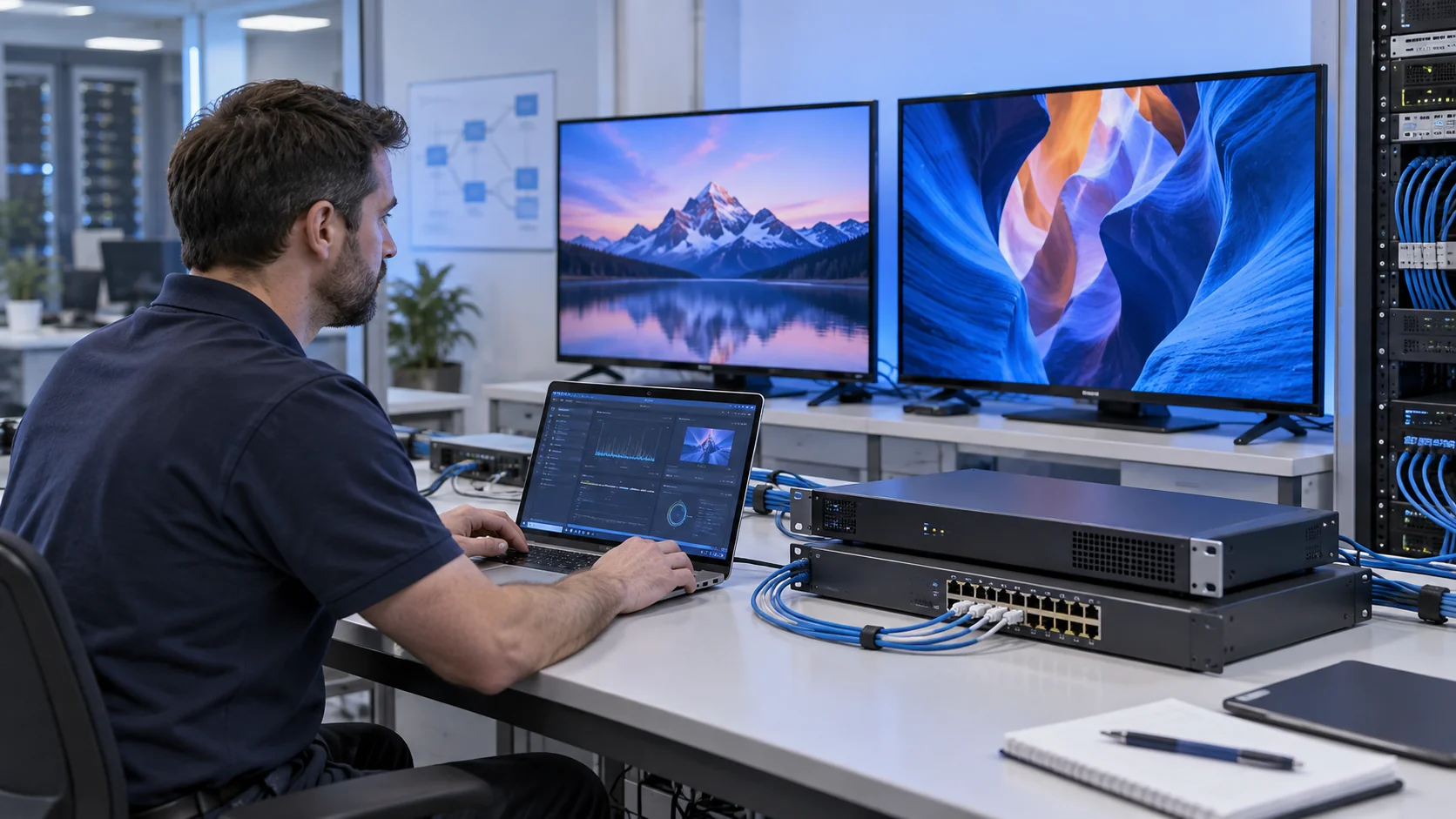
A good headend RFQ contains enough information to compare equivalent designs. If an item is unknown, label it as an assumption and ask which selection depends on it. The supplier should return a configuration schedule, exclusions and evidence for the proposed workload.
- Property type, buildings, installed endpoints and deployment phases.
- Authorized sources, physical inputs, standards, selected programmes and output requirements.
- Video/audio formats, metadata and any required conversion.
- Network topology, media links, multicast arrangement and IT responsibilities.
- Middleware, endpoint software, licence definitions and integration scope.
- Commissioning conditions, documentation, spare strategy and support coverage.
Make the handover usable after installation
Deliver an as-built signal-flow drawing, source/channel schedule, addressing plan and configuration backups. Name the owner of receiver accounts, software administration and network maintenance. Keep credentials in the property's approved secure handover process rather than putting passwords in an ordinary project spreadsheet.
For maintenance, establish how a lost source is diagnosed, how a replacement appliance is restored and who approves updates. Spare equipment and application failover solve different problems. Verify any automatic redundancy in operation rather than assuming two installed devices provide continuity.
For hospitals or other managed facilities, the hospital IPTV solution provides a relevant commercial use case. Keep requirements specific to the site's endpoints and operating policies. The same headend principles apply, but one property's accepted design should not be copied into another without review.
Keep a change log for channels and configuration
After acceptance, treat changes to sources, stream addresses and endpoint software as controlled maintenance. Record the reason, affected channels, previous settings and rollback method. A provider changing an audio format or a television receiving a firmware update can alter a previously compatible signal path without any rack equipment being replaced.
Maintain a small set of representative test endpoints and a known working configuration. Before adding a new programme, test its video, audio and metadata across that set. Confirm that a channel-list change reaches the intended room group and that the previous service can be restored if the change fails.
Plan monitoring around actionable events: loss of a source, failure to receive a selected stream or repeated endpoint playback errors. Assign each alert to an operator who can distinguish source availability from network delivery. Agree an escalation route and keep a service history. This makes expansion safer and provides evidence when recurring faults need investigation.
Related IPTV Headend Equipment
Related Commercial TV Solutions
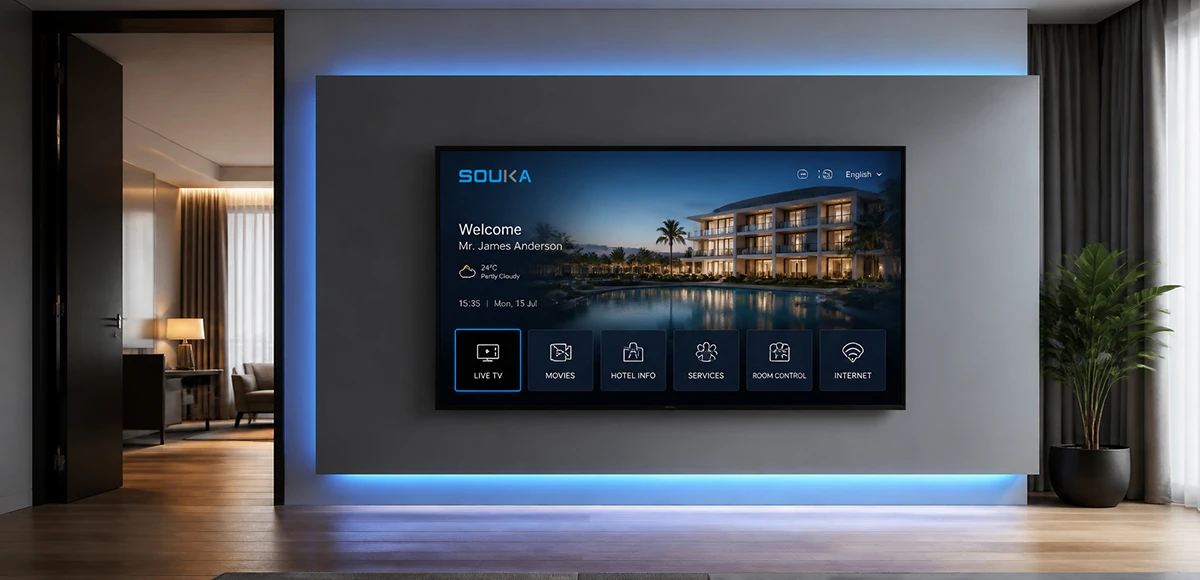
IPTV Solution for Hotels
Deliver lag-free 4K live TV to every guest room, customize your interactive brand interface with zero coding, and automate database workflows. Our carrier-grade Linux streaming matrix bridges natively with global property management systems to eliminate integration friction and slash hardware deployment overhead.
Explore Solutions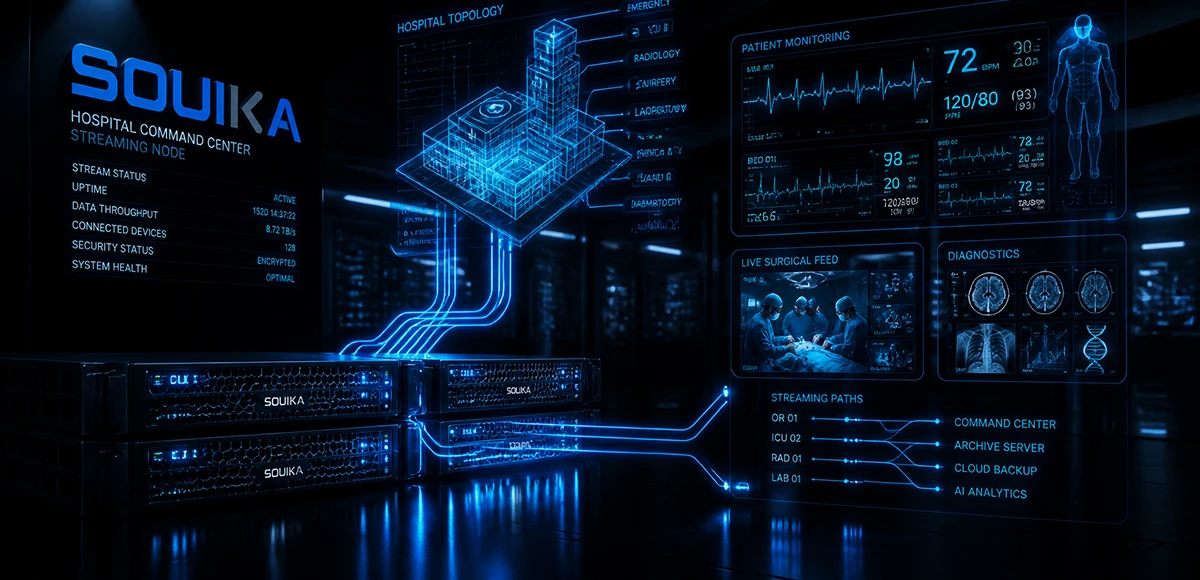
IPTV Solution for Hospital
Deliver zero-downtime 4K live broadcast, interactive patient education channels, and doctor-patient service portals across wards and consultation rooms. Powered by SOUKA’s high-concurrency streaming core, our carrier-grade system natively bridges with Hospital Information Systems (HIS) while strictly isolating video multicast traffic from sensitive medical telemetry networks.
Explore Solutions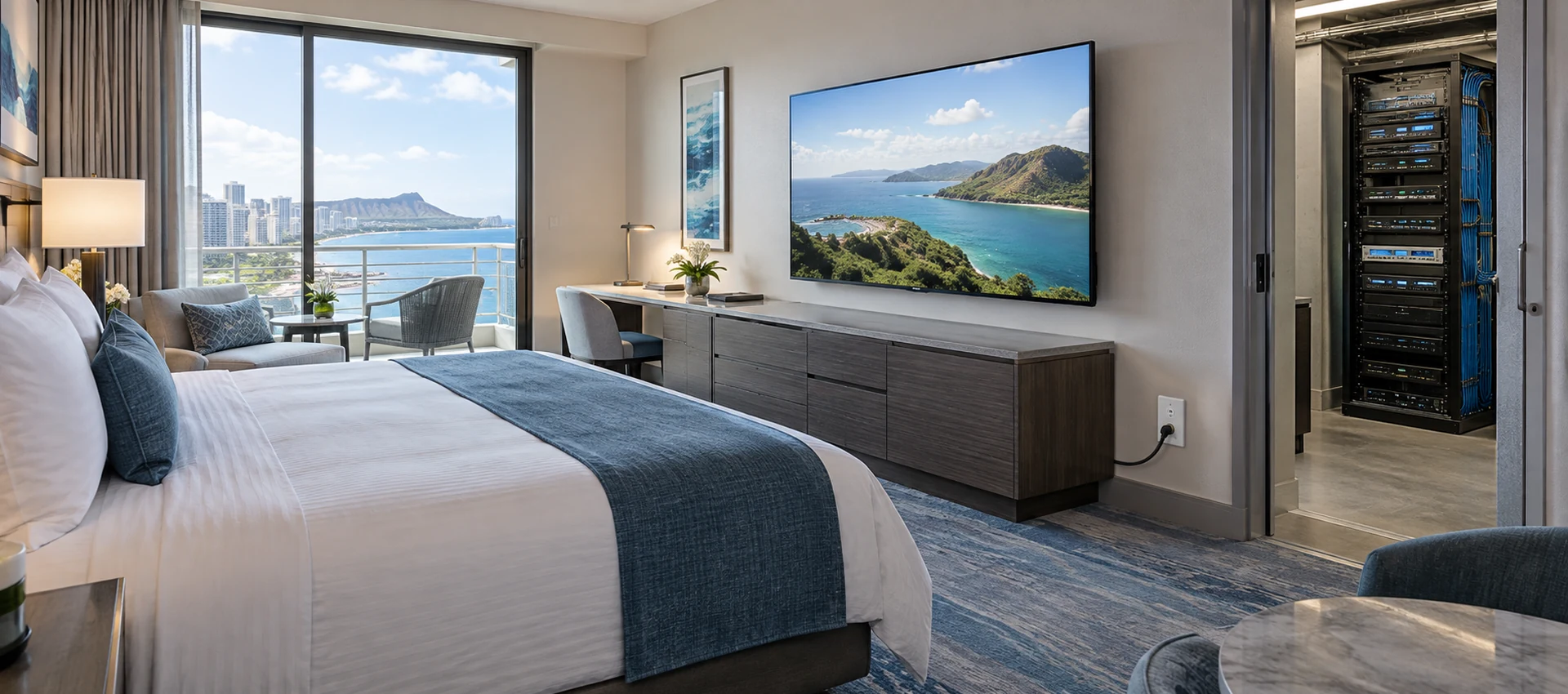
Cable TV Solution for Hotels
Deliver stable live television to every guest room without rebuilding the property network. SOUKA combines multi-source reception, high-density digital or analog modulation, RF combining, amplification, and centralized headend management for new hotels, phased renovations, and legacy coax upgrades.
Explore Solutions
IPTV Solution for Hotels
Deliver lag-free 4K live TV to every guest room, customize your interactive brand interface with zero coding, and automate database workflows. Our carrier-grade Linux streaming matrix bridges natively with global property management systems to eliminate integration friction and slash hardware deployment overhead.
Explore Solutions
IPTV Solution for Hospital
Deliver zero-downtime 4K live broadcast, interactive patient education channels, and doctor-patient service portals across wards and consultation rooms. Powered by SOUKA’s high-concurrency streaming core, our carrier-grade system natively bridges with Hospital Information Systems (HIS) while strictly isolating video multicast traffic from sensitive medical telemetry networks.
Explore Solutions
Cable TV Solution for Hotels
Deliver stable live television to every guest room without rebuilding the property network. SOUKA combines multi-source reception, high-density digital or analog modulation, RF combining, amplification, and centralized headend management for new hotels, phased renovations, and legacy coax upgrades.
Explore SolutionsIPTV Headend Questions for Project Buyers
Yes. Our IPTV Streamers support multicast streaming for live TV distribution.
Multicast is especially suitable for large IPTV headend systems because one TV stream can be distributed to many IPTV terminals without creating a separate stream for every user.
This can significantly improve network efficiency.
Build a Verified Signal Path Before Scaling the System
A reliable IPTV headend system starts with a documented source-to-display path. Match input acquisition, processing, network delivery and endpoint support, then validate the complete combination. Keep channel resources, forwarding bandwidth and conversion capacity as separate procurement requirements.
Send SOUKA your source schedule, endpoint models, network outline and expected workload. Use the commercial IPTV range to frame the project, and request a headend configuration review with your deployment requirements. A clear RFQ and staged acceptance plan give the buyer and integrator a stronger basis for commissioning and future expansion.