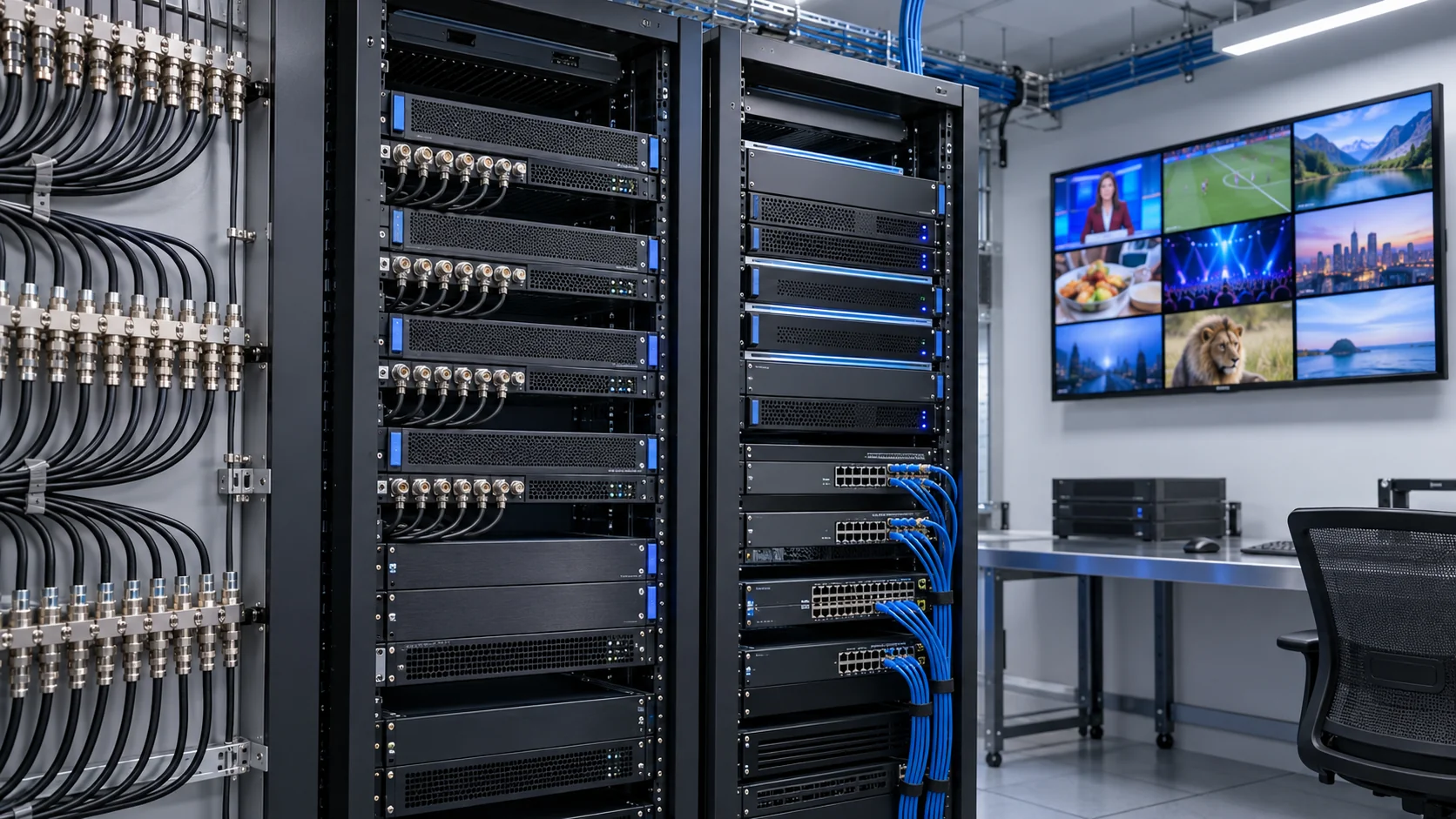
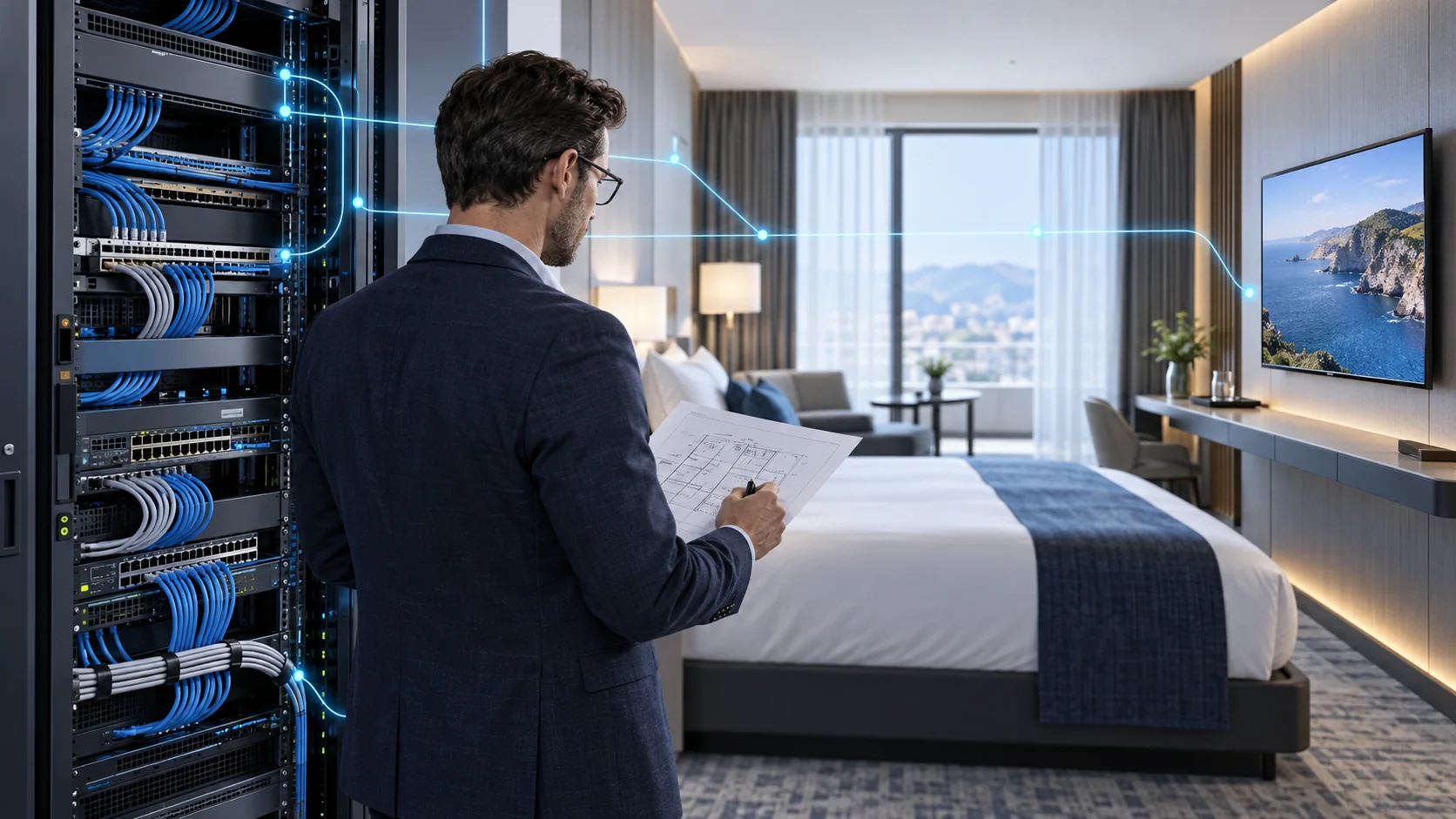
A 4K IPTV encoder converts a supported video source into a compressed stream for an IP distribution system. For a hotel, hospital or commercial venue, the purchasing challenge is not simply finding a device labelled “4K.” The source timing, encoded output, network path and television decoder must work together under the same operating conditions.
This guide helps B2B buyers and system integrators specify HEVC compatibility, calculate bandwidth and test latency before committing to a rollout. Start with the IPTV encoder and streamer range for equipment selection, and use the IPTV headend architecture guide for the wider signal chain. Here the focus is the encoder-to-display path; it is not a consumer IPTV subscription guide.
Specify True 4K Input and Encoded Output Separately
Write the required video mode as a complete specification: resolution, frame rate, scan type, colour sampling and bit depth. For many commercial television projects, “4K” means 3840 × 2160 UHD, but a supplier may use the term differently. Ask for the exact supported input and encoded-output timings rather than treating a marketing label as an acceptance criterion.
Input acceptance is not proof of 4K encoding
A device can accept a high-resolution input and downscale it before compression. It can also support one 4K frame rate but not another. An HDMI interface version, an HEVC profile name or a television’s panel resolution does not establish the encoder’s actual output capability. Confirm simultaneous channel capacity at the proposed setting, including any secondary HD streams.
Create a requirements row for every source. Record the intended output mode, codec, audio format, maximum bitrate and delivery protocol alongside the input timing. Include moving video, fine text and scrolling graphics in the sample content. A static demonstration screen can conceal poor motion handling or a frame-rate conversion that becomes obvious on sports and signage.
A mixed-resolution property does not need every channel encoded in UHD. Existing HD channels may remain HD while selected premium sources use 4K. The hotel IPTV system procurement guide helps place these requirements within the room-display and service specification. Confirm which rooms genuinely need UHD before paying for processing, network capacity or replacement endpoints that the project will not use.
Choose HEVC Without Assuming Every Television Can Decode It
H.265/HEVC is a video coding standard; it is not a transport protocol or a guarantee of universal playback. It can be useful when balancing picture quality and bandwidth, but the achievable result depends on the content, implementation and settings. Do not promise a fixed percentage saving compared with H.264 without testing representative material at comparable quality.
Check the complete decoder envelope
The receiving television or set-top box must support the encoded profile, level, bit depth, resolution and frame rate. Support in a television’s USB media player does not necessarily establish support in its hotel IPTV application. Test the application and firmware that will actually run in the rooms, including any middleware player integration.
Keep audio and presentation requirements on the same checklist. A correct picture with missing audio, unsupported subtitles or the wrong language selection is a failed channel. Check whether the proposed stream container and audio codec work with the intended player. If a second output serves older equipment, obtain written confirmation of the encoder resources needed for that additional stream.
Use the ITU-T H.265 recommendation to identify the underlying standard, then request a sample stream from the supplier with the agreed configuration. Retain that file and its settings with the project specification. It becomes a reproducible compatibility reference for purchasing, installation and later replacement equipment, rather than an informal claim that a device “supports HEVC.”
Set Bitrate from Picture Quality Tests, Not a Universal Number
There is no single correct bitrate for every 4K IPTV encoder installation. A talking-head channel, a fast sports feed and a detailed landscape can place different demands on compression. Establish an acceptable picture-quality target on the intended display, then test the encoder at candidate settings using representative material.
Measure average load and short-term peaks
Record whether the configuration uses constant or variable bitrate, how the cap behaves, and whether the reported rate includes audio and transport overhead. An average bitrate can look safe while short bursts overload a constrained link or receiver buffer. Obtain measurements over a meaningful viewing period and inspect demanding scenes, not only a short clip selected by the vendor.
Reducing bitrate too far can produce blocks, blurred detail and unstable fine text. Increasing it indefinitely may add network demand without a useful viewing improvement. Evaluate on the actual room screen at a realistic viewing distance. Include subtitles, branded information graphics and emergency-message overlays where these form part of the project.
Agree on a documented configuration rather than a verbal “high quality” setting. Store the video mode, codec, rate-control parameters, audio, stream destination and firmware version. If settings are changed during commissioning, retest the affected endpoints and update the record. This makes quotations comparable and stops a later bandwidth adjustment from quietly undoing the quality level approved during the pilot. The quality decision and the network calculation should share the same tested assumptions.
Calculate 4K IPTV Bandwidth for Each Network Link
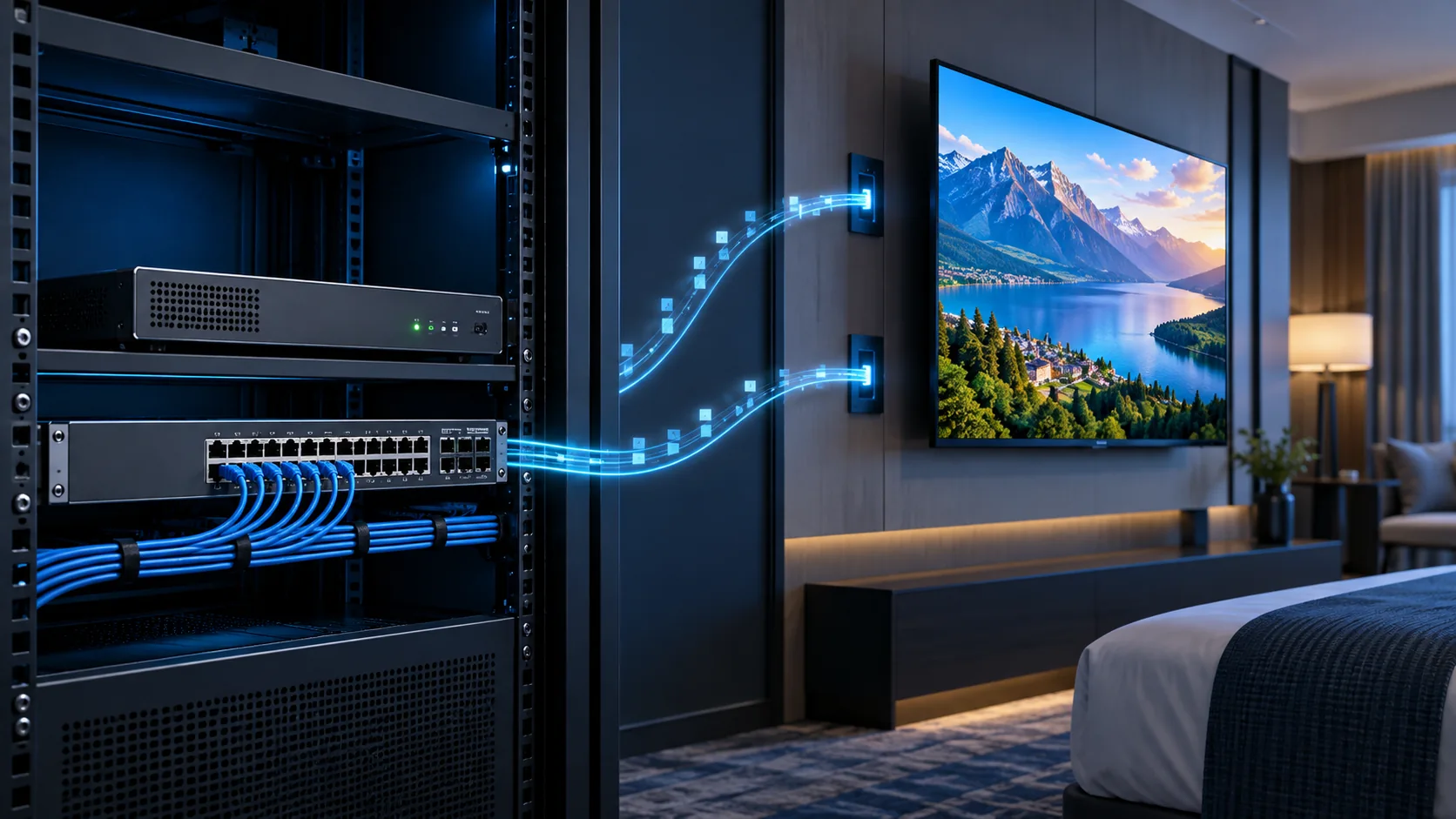
Size the system by the streams crossing each link and their delivery method. Room count alone is not a network-capacity specification. With multicast, a shared path can carry one copy of a programme before downstream replication. With unicast, separate concurrent sessions can increase traffic on the server and shared uplinks.
Use explicit planning assumptions
Consider an illustrative design with eight UHD programmes at an assumed 20 Mbps video payload each. A link carrying all eight streams once carries 160 Mbps of video payload. If an assumed 80 simultaneous unicast sessions each use 20 Mbps, the shared session payload totals 1,600 Mbps. These are arithmetic examples, not recommended bitrates or SOUKA performance benchmarks. Audio, encapsulation, other services and tested peaks still need allowance.
| Planning item | Illustrative calculation | What to verify |
|---|---|---|
| Eight live streams crossing once | 8 × 20 Mbps = 160 Mbps | Actual stream rate and link replication |
| Eighty unicast sessions | 80 × 20 Mbps = 1,600 Mbps | Concurrent sessions and shared uplinks |
| Required capacity | Measured media + overhead + other traffic + headroom | Normal load and agreed failure scenario |
Inspect every shared path: encoder output, aggregation switch, building uplink, routed boundary and access switch. Add VOD, software updates and other permitted services according to their actual traffic patterns. Also calculate the degraded or failover state, when traffic may converge onto fewer links. A design that works only while every uplink is healthy is incomplete if continuity is part of the contract.
Coordinate server sizing separately with the IPTV server hardware and capacity guide. Do not assume all live media passes through middleware; draw the actual media route before applying a concurrency calculation.
Validate Multicast Control and Keep Television Traffic Contained
Multicast efficiency depends on a managed network and compatible receivers, not simply on selecting UDP output in an encoder menu. Identify the VLAN, multicast groups, receiving ports and any routed boundaries. Give the network team the channel schedule and expected traffic so forwarding behaviour can be reviewed before installation.
Test joins, leaves and query behaviour
IGMP snooping helps a Layer 2 switch identify interested receivers and limit unnecessary forwarding. Membership queries and the correct querier arrangement must also be considered. If traffic crosses routed boundaries, establish the required multicast routing design. Use documentation for the actual switch platform and release; commands from an unrelated product are not a project design.
The Cisco IGMP configuration guidance explains these network concepts. A VLAN separates traffic domains but does not reserve bandwidth by itself. Confirm how television traffic coexists with guest Internet access and other business services, and verify access controls for management interfaces.
Test channel changes, television power cycles, switch restarts and the agreed link-failure cases. Observe whether unwanted ports receive the streams and whether membership recovers predictably. In an integrated IPTV and GRMS project, video should not crowd out room-control services; establish the separation and capacity policy with the property’s IT team. Wireless distribution requires its own access-point and client validation. A successful wired demonstration does not prove reliable UHD delivery over guest Wi-Fi.
Measure End-to-End Latency Instead of Encoder Latency Alone
The delay seen by a viewer includes more than compression inside the encoder. Source processing, encoding, packet delivery, player buffering, decoding and display processing all contribute. An advertised encoder latency should therefore be treated as one component of a measured glass-to-glass result, not a promise for the finished property.
Balance delay, stability and channel-change behaviour
Shorter buffers can reduce delay but may make playback less tolerant of network variation. Compression settings and random-access intervals can also affect how quickly a receiver starts showing a newly selected channel. Test startup and channel changes independently from steady-state delay. A channel can look excellent after settling and still frustrate viewers every time they switch programmes.
For measurement, use a visible timing reference at the source and compare the received display under a documented test setup. Record repeated results, source mode, encoder settings, network path and endpoint firmware. Include audio/video alignment; lowering picture delay is not an improvement if speech and video no longer match.
Define acceptable behaviour around the application. Background television, a public display and a live event viewed alongside local action may have different needs. Include recovery after interruptions and sustained playback in the acceptance plan. Avoid publishing a universal latency threshold that has not been agreed or measured. When a supplier quotes a figure, ask what it includes and reproduce that condition, then run the complete project path. Keep both results so a good component benchmark is not mistaken for successful end-to-end commissioning.
Match Protocols, Containers and Source Permissions
A compatible codec does not guarantee a compatible delivery path. Specify protocol, stream container, addressing, ports and receiver support as separate items. The exact encoder firmware and middleware player need to agree on how the compressed media is packaged and delivered. A list of supported protocol acronyms is not evidence that all combinations work.
Separate local television delivery from remote contribution
A managed local network and a contribution link over a less predictable external connection can have different requirements. If the design uses a gateway or repackaging stage between them, show that stage and its responsibilities on the drawing. Confirm whether it relays compatible content, changes packaging or performs transcoding; those functions have different processing and latency implications.
For HDMI sources, verify the source device’s permitted output and lawful distribution rights. An encoder interface specification does not grant authorization to redistribute a television service. Do not plan around bypassing HDCP or other access protection. Obtain an approved commercial arrangement from the content provider and test the authorized source configuration.
Use the commercial IPTV solutions overview to keep equipment and service responsibilities aligned. For each channel, retain the source owner, access conditions, output mode and recovery procedure. Include operational dependencies such as an external receiver subscription or Internet-connected source. If one source becomes unavailable, staff should know whether to investigate content authorization, acquisition equipment, encoder output or the local distribution network rather than restarting the entire system indiscriminately.
Compare Existing HD Equipment Honestly in a Mixed-Resolution Design
A UHD purchasing brief often contains ordinary HD channels as well. Keeping suitable HD equipment can be sensible, provided its role is clearly defined. Do not describe an existing HD encoder as a 4K encoder simply because it supports HEVC or appears in a category with “4K” in the heading.
Use product-level specifications as the authority
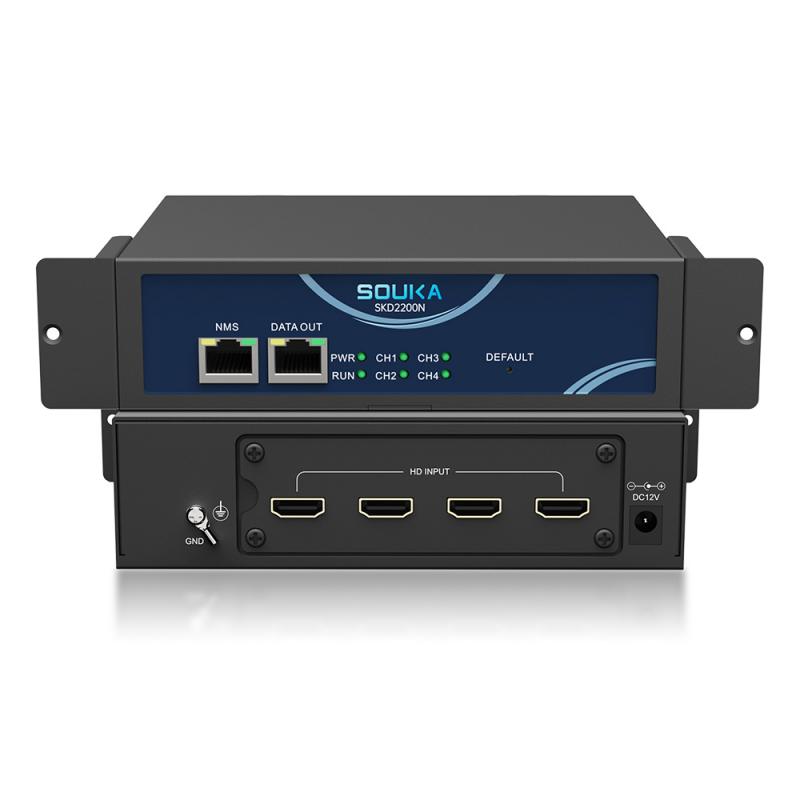
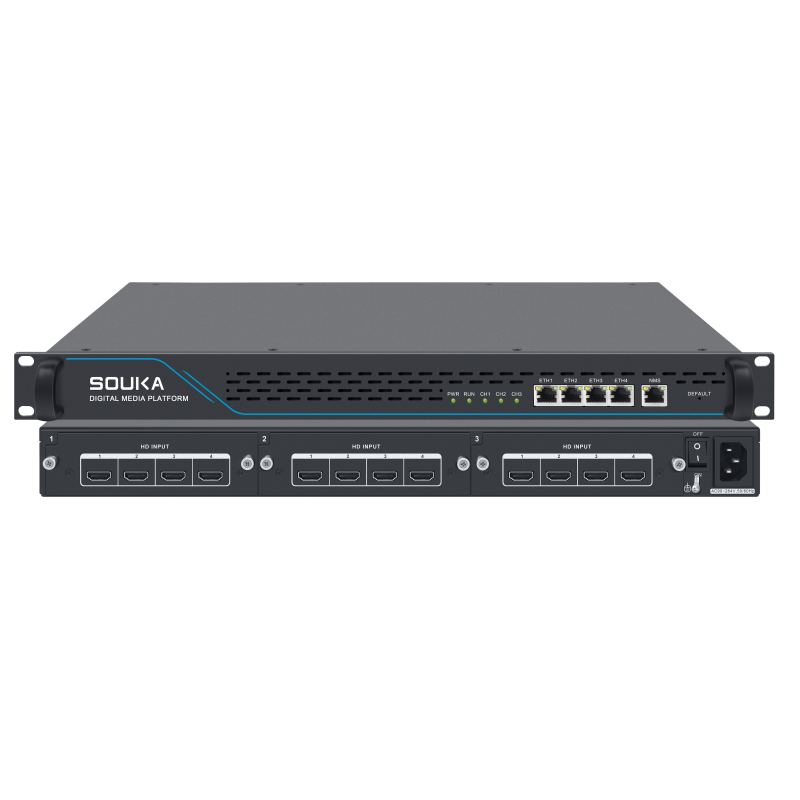
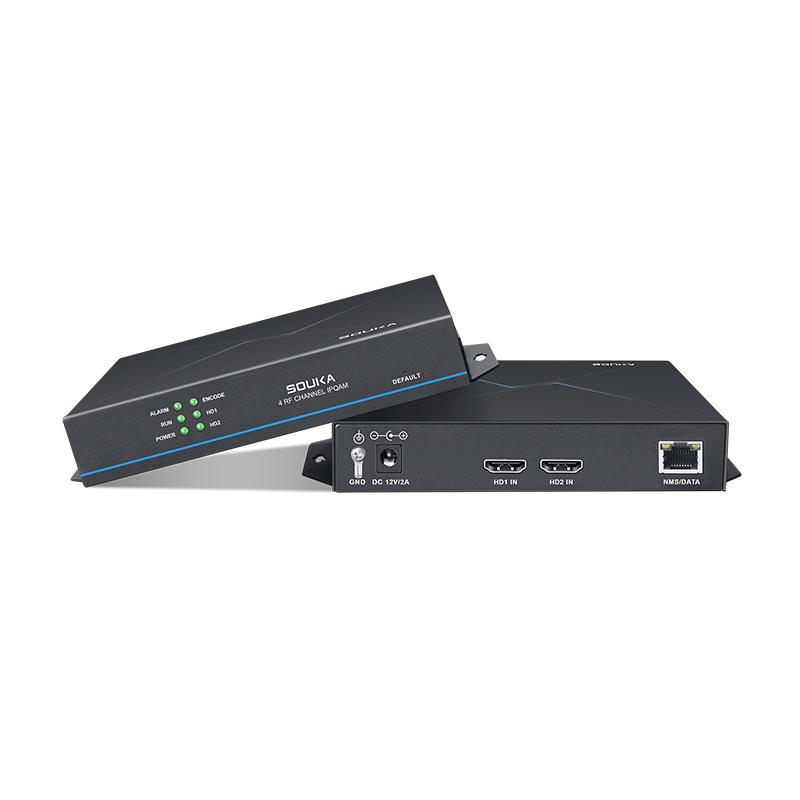
The published SOUKA H.265/H.264 multi-channel HD encoder specification lists encoding up to 1080p at 30 fps. It is an HD comparison option, not evidence of UHD encoding. The four-channel HD encoder and dual HD-to-IP encoder are also presented as HD products. The related product cards below are for evaluating HD branches of a mixed-resolution project, not a verified 4K model shortlist.
For a genuine UHD requirement, request a model-specific specification and sample output confirming the agreed 3840 × 2160 mode, frame rate, codec and simultaneous stream capacity. Have the supplier identify any module, license or configuration dependencies in writing. A broad advantages paragraph must not override a more restrictive product specification.
This distinction protects the buyer and the integration schedule. It also prevents unnecessary replacement of equipment serving channels that will remain HD. Keep an input/output matrix for the mixed system, label each branch correctly and verify every endpoint path. If no documented UHD configuration has been confirmed, leave that item pending rather than filling the quotation with an assumption.
Build a Pilot and an Acceptance Checklist Before Rollout
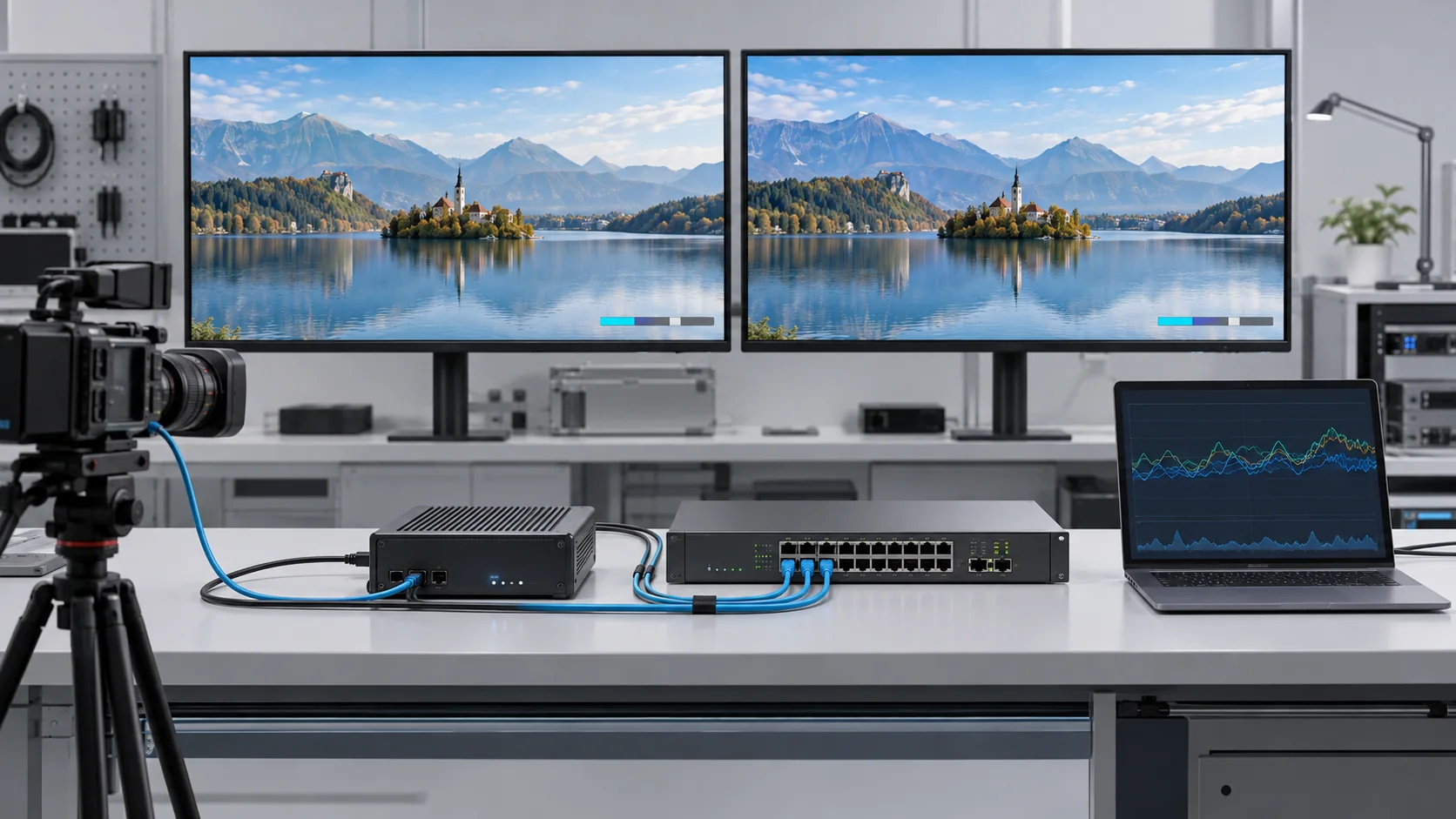
A sample encoder connected to one desktop player is a compatibility demonstration, not a completed commercial pilot. Use representative source devices, network links, middleware and room endpoints. Include the oldest supported television and any different firmware families that will remain in the property.
Test normal operation and agreed interruptions
- Signal: confirm input timing, encoded resolution, frame rate, audio and overlays.
- Quality: inspect difficult motion, fine text, dark scenes and subtitles at agreed settings.
- Network: measure traffic, peaks, receiver membership and shared-link load.
- Experience: check startup, channel changes, sync and end-to-end delay.
- Recovery: test authorized restart and failover scenarios, then verify retained configuration.
Agree the observation period, pass/fail criteria and evidence with the customer before testing. A pilot should be long enough to reveal the failures the project is concerned about; it should not be advertised as a standardized SOUKA benchmark without supporting measurements. Record test exceptions and resolve them before multiplying an unstable configuration across rooms.
Use the hotel IPTV deployment solution for hospitality requirements and the hospital IPTV solution for the relevant healthcare environment. These commercial contexts may have different operating priorities, but both need a verified media path. Deliver a signed configuration record, topology drawing, channel schedule and recovery instructions. Keep copies of the approved sample streams so future firmware changes can be assessed against the same reference.
Request Comparable Quotations and an Operating Plan
Give every supplier the same source schedule, endpoint list, network assumptions and test requirements. Ask for a response against each item rather than accepting a quotation that only names a “4K IPTV encoder.” This makes missing interfaces, capacity qualifications and licensing assumptions visible before the purchase order.
Compare total scope, not only hardware price
Separate encoder hardware, modules, software rights, commissioning, integration and support in the quotation. Include replacement lead time, configuration backup, firmware-maintenance arrangements and the party responsible for each service boundary. Do not invent prices or annual savings; request commercial terms for the actual model, destination and scope.
An OEM or distributor brief should specify branding, interface requirements and documentation separately from video capability. Customization does not automatically establish supported formats or performance. Request sample approval and a clear production configuration, and confirm how replacement units will remain compatible with the installed receivers.
Plan for everyday operation as well as installation. Staff need channel health indicators, an escalation path and a safe way to restore a known configuration. Restrict equipment administration to authorized management access; there is no need to expose control pages publicly just to make remote support convenient. Keep an inventory of devices, firmware and approved settings.
Finally, rank unresolved questions by their effect on the system: unsupported output timing, receiver decode failures, insufficient shared capacity and unclear content rights are purchase blockers. Cosmetic preferences can wait. A complete quotation should explain what is supported, what must be tested and what remains outside the supplied scope.
Related Products: HD Options for Mixed-Resolution Systems
The following are real SOUKA HD encoding products for mixed-resolution comparison. They are not being advertised here as confirmed 4K encoders. Ask for a model-specific UHD specification before placing a 4K order.
Related Solutions
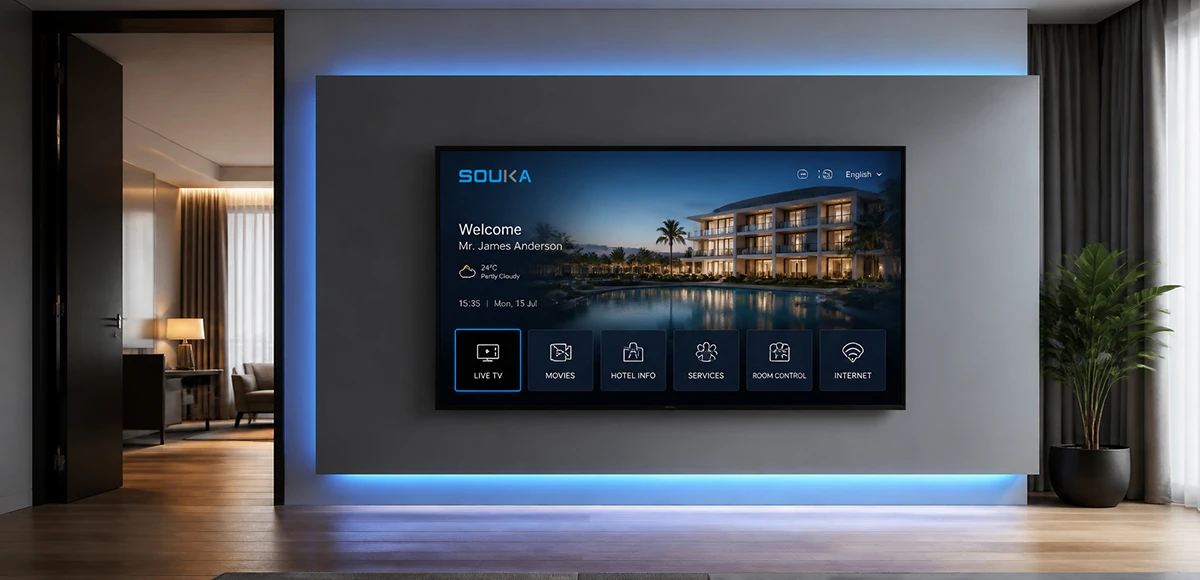
IPTV Solution for Hotels
Deliver lag-free 4K live TV to every guest room, customize your interactive brand interface with zero coding, and automate database workflows. Our carrier-grade Linux streaming matrix bridges natively with global property management systems to eliminate integration friction and slash hardware deployment overhead.
Explore Solutions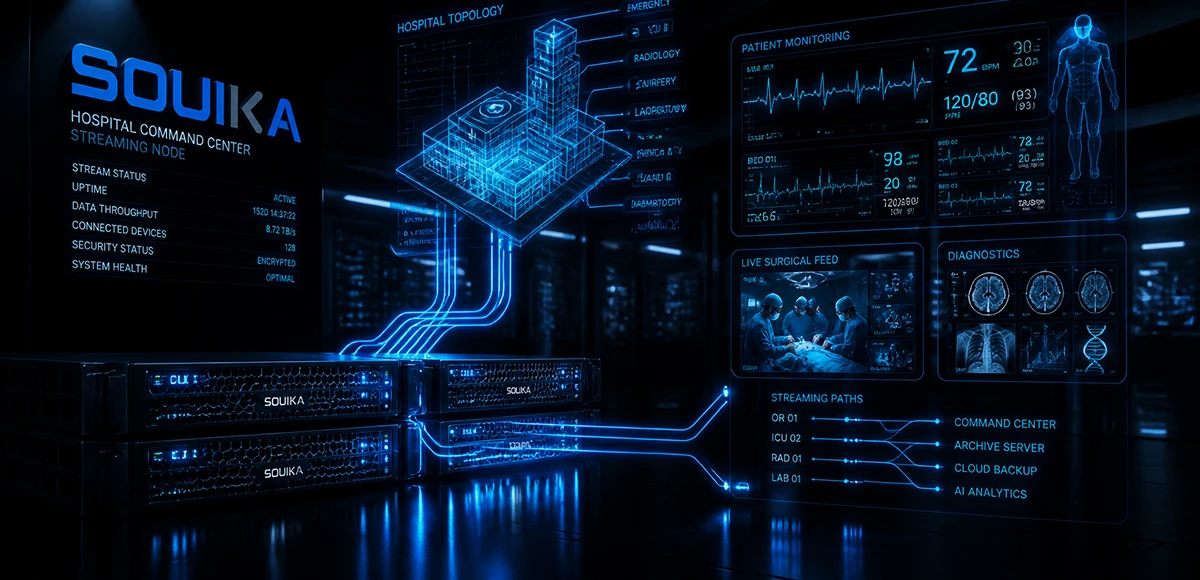
IPTV Solution for Hospital
Deliver zero-downtime 4K live broadcast, interactive patient education channels, and doctor-patient service portals across wards and consultation rooms. Powered by SOUKA’s high-concurrency streaming core, our carrier-grade system natively bridges with Hospital Information Systems (HIS) while strictly isolating video multicast traffic from sensitive medical telemetry networks.
Explore Solutions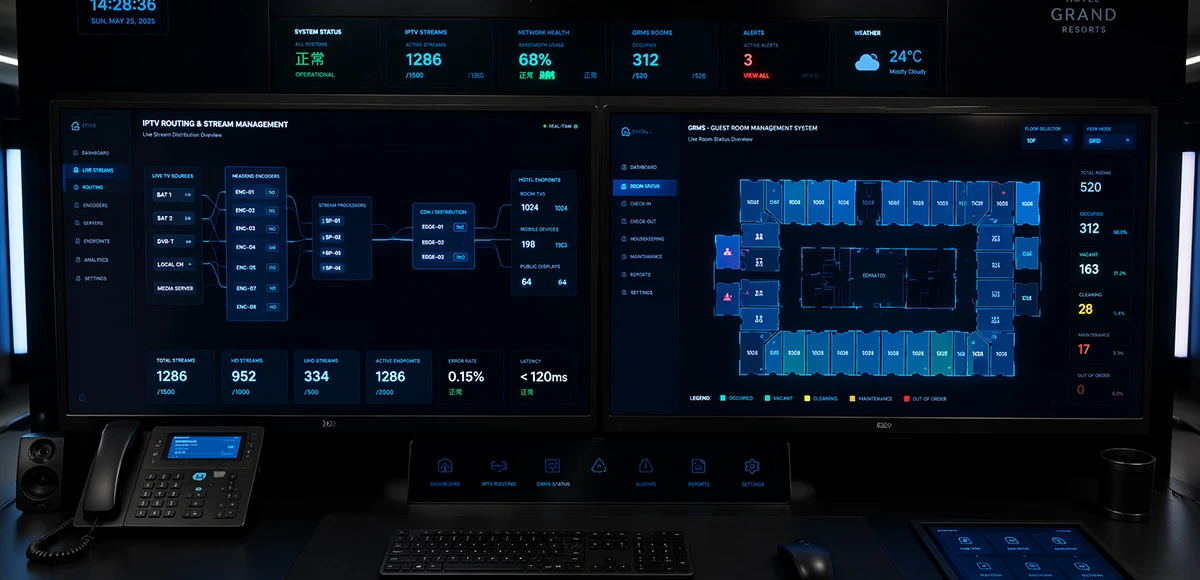
Integrated IPTV & GRMS Solution
Unify carrier-grade 4K IPTV streaming and autonomous RCU room controls into a single, cohesive hospitality IoT architecture. SOUKA bridges interactive in-room entertainment, smart lighting scenes, dynamic HVAC energy optimization, and native PMS database synchronization—slashing hardware CapEx, simplifying structured cabling, and delivering seamless guest experiences.
Explore Solutions
IPTV Solution for Hotels
Deliver lag-free 4K live TV to every guest room, customize your interactive brand interface with zero coding, and automate database workflows. Our carrier-grade Linux streaming matrix bridges natively with global property management systems to eliminate integration friction and slash hardware deployment overhead.
Explore Solutions
IPTV Solution for Hospital
Deliver zero-downtime 4K live broadcast, interactive patient education channels, and doctor-patient service portals across wards and consultation rooms. Powered by SOUKA’s high-concurrency streaming core, our carrier-grade system natively bridges with Hospital Information Systems (HIS) while strictly isolating video multicast traffic from sensitive medical telemetry networks.
Explore Solutions
Integrated IPTV & GRMS Solution
Unify carrier-grade 4K IPTV streaming and autonomous RCU room controls into a single, cohesive hospitality IoT architecture. SOUKA bridges interactive in-room entertainment, smart lighting scenes, dynamic HVAC energy optimization, and native PMS database synchronization—slashing hardware CapEx, simplifying structured cabling, and delivering seamless guest experiences.
Explore SolutionsFrequently Asked Questions
Yes. Our IPTV Streamers support multicast streaming for live TV distribution.
Multicast is especially suitable for large IPTV headend systems because one TV stream can be distributed to many IPTV terminals without creating a separate stream for every user.
This can significantly improve network efficiency.
Conclusion
A reliable 4K IPTV encoder project starts with a verified source-to-display specification. Define the real output timing, test HEVC decoding, select bitrate from picture-quality evidence and calculate each shared network path. Then measure delay and recovery with the actual televisions or set-top boxes—not only a laboratory player.
SOUKA’s encoder and streamer product range provides a starting point for matching source equipment to your commercial television design. For a UHD requirement, request explicit model-level confirmation instead of inferring capability from category names. Send SOUKA your source list, room endpoints and network drawing for a configuration review and project quotation. Keep the approved settings and pilot results with the purchase specification so installation and future expansion follow the same tested design.