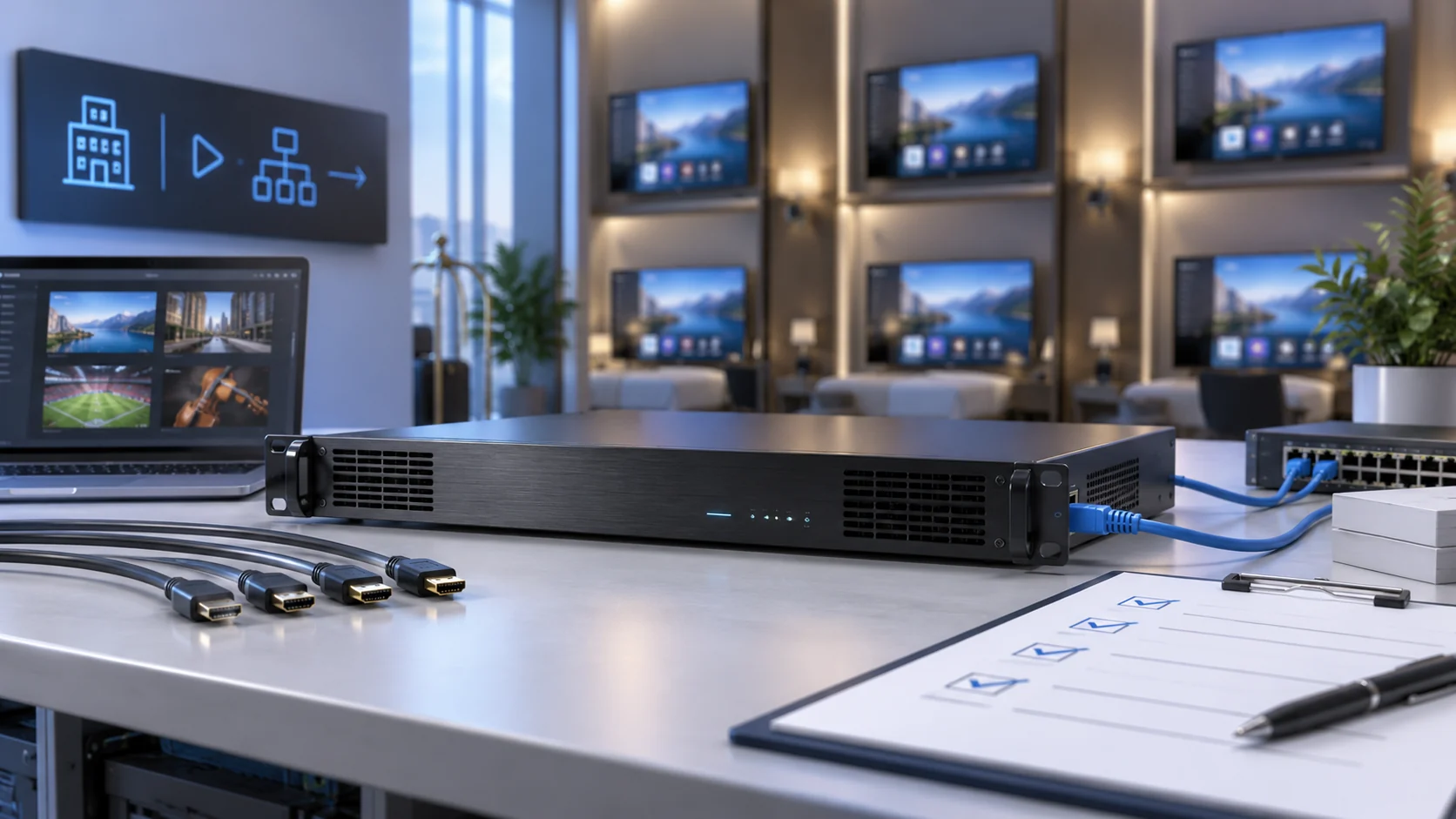
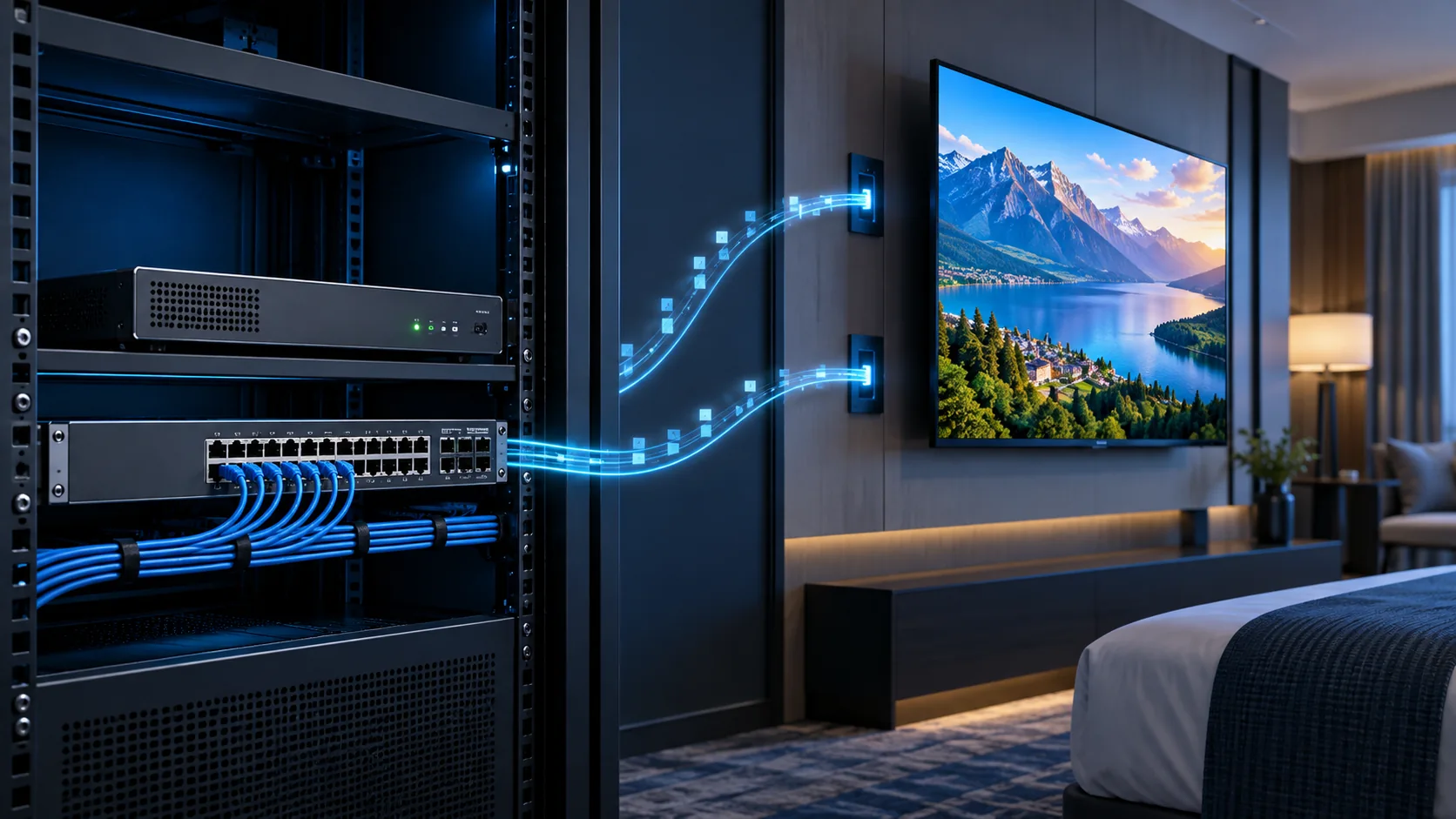
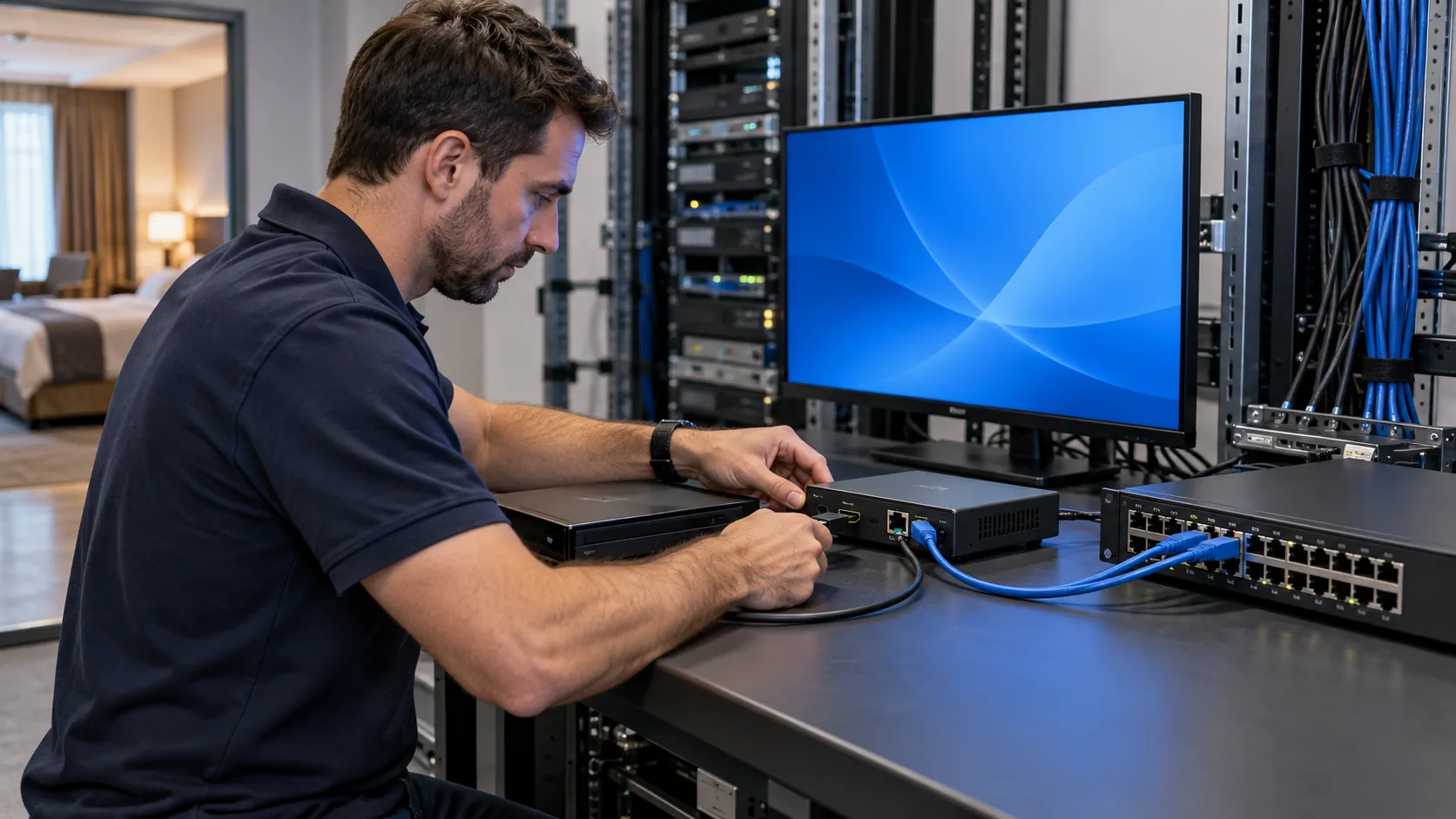
A H265 IPTV encoder is worth considering when its stream reduces the required bitrate at an acceptable picture quality and every intended receiver can decode it reliably. H.264 remains a valid option when the installed televisions, applications or operational requirements favour it. Choose the complete tested configuration, rather than the newer codec name.
This comparison is for hotel IT teams, AV integrators and B2B buyers selecting live-channel equipment. It explains how to compare quality, receiver support, bandwidth and migration risk without treating an advertised compression ratio as a guarantee. Start with the commercial IPTV encoder range for equipment options, then use the checks below to define which codec and output profiles your project actually needs.
Selection in brief
- Keep H.264 where the accepted receiver path requires it.
- Evaluate H.265 using the same source, resolution and viewing conditions.
- Budget every simultaneous output, including an H.264 fallback where needed.
- Approve a pilot on the actual televisions and firmware before changing the property.
H.264 vs H.265: which choice fits the hotel?
Choose H.264 for a receiver population whose accepted configuration depends on AVC. Consider H.265 when HEVC playback is verified and its measured quality-to-bitrate result addresses a real constraint. A mixed fleet may need both. The decision should reflect installed endpoints, source content and support obligations, not a universal winner.
| Decision point | H.264 / AVC | H.265 / HEVC |
|---|---|---|
| Existing receivers | Retain when the deployed client is accepted for AVC. | Confirm HEVC support in the actual client and firmware. |
| Compression decision | Establish a working quality and bitrate baseline. | Compare against that baseline with equivalent test conditions. |
| Output profile | Specify resolution, frame rate, profile and level. | Also verify the required bit depth and decoding limits. |
| Migration | May avoid an immediate endpoint change. | May require receiver, software or workflow changes. |
| Selection rule | Use when it meets quality, capacity and support needs. | Use when verified benefits justify the complete deployment cost. |
Define the codec without confusing the system layers
ITU-T H.264 is the Advanced Video Coding recommendation. ITU-T H.265 specifies High Efficiency Video Coding. These names identify video coding formats; they do not specify a complete hotel television service or guarantee interoperability between two products.
An encoder must still accept the source timing, produce the agreed video and audio, package the stream and deliver it in a form the endpoint understands. A receiver listing HEVC can remain unsuitable for a particular profile, container or application. Likewise, switching codecs does not create a channel menu, room provisioning or an authorised PMS integration.
Keep the codec comparison narrower than the overall equipment purchase. The IPTV encoder buying guide covers interfaces, channel workloads and procurement scope. Here the question is whether changing the video coding choice improves the accepted service without excluding rooms or complicating support.
Does a H265 IPTV encoder always halve bandwidth?
No fixed saving can be promised from the codec label alone. HEVC was developed to improve compression efficiency, but the result for a particular live encoder depends on implementation, settings and source material. Compare a measured H.264 baseline with H.265 at an agreed viewing quality before assigning any bandwidth reduction to the project.
The ITU JCT-VC background describes an approximately 50% data-rate reduction objective relative to the AVC technology of that period. A standards-development objective is not a warranty that each hardware encoder will halve the bitrate for every programme at the same perceived quality.
Compare equal tasks, then adjust bitrate
Use the same authorised input, output resolution, frame rate and representative scenes. Compare motion, faces, fine detail, low-light noise and any text the hotel actually distributes. A static welcome slide is a poor stand-in for a sports programme; an unusually clean sample can hide weaknesses in difficult material.
First compare the two codecs at a controlled bitrate to understand visible differences. Then adjust the candidate bitrate until it reaches the agreed quality threshold. Record both configurations. If one test also changes frame rate, scaling, noise reduction or keyframe spacing, the result cannot be attributed to the codec alone.
A small screen may hide artefacts that are visible on the guest-room television. Keep viewing distance and display processing consistent, and include the people who accept the service. Do not publish a saving as a project fact until the tested source, encoder settings, receiver and quality criteria are recorded.
What must the television or set-top box support?
The endpoint must support the complete delivered stream in its deployed application. Check codec, profile, level, bit depth, resolution, frame rate, audio and packaging together. A product sheet containing the word HEVC does not establish that the hotel client can play your selected live stream after provisioning and a restart.
Build a receiver compatibility matrix
List each television family, external receiver, firmware version and playback application. Treat materially different combinations as separate test cases. A television's ability to play a local media file does not automatically establish support in its commercial IPTV client or through the selected network delivery method.
- Confirm the AVC or HEVC profile and level accepted by each client.
- Record bit depth, chroma format and any HDR requirement instead of assuming them.
- Match the video container and protocol to the actual receiver application.
- Verify audio codec, channel layout and lip synchronisation.
- Test channel discovery, remote control and return to service after power loss.
For browser-based endpoints, the W3C Media Capabilities specification distinguishes whether a configuration is supported, smooth and power-efficient. That distinction is useful for evaluation, but a browser capability response does not certify a television, set-top box or the property-wide IPTV service.
H.265 support also does not make an encoder a 4K model. Input acceptance, encoding output and receiver decoding limits are separate specifications. The 4K IPTV encoder planning guide addresses UHD-specific requirements; do not infer them from an HD product that offers HEVC.
If one room family fails the required profile, decide whether to keep an accepted H.264 stream, deploy a verified external receiver or replace the endpoint. Include commissioning and future replacement stock in that decision. A codec change that saves uplink capacity but strands installed rooms is not an acceptable upgrade.
How should codec savings enter the bandwidth budget?
Use the measured output bitrate for each programme and count every stream crossing the link being sized. Keep video, audio and transport overhead distinguishable. Compression savings affect encoded payload; multicast replication, unicast sessions, fallback profiles and other services determine how that payload becomes actual network traffic.
An illustrative comparison, not a benchmark
Assume eight programmes pass the project's quality check at 6 Mbit/s of H.264 video or 4 Mbit/s of H.265 video. Assume each programme also carries 0.128 Mbit/s of audio. These values are hypothetical inputs to demonstrate arithmetic, not recommended bitrates, measured SOUKA results or a guaranteed saving.
| Source-uplink payload case | Calculation | Payload before transport overhead |
|---|---|---|
| Eight H.264 programmes | 8 × (6 + 0.128) Mbit/s | 49.024 Mbit/s |
| Eight H.265 programmes | 8 × (4 + 0.128) Mbit/s | 33.024 Mbit/s |
| Both versions sent simultaneously | 49.024 + 33.024 Mbit/s | 82.048 Mbit/s |
In this example, video alone falls by one third, while the combined audio/video reduction is slightly smaller because audio remains unchanged. Sending both codec versions increases the source-uplink total beyond either single-version case. Whether both copies traverse a particular floor link depends on subscriptions and the distribution design.
Do not multiply a shared multicast programme by all hotel rooms at every point in the network. Conversely, do not apply a single-copy calculation to individual unicast sessions. Include every additional output profile, monitoring destination and recording feed that actually crosses the interface under review.
Measure peaks and allow the network team to define headroom from the real traffic and link constraints. A constant target bitrate, variable-rate peak and interface throughput limit are different quantities. Keep the comparison in Mbit/s consistently and do not mix it with storage figures in megabytes.
The HDMI IPTV network design guide explains group boundaries and per-link traffic planning. Once the codec has an accepted profile, use that profile in the network model rather than importing a generic HEVC percentage.
Does H.265 guarantee lower latency or more channels?
Neither latency nor simultaneous channel capacity can be inferred from the codec name. Compare the actual encoder operating modes and the entire source-to-screen path. A configuration optimised for compression can behave differently from one optimised for rapid response, and the receiver's buffering remains part of the result.
Separate picture delay from channel-change time
Define what is being measured before comparing numbers. Source-to-screen delay includes capture, encoding, transport, buffering, decoding and display processing. Channel-change time includes discovery, joining or opening the stream, receiving a suitable decoding point and presenting the programme. These are related but different acceptance tasks.
Keep source timing, output frame rate, keyframe structure, network path and receiver settings documented. If the H.265 trial uses a different buffer or a different display, a faster or slower picture does not establish a codec-only result. Report the accepted configuration and measurement method together.
For capacity, distinguish physical inputs from encoding workloads. One source generating H.264 and H.265 simultaneously may require more processing than a single output. Several resolutions or bitrate profiles can add further work, while forwarding one encoded profile to more destinations creates network traffic without necessarily creating another compression job.
- Ask for the simultaneous channel count at the required codec and timing.
- Confirm whether dual-codec outputs operate together on every input.
- Check which settings change when all channels are active.
- Measure sustained operation with the final profiles, not a one-channel demonstration.
- Record restart behaviour, thermal conditions and alarm visibility.
Do not assume a headline channel count applies unchanged to HEVC, higher frame rates or all optional outputs. The supplier should identify configuration-specific limits. When the project combines acquisition, processing and service platforms, relate those limits to the IPTV headend architecture so no shared component is left outside the acceptance scope.
When is a mixed H.264 and H.265 deployment sensible?
A mixed deployment can be useful when verified HEVC-capable endpoints coexist with receivers that still need AVC. It is sensible only when the output capacity, channel catalogue and support workflow accommodate both versions. Otherwise the fallback can become an undocumented second service that is difficult to maintain.
Choose a controlled migration boundary
Group endpoints by their tested capability rather than by room price or television age alone. Identify which software selects each stream and how a replacement receiver is assigned. An installer should not need to remember an undocumented stream address when a room television is exchanged during normal operations.
| Deployment situation | Candidate approach | Condition before approval |
|---|---|---|
| Accepted AVC service with no capacity problem | Keep H.264 for now. | It continues to meet the agreed picture and support requirements. |
| Verified HEVC endpoints and a constrained link | Pilot H.265 for the defined group. | Measured benefit exceeds migration and support costs. |
| Mixed receiver families | Provide controlled AVC/HEVC outputs where supported. | Both versions, provisioning and concurrent load are accepted. |
| Uncertain receiver capability | Test first; defer the codec change. | The actual application and firmware play the required profile. |
Preserve an accepted H.264 configuration before changing a production service. Define a reversible channel or endpoint group for the pilot and record how to restore the previous catalogue. Keep authorisation, licences and content-distribution obligations within the existing approved arrangements.
The hotel IPTV solution is the wider service context for channel menus, welcome presentation and room provisioning. A successful codec trial must still fit that service. Changing live-video encoding does not by itself deliver new guest functions or automate a property-management workflow.
Budget ongoing duplication where it is required. Two channel versions may need additional encoder resources, monitoring and catalogue maintenance. If an intermediary transcodes rather than merely forwards the stream, include that processing, its quality effect and its failure recovery explicitly.
Set a review point based on evidence, such as the accepted endpoint inventory or an actual capacity requirement. Avoid setting a migration deadline simply because H.265 is newer. Retaining a working AVC service can be the appropriate decision while the receiver population changes.
How should you run a fair encoder acceptance test?
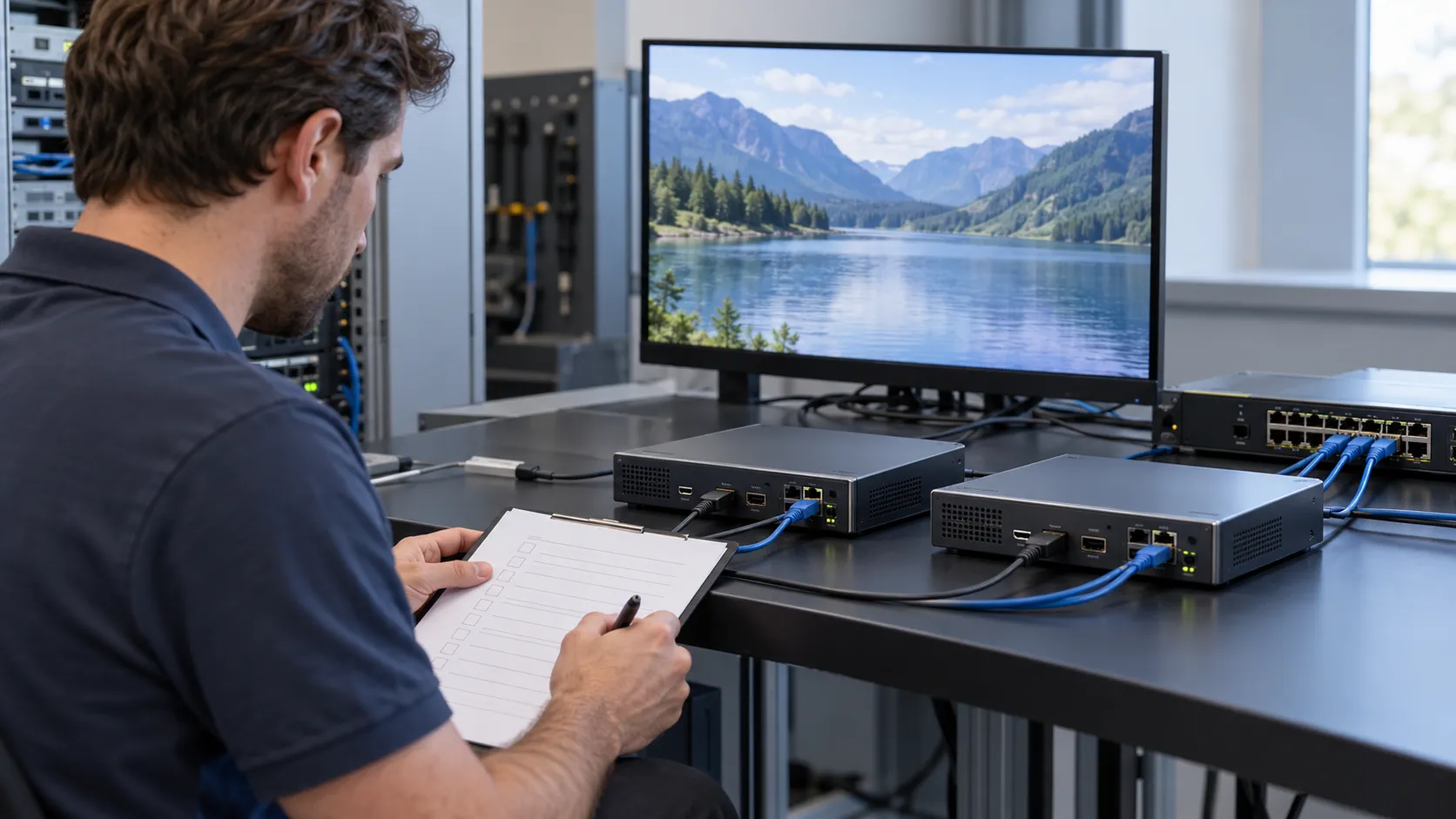
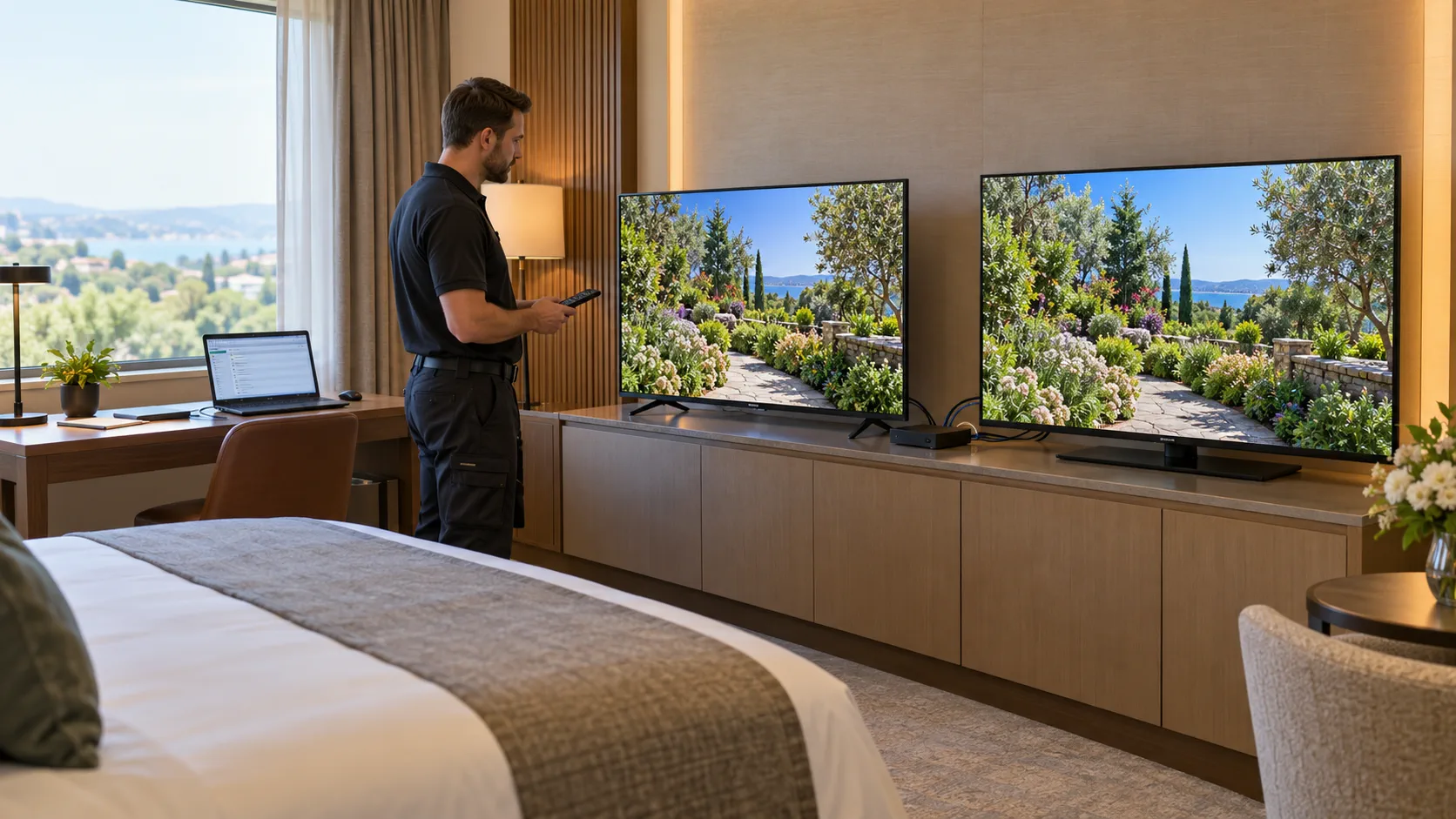
Test H.264 and H.265 through the same representative production path, changing controlled settings one at a time. Save the baseline, record the candidate profiles and compare picture, audio, stability and recovery on the actual room endpoints. Treat this as a reproducible acceptance exercise, not a marketing demonstration.
Use a repeatable sequence
- Inventory the authorised sources, input timings and representative endpoint combinations.
- Confirm the existing H.264 baseline and save its configuration.
- Run the H.265 candidate at the same resolution and frame rate.
- Adjust bitrate against the agreed visual criteria and record rejected settings as well as the accepted one.
- Activate the intended channels and simultaneous fallback outputs.
- Exercise channel changes, receiver restarts and approved interruptions.
- Restore the baseline once to demonstrate that rollback is practical.
Include movement, text, faces and difficult scenes from content the property is entitled to distribute. Check audio on the actual output device and watch for lip-sync differences. Use an agreed observation period and document its limits rather than claiming that a short test proves indefinite reliability.
Record the source, firmware, encoder configuration, transport, receiver and display for each result. Separate input lock failures, missing stream delivery and decoding errors. A black screen caused by the wrong VLAN cannot establish that a codec is incompatible; a clean network does not establish decoder support either.
The procurement report should show the chosen quality threshold, measured bitrate, peak behaviour, endpoint exceptions and recovery result. Ask both suppliers to answer the same test schedule. If a supplier cannot reproduce a result, keep that item open instead of converting an estimate into an acceptance certificate.
Do not use this article's arithmetic as a passing test result. Replace its assumptions with your measurements and obtain agreement on unresolved exceptions before production rollout.
What should a H265 IPTV encoder quotation include?
A comparable quotation identifies the accepted stream configuration, simultaneous workloads, endpoints and supplier responsibilities. It should let the buyer distinguish a suitable HEVC-capable encoder from an inexpensive box whose limits remain unknown. Price comparisons are meaningful only when the delivery and acceptance scope are equivalent.
Request a configuration-specific response
- Source count, connector type, output timing and authorised content requirements.
- H.264 and H.265 profiles, resolution, frame rate, bit depth and audio settings.
- Simultaneous input, output-profile and network-throughput limits.
- Container, protocol, channel discovery and endpoint application requirements.
- Baseline and candidate bitrate evidence at the agreed visual quality.
- Pilot equipment, firmware, acceptance method and unresolved compatibility items.
- Support scope, spare strategy, configuration backups and rollback procedure.
Ask whether a proposed H.265 streaming encoder supports the requested outputs concurrently, not merely as alternatives in a menu. Specify which software licences and integration services are included. Avoid interpreting a photograph, a codec badge or an interface count as evidence of delivered capacity.
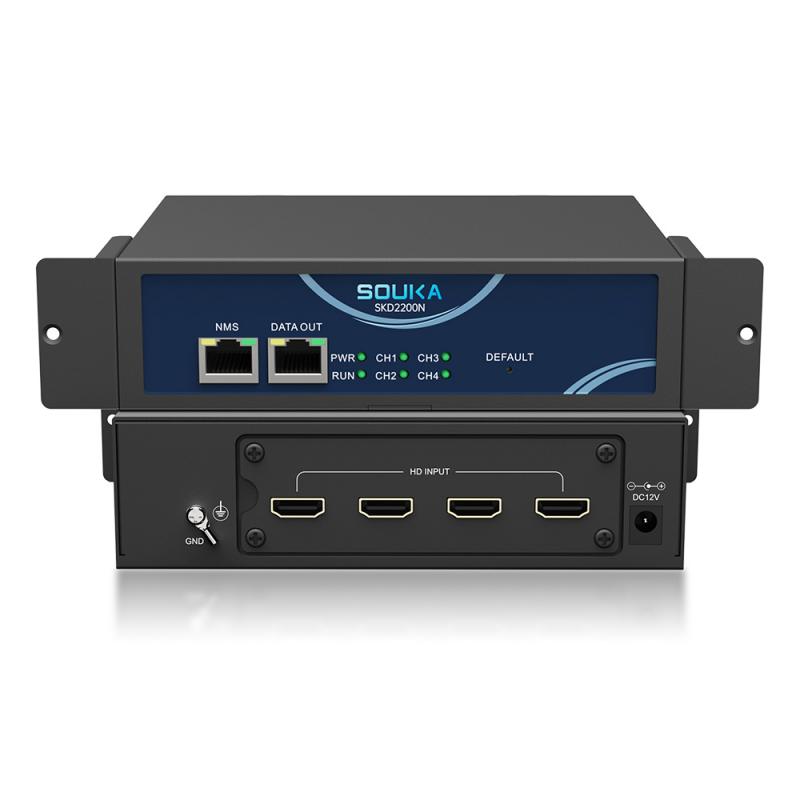
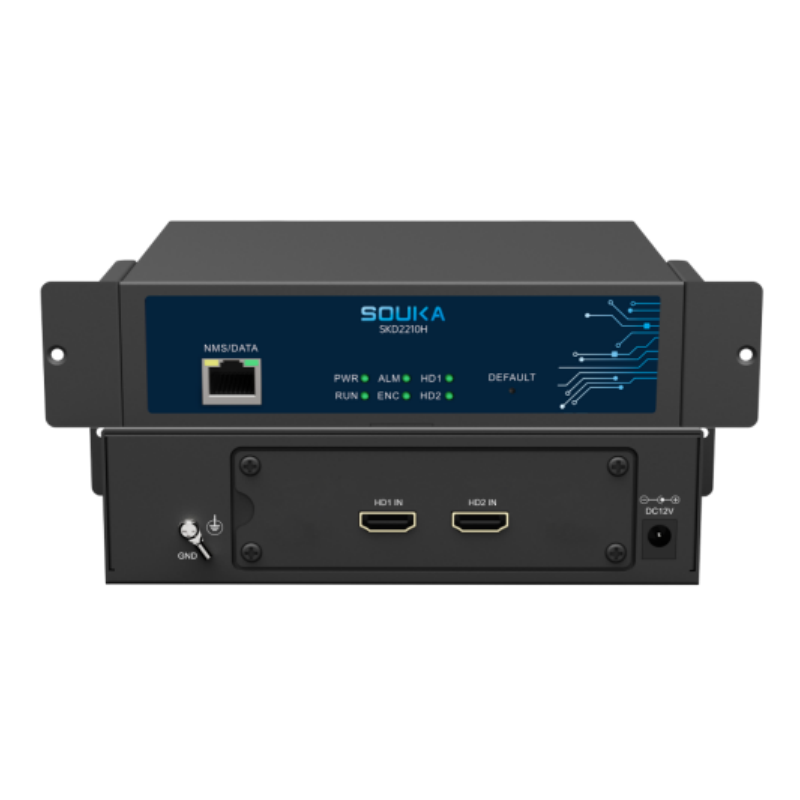
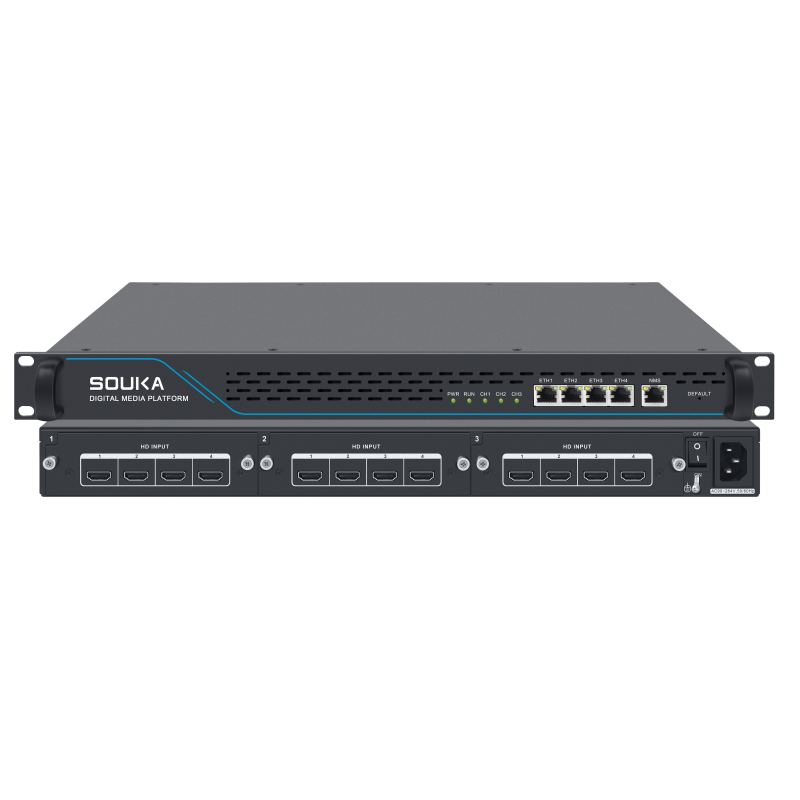
The related SOUKA products below are comparison candidates, not a statement that every item supports HEVC, UHD or the same channel count. Compare the configuration offered for each model against its current datasheet and the pilot result. Retaining an H.264-only option can be useful when that is what the installed service requires.
Include the cost of endpoint changes, dual outputs, installation labour and long-term support alongside the encoder price. Do not assume a lower video bitrate immediately reduces a commercial bill; it may instead provide network headroom. Use the actual contract or capacity constraint to assess the benefit.
For a property-wide decision, place the codec selection inside the hotel IPTV procurement plan. This keeps equipment selection, guest services and network ownership aligned while leaving the commercial encoder category as the main destination for product enquiries.
Related Products
Related Solutions
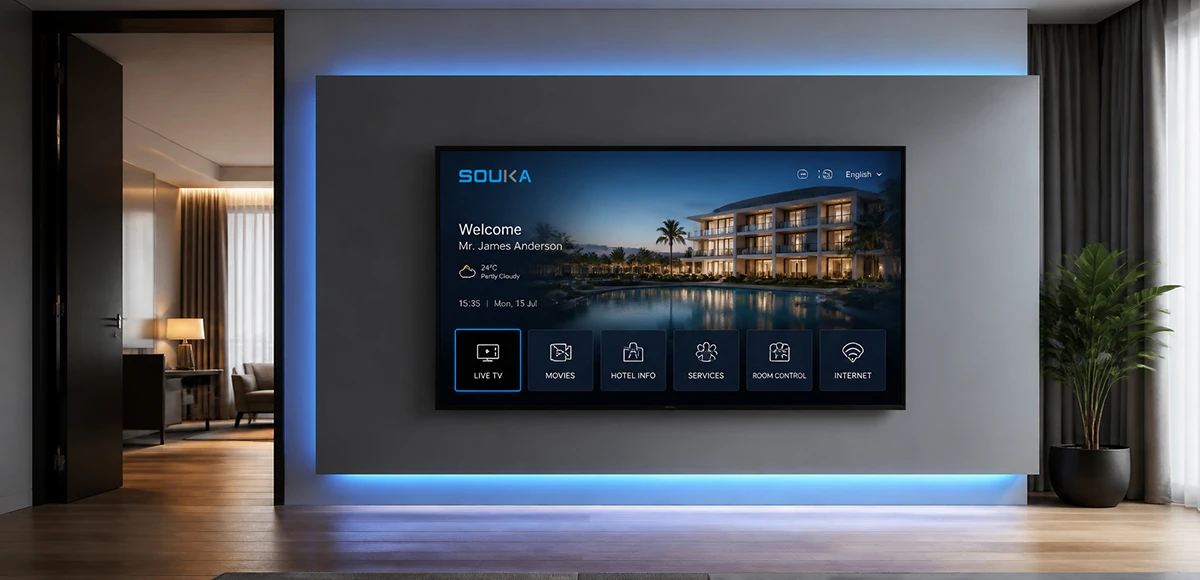
IPTV Solution for Hotels
Deliver lag-free 4K live TV to every guest room, customize your interactive brand interface with zero coding, and automate database workflows. Our carrier-grade Linux streaming matrix bridges natively with global property management systems to eliminate integration friction and slash hardware deployment overhead.
Explore Solutions
IPTV Solution for Hospital
Deliver zero-downtime 4K live broadcast, interactive patient education channels, and doctor-patient service portals across wards and consultation rooms. Powered by SOUKA’s high-concurrency streaming core, our carrier-grade system natively bridges with Hospital Information Systems (HIS) while strictly isolating video multicast traffic from sensitive medical telemetry networks.
Explore Solutions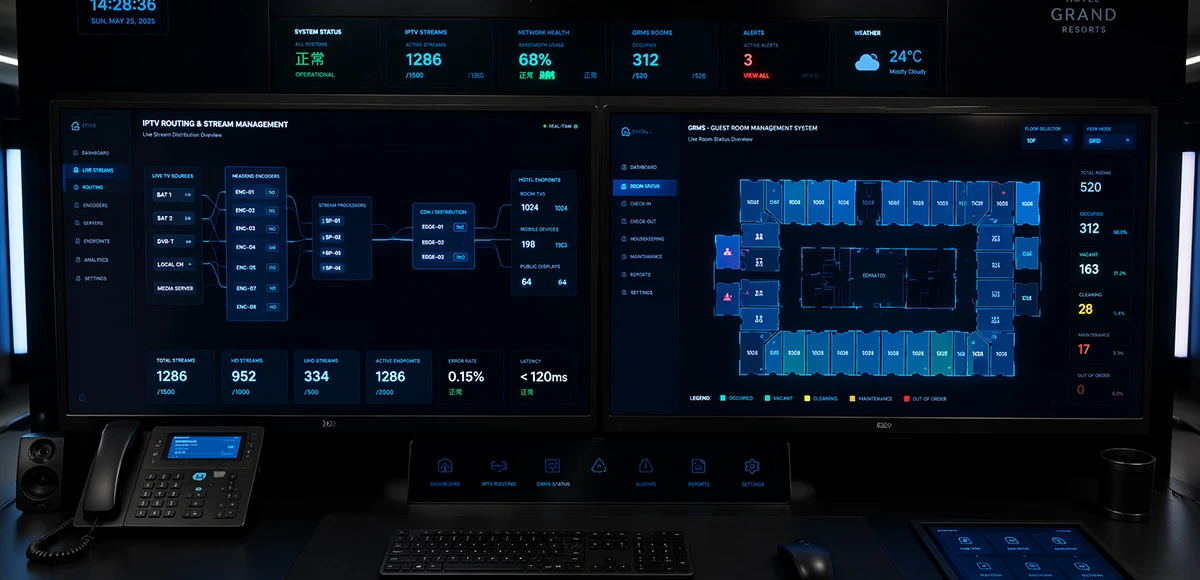
Integrated IPTV & GRMS Solution
Unify carrier-grade 4K IPTV streaming and autonomous RCU room controls into a single, cohesive hospitality IoT architecture. SOUKA bridges interactive in-room entertainment, smart lighting scenes, dynamic HVAC energy optimization, and native PMS database synchronization—slashing hardware CapEx, simplifying structured cabling, and delivering seamless guest experiences.
Explore Solutions
IPTV Solution for Hotels
Deliver lag-free 4K live TV to every guest room, customize your interactive brand interface with zero coding, and automate database workflows. Our carrier-grade Linux streaming matrix bridges natively with global property management systems to eliminate integration friction and slash hardware deployment overhead.
Explore Solutions
IPTV Solution for Hospital
Deliver zero-downtime 4K live broadcast, interactive patient education channels, and doctor-patient service portals across wards and consultation rooms. Powered by SOUKA’s high-concurrency streaming core, our carrier-grade system natively bridges with Hospital Information Systems (HIS) while strictly isolating video multicast traffic from sensitive medical telemetry networks.
Explore Solutions
Integrated IPTV & GRMS Solution
Unify carrier-grade 4K IPTV streaming and autonomous RCU room controls into a single, cohesive hospitality IoT architecture. SOUKA bridges interactive in-room entertainment, smart lighting scenes, dynamic HVAC energy optimization, and native PMS database synchronization—slashing hardware CapEx, simplifying structured cabling, and delivering seamless guest experiences.
Explore SolutionsFrequently Asked Questions
Conclusion
Choose a H265 IPTV encoder when a verified HEVC configuration improves the hotel's accepted service and its total deployment cost makes sense. Keep H.264 where receiver compatibility or the existing operating model favours AVC. For mixed fleets, cost and test both output paths rather than assuming that fallback is free.
Bring the source inventory, television and receiver matrix, desired stream profiles and acceptance requirements to the supplier discussion. Ask SOUKA to review your codec and encoder requirements before finalising the configuration. A measured comparison and a working rollback plan provide a sounder purchasing basis than an unqualified promise of twice the efficiency.