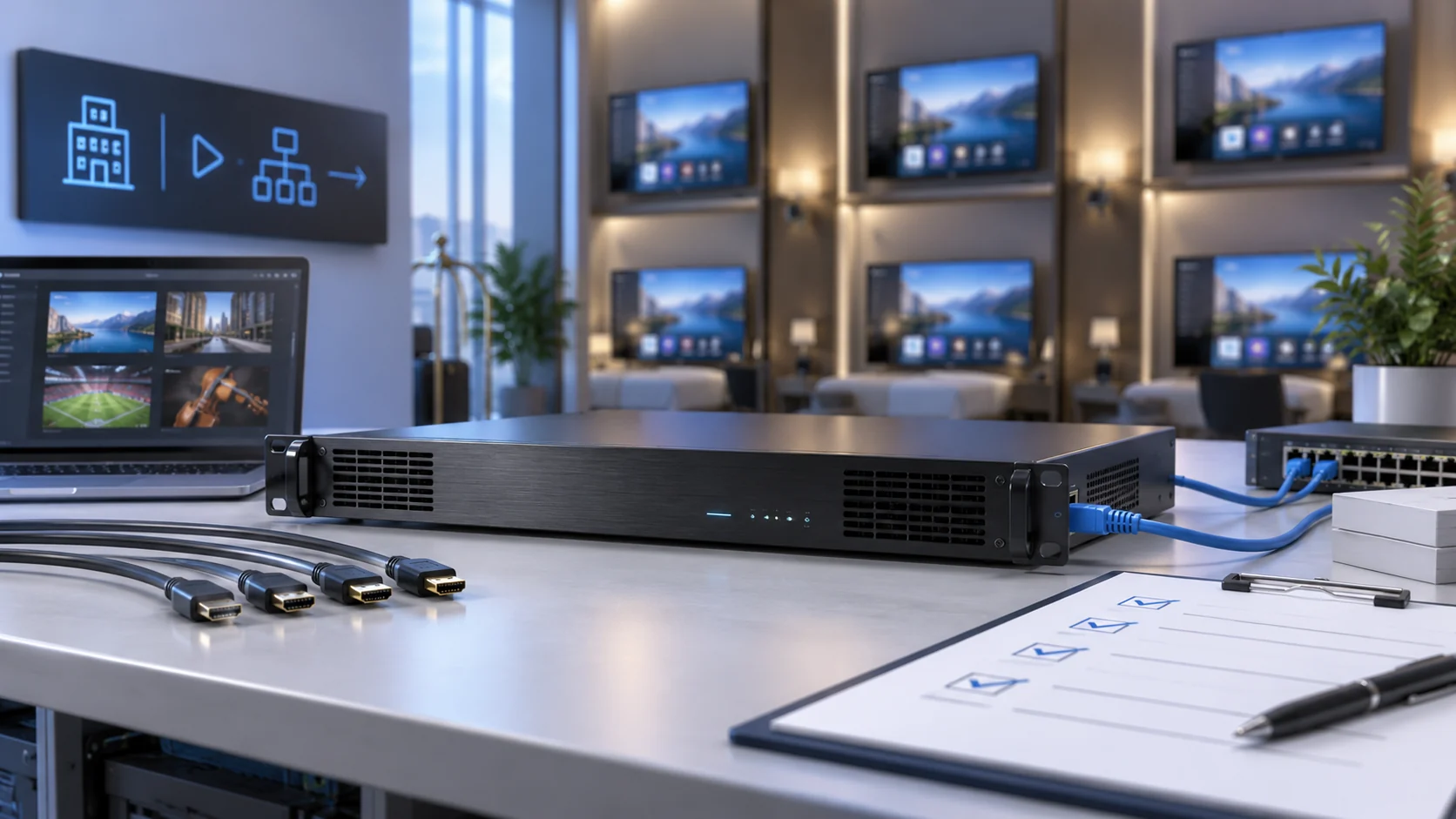
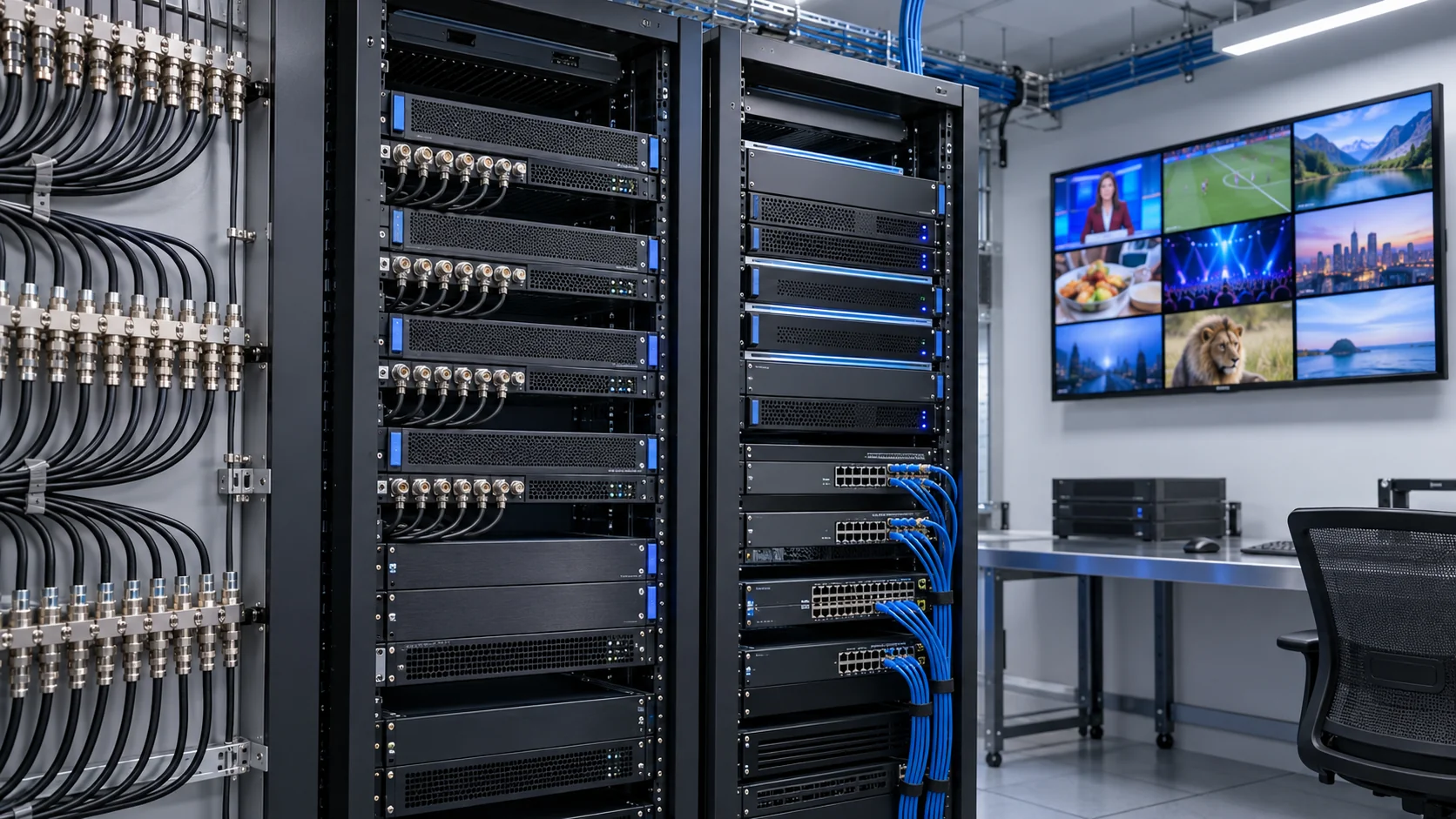
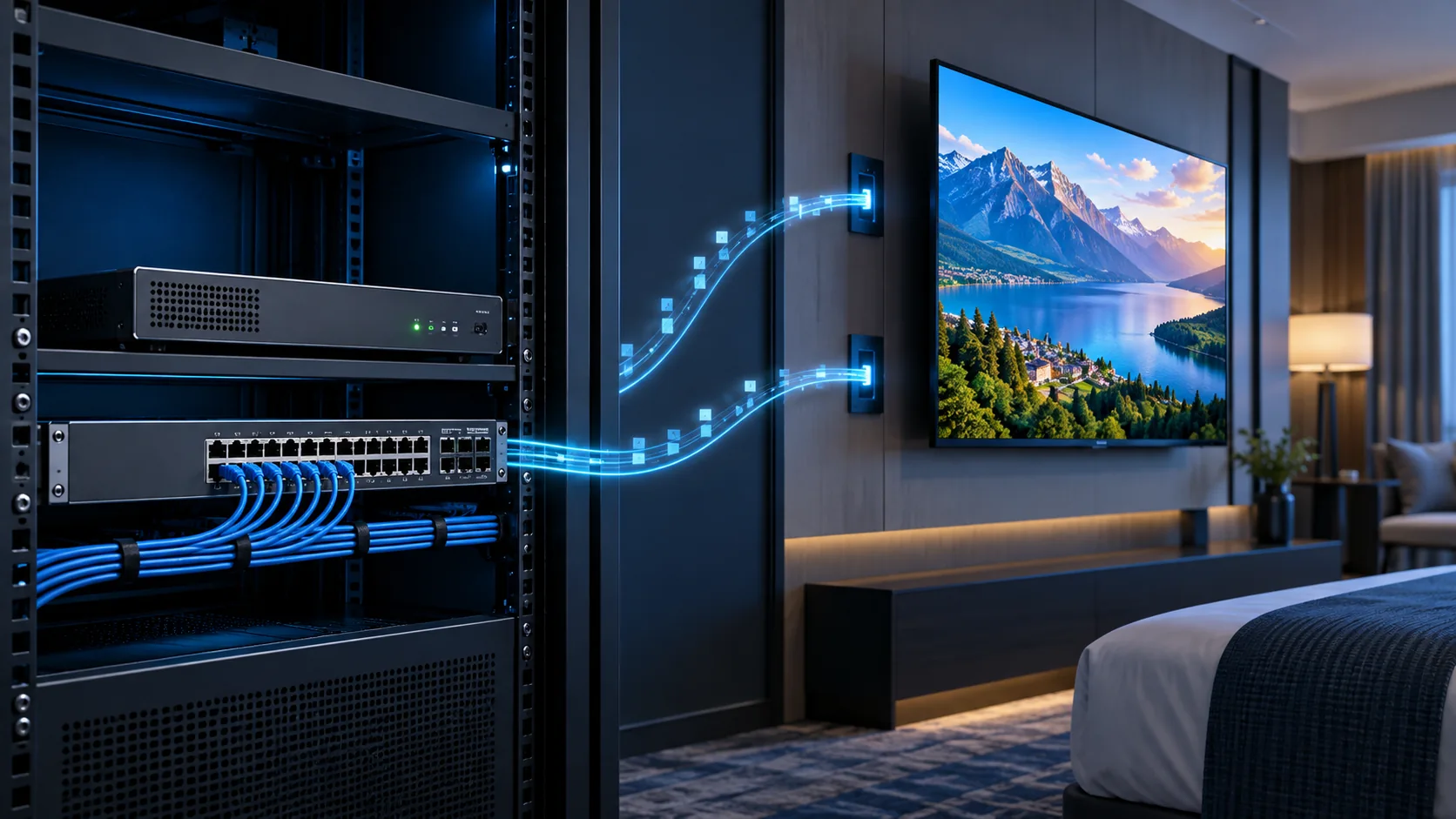
An HDMI IPTV installation takes an authorised HDMI source, encodes its audio and video, and delivers a compatible stream across an IP network to televisions or set-top boxes. Success depends on the complete path. A picture on an encoder preview does not prove that every room can join, decode and recover the channel reliably.
This guide helps hotel IT teams, AV integrators and B2B buyers plan that path from the source connector to the guest screen. It focuses on transport choices, network boundaries and commissioning rather than consumer streaming subscriptions. Start with the wider commercial IPTV system design when defining the overall service, then use the checks below to assign each interface to an owner.
What does HDMI IPTV mean in a hotel signal chain?
HDMI IPTV describes a source-to-network workflow, not a single universal device standard. The source supplies HDMI, an encoder produces compressed audiovisual media, the network carries the chosen stream, and a compatible endpoint turns it into a picture and sound. Channel menus and guest services form another layer.
Separate encoding, transport and presentation
Keep these roles distinct on the project drawing. An HDMI cable does not become an Ethernet stream through a passive adapter. A managed switch forwards network traffic; it does not normally encode HDMI or convert an unsupported codec. An IPTV server may manage services without processing every live video packet.
Similarly, an HDMI extender can carry video through a dedicated link without creating the same service as a standards-based IPTV stream. Confirm interoperability at the stream and endpoint level instead of treating every product labelled AV-over-IP as interchangeable. Where a proprietary encoder requires its matching decoder, include both ends in the procurement scope.
For a local welcome channel, the path might be a licensed media player, an encoder, the managed distribution network and an IPTV receiver connected to the room TV. A direct-to-TV implementation removes the external receiver only when the television application supports the actual stream and service platform.
- Write the source, encoder, transport, endpoint and display on one line.
- Name the codec, container and delivery protocol between devices.
- Identify where service discovery, channel numbering and access control occur.
- Assign responsibility for every conversion and network boundary.
The IPTV headend architecture guide covers the wider acquisition and processing chain. This article concentrates on transporting a local HDMI programme through that chain without losing compatibility or operational control.
How do you validate the HDMI source before encoding?
Prove the source-to-encoder connection before investigating the network. Record the source model, output timing, audio format and protection requirements, then test the exact cable and encoder input. A blank picture at this boundary cannot be fixed by adding multicast capacity farther downstream.
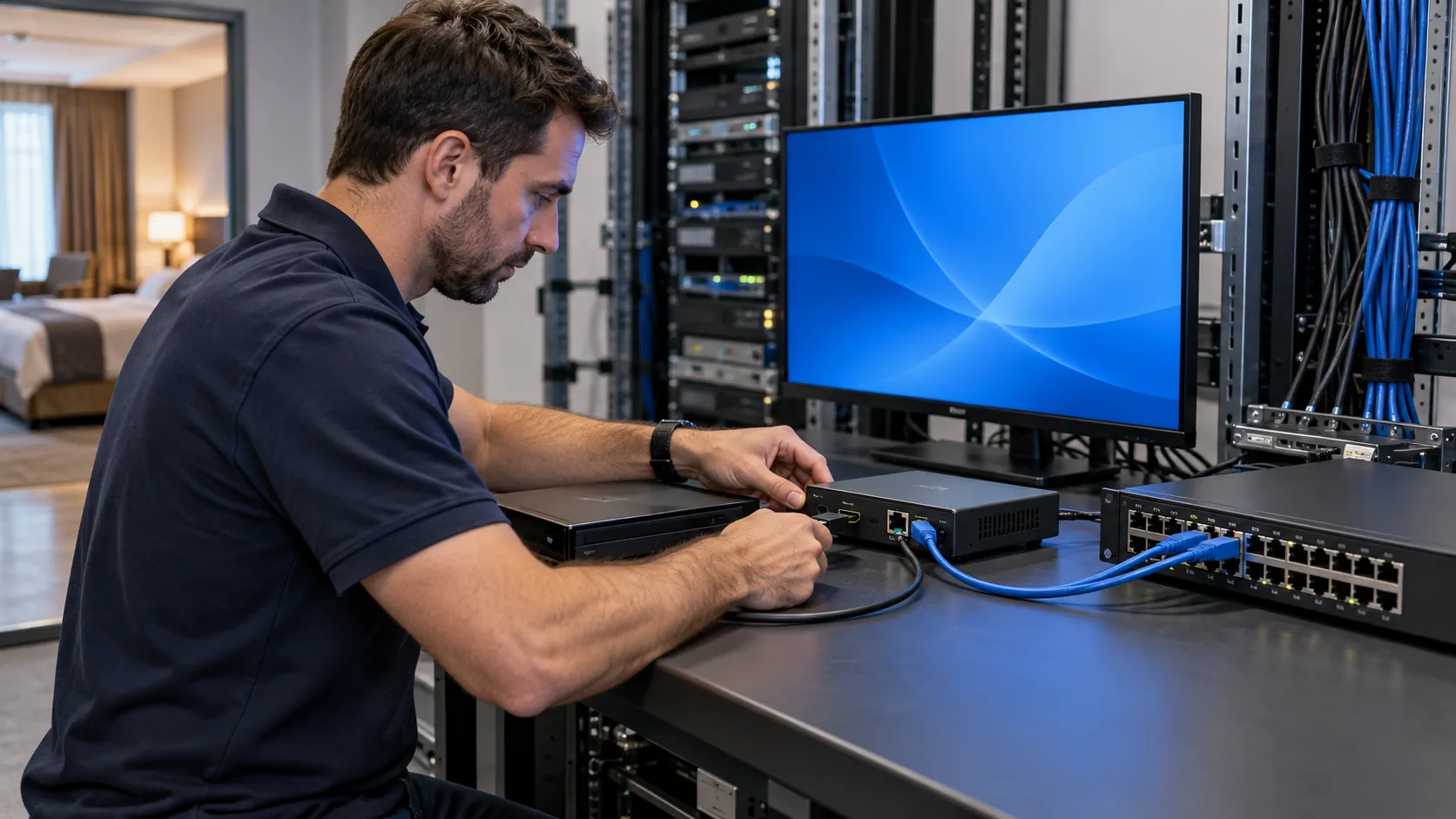
Use a source register that distinguishes connector capability from the configured signal. Include resolution, progressive or interlaced timing, frame rate, colour handling and audio channel layout. An input that accepts one timing may not accept another, even when both source devices use HDMI.
Check negotiation and restart behaviour
Test the agreed EDID behaviour and input lock after a source restart, cable reconnect and encoder reboot. A source can renegotiate a different timing after power loss. Record the settings that reproduce a working result, rather than relying on the engineer to select a display mode manually every morning.
Content protection is a separate requirement. Digital Content Protection’s HDCP FAQ distinguishes protection of the display interface from the right to use the content. Obtain an authorised source and distribution arrangement; an HDMI connector or HDCP label does not establish permission or guarantee that a stream can be encoded.
Listen as well as watch. Validate stereo or the required audio layout, supported input and output codecs, and lip synchronisation. A test pattern alone misses speech delay and real-content decoding problems. For equipment-level comparisons, use the IPTV encoder procurement checklist without assuming the highest advertised input resolution is also the delivered output.
Which stream format will the receiving devices actually play?
Specify a complete stream profile before choosing a transport label. The receiving application must support the video and audio codecs, profiles, container and delivery method together. Two devices listing H.264 and Ethernet can still fail to interoperate because their expected stream packaging differs.
| Layer | Example to document | What the pilot must establish |
|---|---|---|
| Video and audio | Codec, profile, level, frame rate, audio layout | The endpoint decodes representative content without persistent errors. |
| Container | MPEG transport stream or the specified segment format | The receiver recognises programme and timing information. |
| Transport | UDP, RTP or the agreed HTTP-based method | The exact receiver application opens and sustains the stream. |
| Service layer | Channel identifier, URL or group and port | The correct service appears in the deployed channel menu. |
For a managed LAN, UDP or RTP multicast may suit live channels shared by many rooms. RFC 3550 describes RTP sequence numbering, timestamps and monitoring functions, while making clear that RTP does not guarantee delivery or quality of service. Network design and receiver behaviour still determine the result.
HTTP-based delivery is another option when the endpoint requires it. RFC 8216 on HTTP Live Streaming describes playlists and media segments. Check the actual HLS version, codec support, buffering and live delay; the presence of a playlist URL is not proof of television compatibility.
Keep latency measurable
Separate capture-to-screen delay from channel-change time. Encoding, keyframe intervals, packet buffering and display processing contribute differently. Record a repeatable measurement method and agreed limits for the application. Avoid universal low-latency promises based on one protocol name or a laptop test that bypasses the room receiver.
If IPTV 4K is required, verify the complete timing and decoding profile rather than extending an HD test result. The 4K encoder and HEVC planning guide treats these additional constraints separately.
How should multicast boundaries and network ownership be planned?
Treat multicast as a network service with explicit boundaries and owners. Document where sources enter, which VLANs contain receivers, where membership queries originate, and how traffic crosses routed interfaces. A switch datasheet saying IGMP snooping does not establish a working property-wide distribution design.
Distinguish snooping from querying and routing
Snooping uses membership information to guide forwarding within the switching domain. Querying maintains membership discovery. Routing, when required, carries multicast between IP subnets. These functions have different jobs, so identify which device performs each one and how it behaves after a topology change.
The informational RFC 4541 snooping recommendations explain the bandwidth consequences of forwarding multicast into segments without interested receivers. Use the network vendor’s current configuration guidance for the installed platform, and verify forwarding behaviour in a pilot rather than copying an unrelated switch configuration.
- Allocate source addresses, group addresses and ports through the network team.
- Document IPTV VLANs, trunk membership and permitted inter-VLAN paths.
- Identify the querier and test membership ageing and renewal.
- Check switch uplinks, forwarding capacity and behaviour during link recovery.
- Confirm that a receiver leaving a shared port cannot interrupt another receiver.
Do not enable fast-leave features indiscriminately where several endpoints share a port through another switch or access point. Validate that topology first. Likewise, a VLAN separates broadcast domains but does not by itself provide bandwidth reservation, application compatibility or complete access security.
Start with the actual wired guest-room path. If wireless reception is required, include the WLAN controller, access point behaviour, airtime and client roaming in a separate test plan. Do not assume that a stable wired multicast demonstration proves equivalent Wi-Fi performance throughout an occupied building.
How much HDMI IPTV traffic crosses each network link?
Size each link from the streams that actually traverse it, not from the room count alone. Shared multicast and individual unicast sessions create different traffic patterns. Include audio, transport overhead, peak behaviour and other services when moving from a simple payload calculation to the final network design.
A planning example, not a product capacity claim
Assume four programmes, each with a measured combined audio/video payload of 6 Mbit/s, and 120 simultaneously viewing rooms. Assume the source uplink carries one copy of each multicast programme, or one unicast stream per viewing room. These are illustrative conditions, not guaranteed bitrates or a recommended channel count.
| Illustrative source-uplink case | Payload calculation | Result before network overhead |
|---|---|---|
| Four shared multicast programmes | 4 × 6 Mbit/s | 24 Mbit/s |
| 120 individual unicast sessions | 120 × 6 Mbit/s | 720 Mbit/s |
| Multicast with a hypothetical 20% allowance | 24 × 1.20 | 28.8 Mbit/s |
| Unicast with the same hypothetical allowance | 720 × 1.20 | 864 Mbit/s |
The 20% allowance is a demonstration assumption, not a standard or an adequate margin for every deployment. Measure packet overhead and bitrate peaks, then agree headroom for the real configuration. A source uplink, floor uplink and receiver port can each carry different combinations of streams.
Multicast replication happens where the topology needs copies. A floor with viewers watching three different programmes may carry three streams on its uplink, while an individual receiver generally needs its selected programme. Unicast calculations must use the number of simultaneous sessions crossing the particular link being evaluated.
Count additional output profiles, monitoring clients, recordings and concurrent VOD traffic where applicable. Encoders may generate several profiles from one source, but forwarding the same profile to multiple destinations can also increase output traffic without adding another compression job. Confirm both processing and network limits with the supplier.
Record measured peaks and port errors during the occupied-load simulation. An apparently spare gigabit interface does not prove that every intermediate uplink, endpoint interface and forwarding path has sufficient capacity.
Where do channel distribution and hotel guest services meet?
Live stream delivery and guest-facing services meet at the receiver and middleware, but they are not the same function. A working HDMI channel proves video reception. It does not prove room assignment, welcome screens, programme menus, PMS integration or guest-data handling.
Test the media and control paths separately
Create two acceptance lists. The media list covers picture, audio, channel changes, sustained playback and recovery. The control list covers channel discovery, endpoint provisioning, room identity and any agreed guest functions. Check both paths after a restart and after the relevant room-status transition.
For a hotel deployment, agree which platform creates the channel catalogue and how receivers obtain updates. A manually entered stream address can validate the media path while concealing a failed provisioning service. Conversely, a polished guest menu may load successfully while the video VLAN is unreachable.
Use the hotel IPTV solution to define the guest-facing scope. If the project also requires room automation, the integrated IPTV and GRMS solution is a separate integration discussion. A video encoder does not automatically provide an authorised interface to lighting, HVAC or property-management systems.
Confirm whether the existing room television can run the specified client, or whether a compatible set-top box is required. Hardware decoding claims alone are insufficient: application, firmware, provisioning and the agreed stream profile must work together. Include remote-control behaviour and recovery to the correct channel or welcome screen.
Keep commercial responsibilities visible. State who supplies middleware licences, endpoint configuration, content rights and ongoing support. This avoids a low equipment quotation that excludes the software or commissioning work needed to deliver the intended service.
How do you commission the complete HDMI IPTV path?
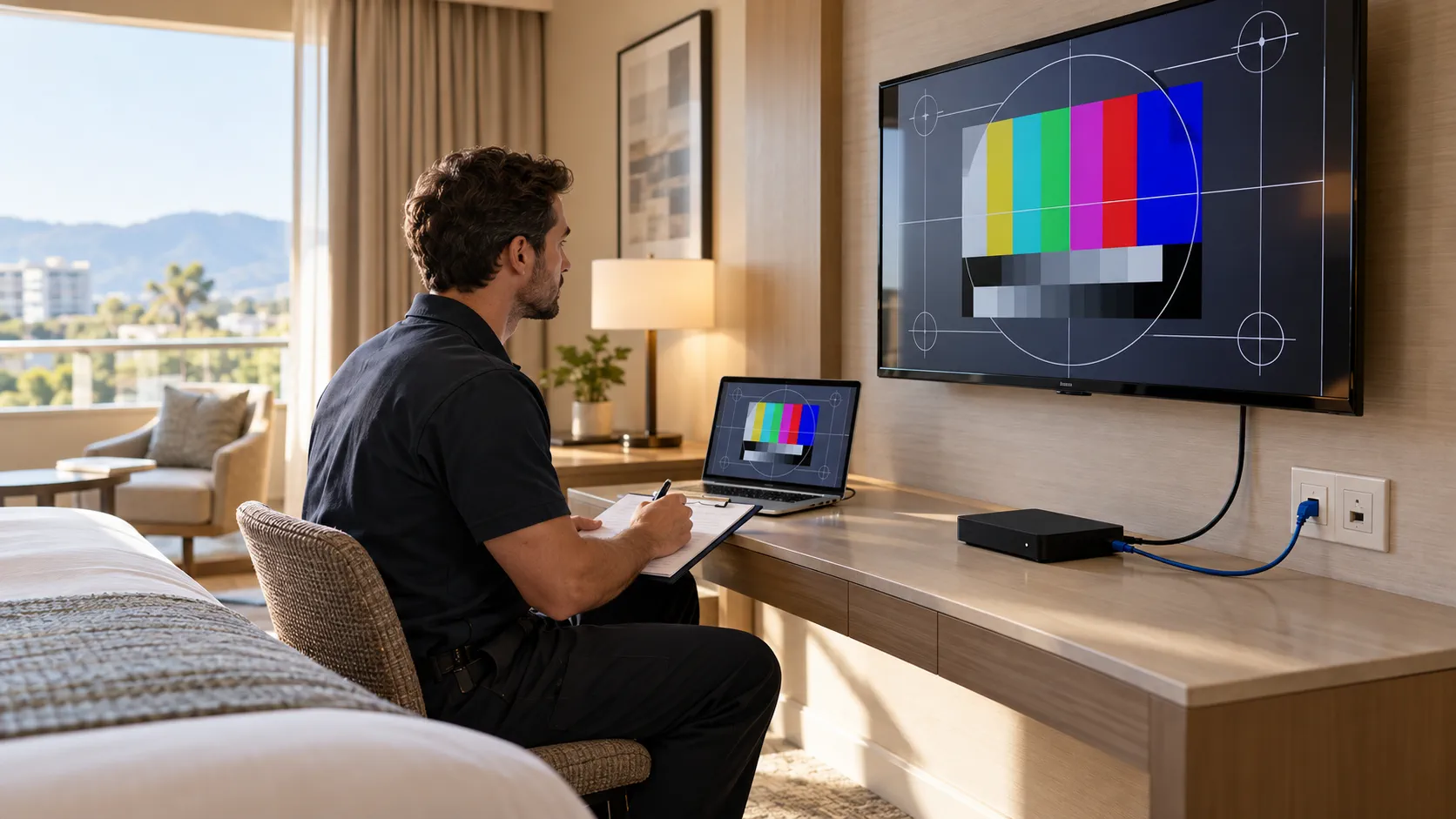
Commission HDMI IPTV through the production path with representative sources and room endpoints. Progress from a single verified chain to the intended concurrent load, then exercise recovery. Save configurations and results at each stage so failures can be located without changing several variables at once.
Build a repeatable acceptance sequence
- Source boundary: confirm authorised HDMI input lock, expected timing and audio.
- Encoder boundary: verify the saved profile and stream output after a restart.
- Network boundary: observe intended joins, leaves and forwarding on the actual VLAN path.
- Endpoint boundary: play each service on every representative TV or receiver family.
- Load boundary: operate the agreed simultaneous streams and viewing sessions.
- Recovery boundary: interrupt one approved component at a time and record restoration.
Include a local source with motion and speech, not only a static test screen. Check lip sync, visible artefacts, channel ordering and transitions between programmes with different audio characteristics. Run the test for an agreed observation period that can reveal intermittent failures; there is no universal duration that proves every deployment.
Keep faults tied to evidence
For a black screen, compare input lock, encoder output, switch forwarding and endpoint decoding in order. For periodic freezes, correlate the time with port errors, traffic bursts and receiver logs. If all rooms fail together, investigate the shared path before replacing individual room equipment.
Do not describe recovery as automatic until it has been observed. Measure the result after an encoder reboot, receiver power cycle, approved uplink interruption and middleware restart where applicable. Confirm saved settings, channel membership and guest presentation return without an engineer entering the room.
The acceptance record should identify equipment models, firmware, profiles, network ports, test content, results and exceptions. Obtain agreement on outstanding items before rollout. A single successful laptop playback is useful diagnostic evidence, but it is not a substitute for this endpoint and load matrix.
What belongs in the security and operational handover?
The handover should let the property operate and restore the service without reconstructing the installation from memory. Include a versioned signal map, configuration backups, channel register, support contacts and an agreed recovery procedure. Protect management access separately from guest playback traffic.
| Handover item | Required detail |
|---|---|
| Signal register | Source, encoder input, stream profile, destination and visible channel name |
| Network record | VLAN, group or URL, port, uplink path and responsible network owner |
| Configuration backup | Device model, firmware, date, saved settings and restoration steps |
| Acceptance evidence | Endpoint matrix, measured load, recovery result and unresolved exceptions |
| Support scope | Contacts, spare strategy, software obligations and escalation route |
Make changes traceable
Assign management addresses through the property’s network plan. Restrict administrative interfaces to authorised operators, replace vendor-default credentials through the approved process, and document how updates are assessed and restored. Do not expose encoder management interfaces publicly merely to simplify remote support.
Separate configuration backups from guest information. Limit collection and retention of personal data to the agreed operational need, particularly where middleware integrates with a PMS. Video distribution should not require copying production guest records into a supplier’s troubleshooting example.
Agree a maintenance window and a rollback checkpoint before changing stream profiles or receiver software. Preserve the last accepted configuration and update the endpoint matrix when new TV models enter the property. A later replacement television can introduce a decoding or application difference even when the headend remains unchanged.
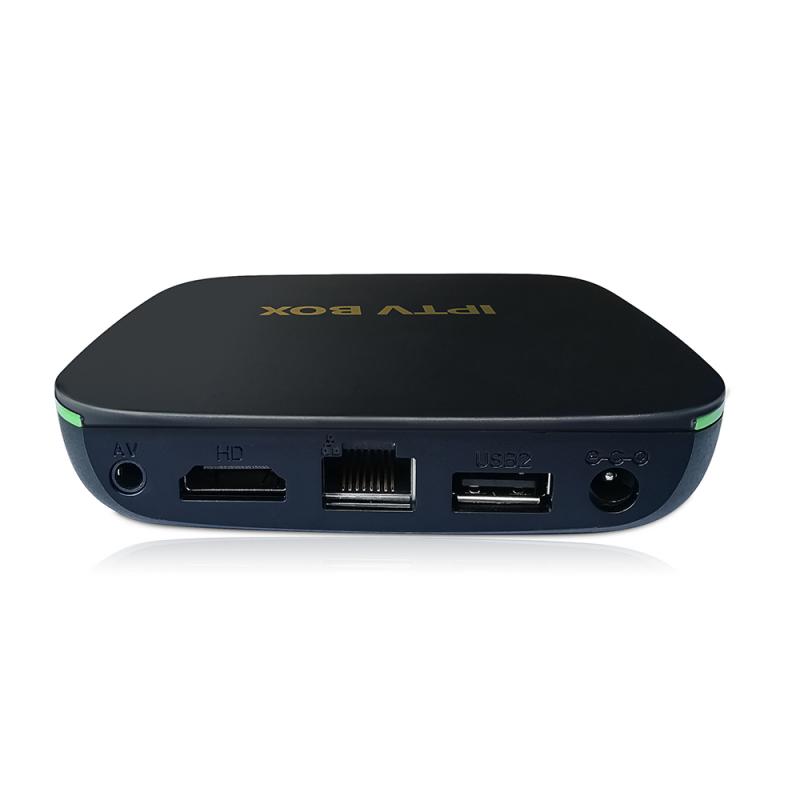
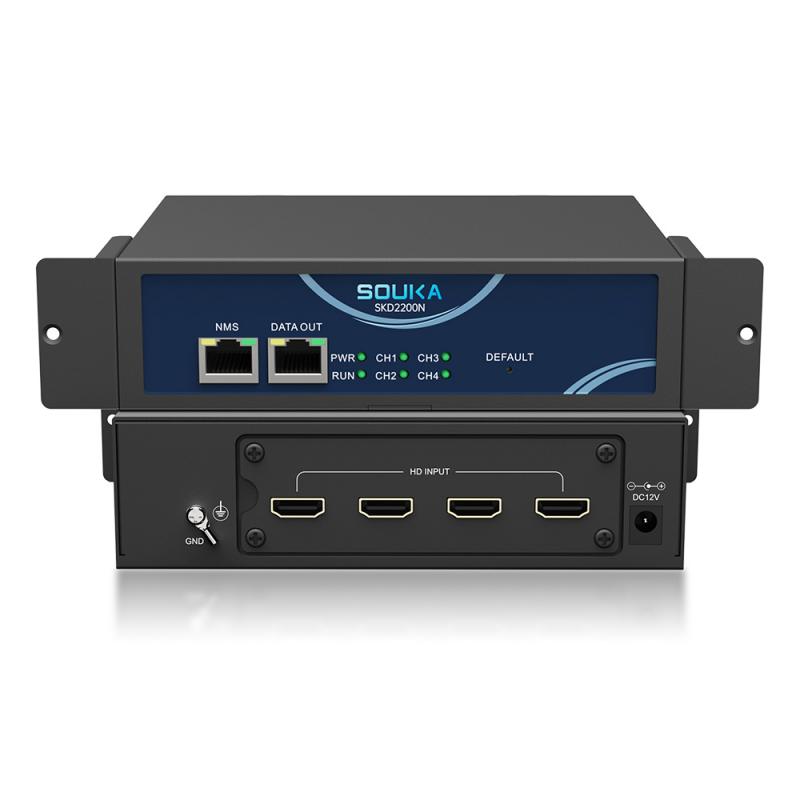
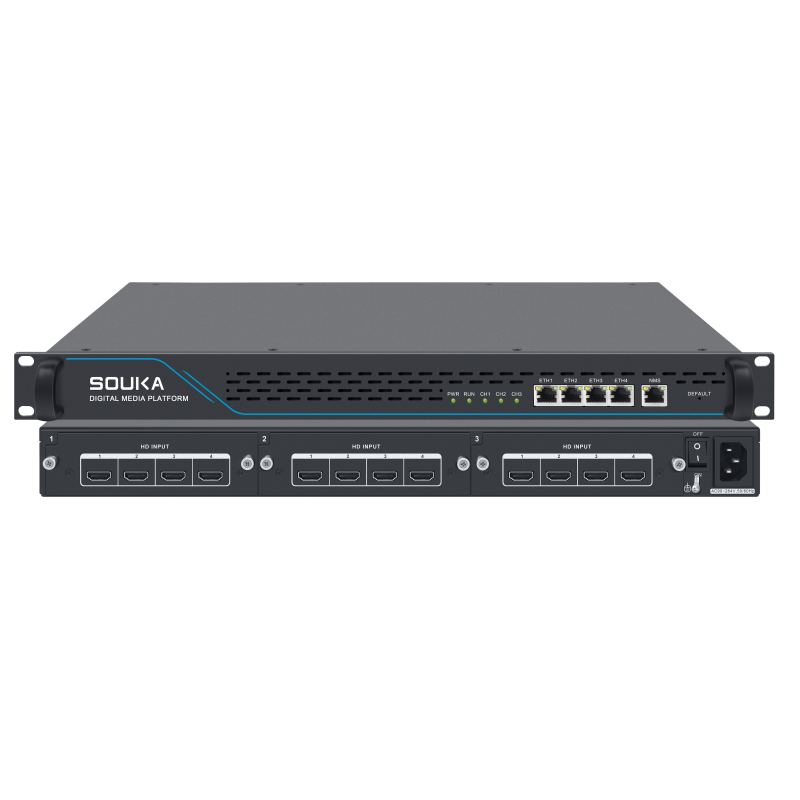
For supplier discussions, bring the actual source and endpoint inventory to the SOUKA streamer and encoder range. Ask which hardware, software and integration services satisfy the documented path, and which capabilities still require a sample test. A clear interface schedule makes quotations more comparable than an unsupported promise of plug-and-play compatibility.
Related Products
Related Solutions
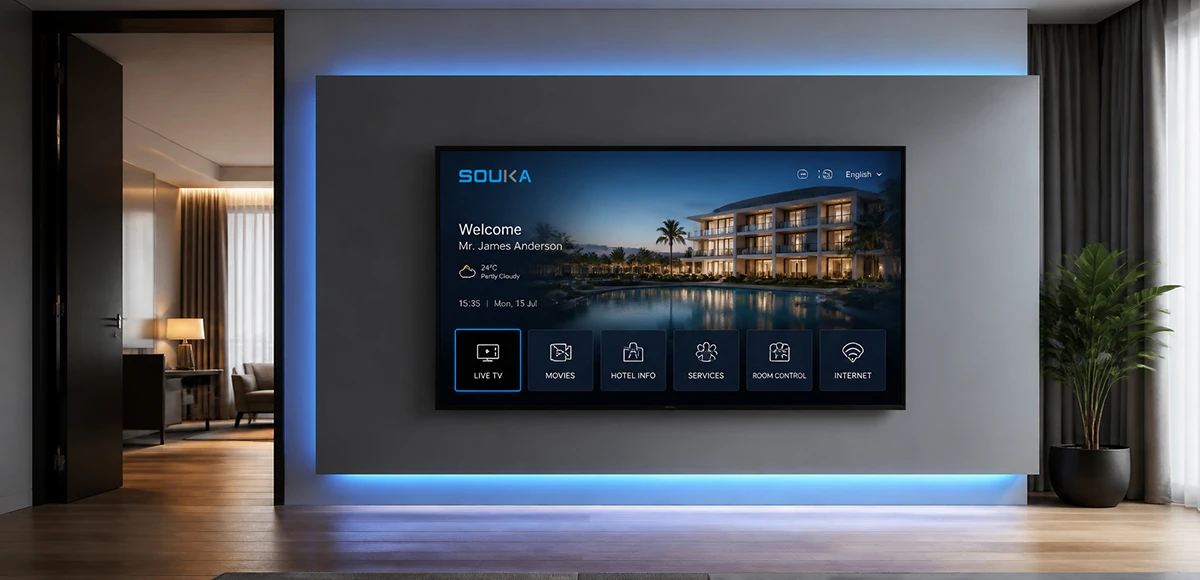
IPTV Solution for Hotels
Deliver lag-free 4K live TV to every guest room, customize your interactive brand interface with zero coding, and automate database workflows. Our carrier-grade Linux streaming matrix bridges natively with global property management systems to eliminate integration friction and slash hardware deployment overhead.
Explore Solutions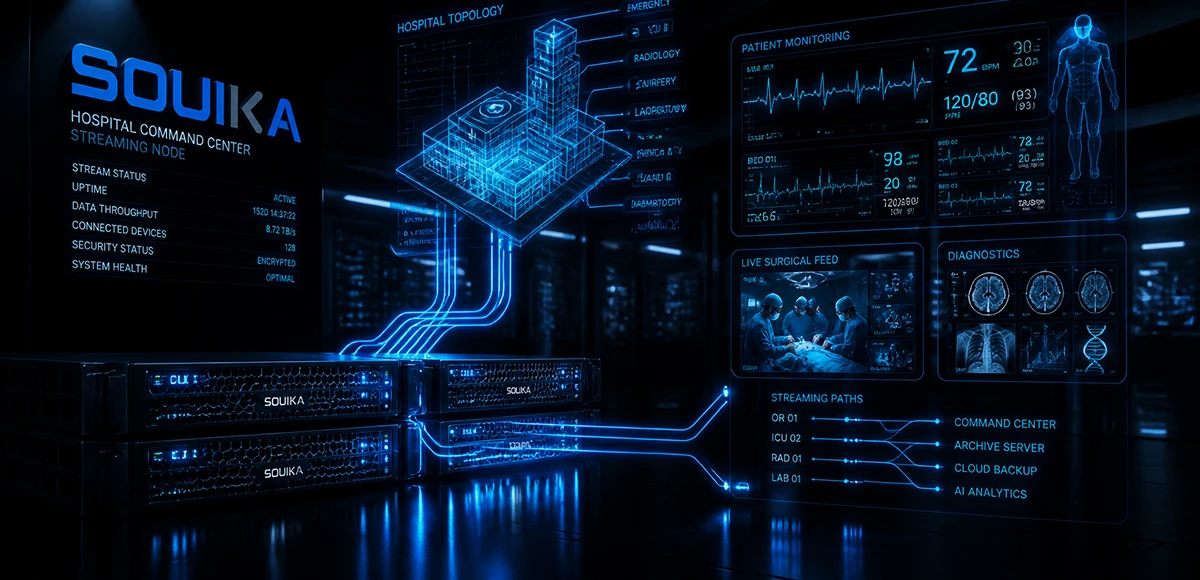
IPTV Solution for Hospital
Deliver zero-downtime 4K live broadcast, interactive patient education channels, and doctor-patient service portals across wards and consultation rooms. Powered by SOUKA’s high-concurrency streaming core, our carrier-grade system natively bridges with Hospital Information Systems (HIS) while strictly isolating video multicast traffic from sensitive medical telemetry networks.
Explore Solutions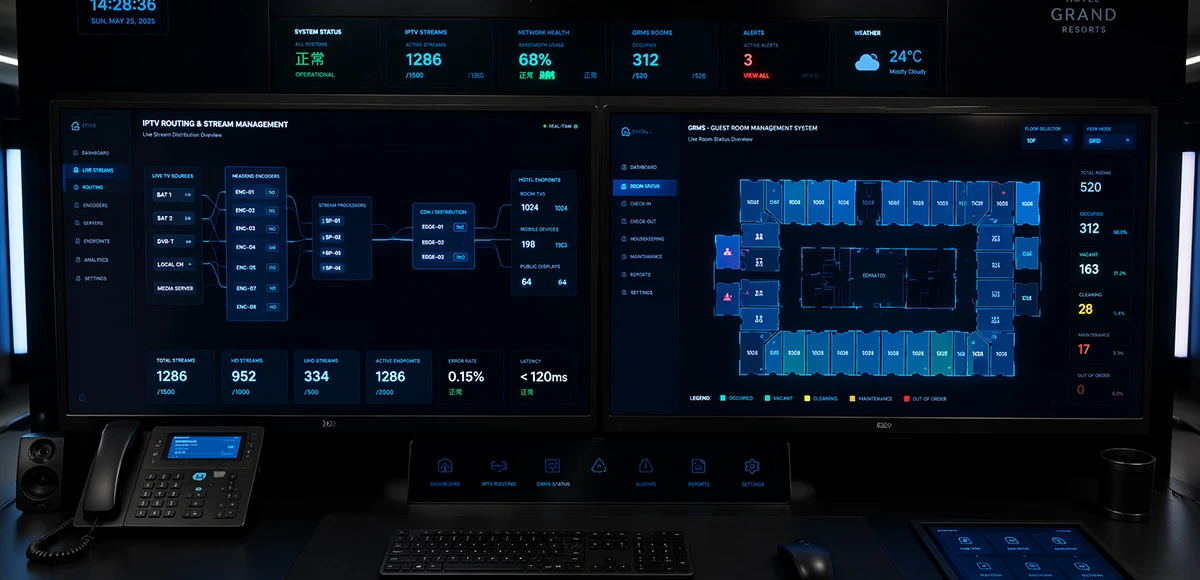
Integrated IPTV & GRMS Solution
Unify carrier-grade 4K IPTV streaming and autonomous RCU room controls into a single, cohesive hospitality IoT architecture. SOUKA bridges interactive in-room entertainment, smart lighting scenes, dynamic HVAC energy optimization, and native PMS database synchronization—slashing hardware CapEx, simplifying structured cabling, and delivering seamless guest experiences.
Explore Solutions
IPTV Solution for Hotels
Deliver lag-free 4K live TV to every guest room, customize your interactive brand interface with zero coding, and automate database workflows. Our carrier-grade Linux streaming matrix bridges natively with global property management systems to eliminate integration friction and slash hardware deployment overhead.
Explore Solutions
IPTV Solution for Hospital
Deliver zero-downtime 4K live broadcast, interactive patient education channels, and doctor-patient service portals across wards and consultation rooms. Powered by SOUKA’s high-concurrency streaming core, our carrier-grade system natively bridges with Hospital Information Systems (HIS) while strictly isolating video multicast traffic from sensitive medical telemetry networks.
Explore Solutions
Integrated IPTV & GRMS Solution
Unify carrier-grade 4K IPTV streaming and autonomous RCU room controls into a single, cohesive hospitality IoT architecture. SOUKA bridges interactive in-room entertainment, smart lighting scenes, dynamic HVAC energy optimization, and native PMS database synchronization—slashing hardware CapEx, simplifying structured cabling, and delivering seamless guest experiences.
Explore SolutionsFrequently Asked Questions
An IPTV Streamer is a professional IPTV headend device used to receive, process, and convert TV or video signals into IP streams for transmission over an Ethernet network.
It is commonly used in IPTV headend systems, hotel IPTV systems, hospitals, apartments, schools, and commercial TV distribution projects.
Conclusion
A dependable HDMI IPTV deployment starts with an authorised source and ends with proven playback and recovery on the actual guest-room endpoint. Confirm HDMI negotiation, define the complete stream profile, assign multicast responsibilities and size each link around its real traffic. Keep guest services and device management within their agreed scope.
Prepare the source register, receiver matrix, network drawing and acceptance requirements before selecting the final configuration. For the wider hospitality design, compare the hotel IPTV architecture and procurement guide. Then send SOUKA your HDMI IPTV project requirements for a configuration review based on your source timings, channel count, televisions and network constraints.