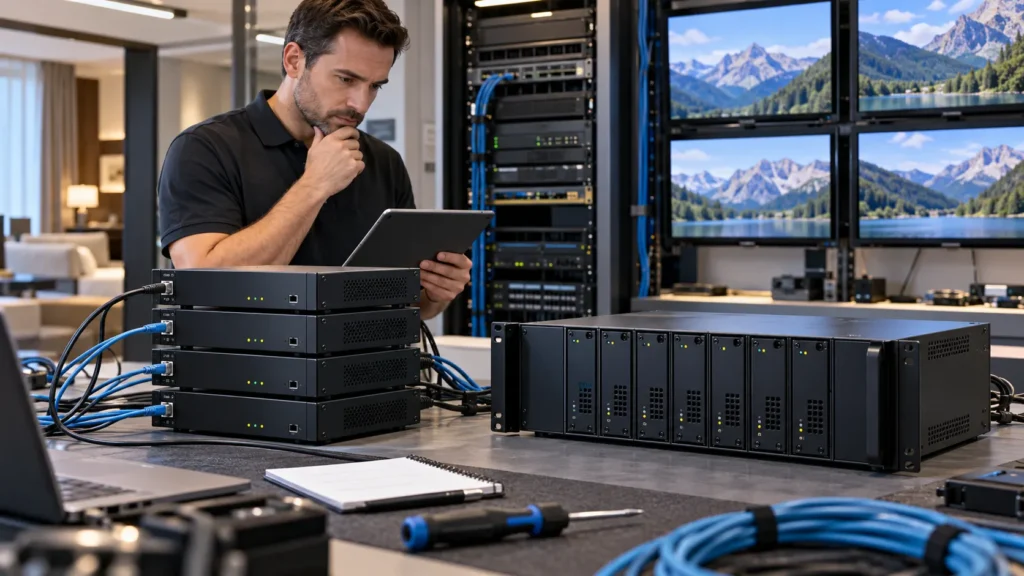
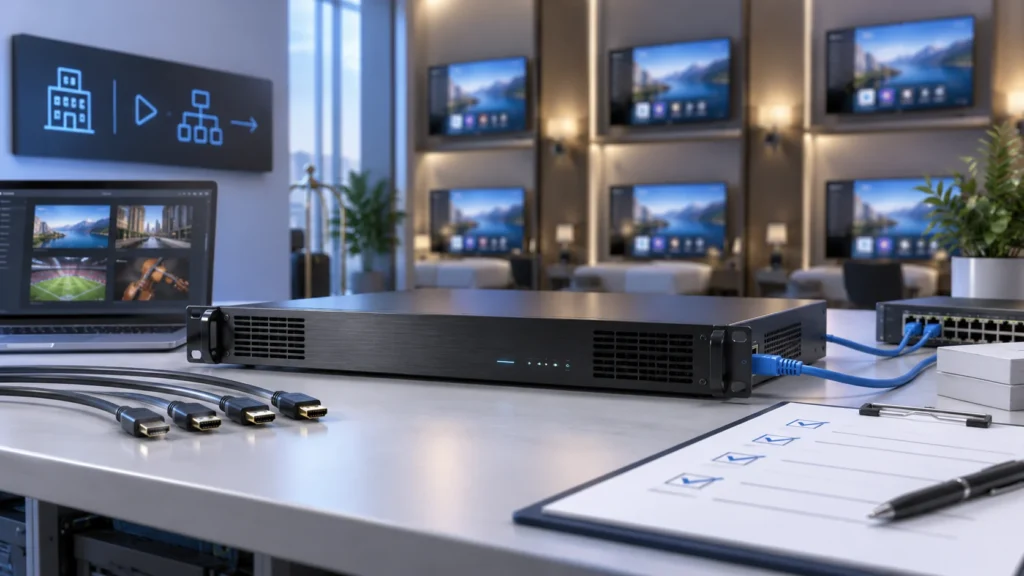
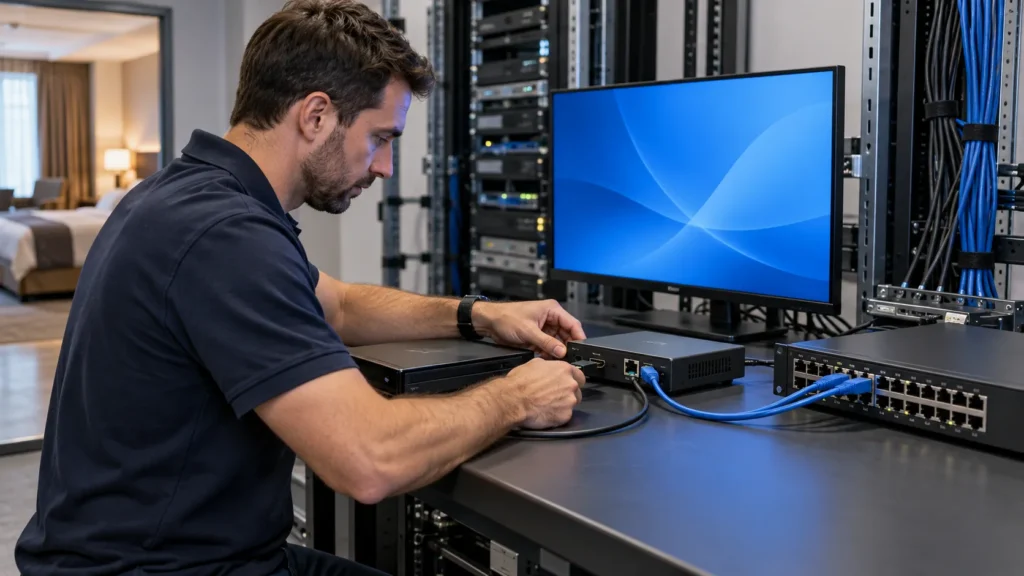
A 4 channel IPTV encoder can convert four independent source programmes into IP streams, provided the proposed model supports all four inputs at the required settings simultaneously. Four channels describe a source-processing capability, not a limit of four televisions and not a promise of four different output profiles for every input.
For a hotel, the useful question is whether each source reaches every intended receiver with the correct picture, sound and channel identity. This guide turns a four-source requirement into a configuration schedule and acceptance procedure for hotel IT teams, AV integrators and B2B buyers. Start with the commercial IPTV encoder range, then ask for evidence against your actual source and receiver list.
Before ordering: identify all four sources, confirm simultaneous processing, assign distinct stream destinations, test representative televisions, and document recovery. Numerical examples below are planning assumptions, not measured SOUKA performance.
When is a 4 channel IPTV encoder the right fit?
A four-channel unit is worth considering when a property has four independent local video sources to distribute over its managed network. Examples might include an authorised information player, a meeting-room feed and other approved programme sources. Count the signals that need independent encoding, rather than counting guest rooms or displays.
A single encoded programme may serve many receivers through a suitable multicast design. Conversely, one source might need two different encoding profiles for incompatible receiver groups, creating extra processing work. Confirm whether the quoted equipment can perform that additional work while the other three inputs remain active.
Separate the encoder from the wider television service
The encoder does not, by its channel count alone, provide a hotel portal, room authorisation, programme guide, on-demand library or property-management integration. Those functions may belong to other components. The hotel IPTV architecture guide explains how these responsibilities fit together.
For one or two sources, a smaller unit may be sufficient. For more than four, multiple units or a higher-density platform may be more practical. Compare those arrangements in the encoder density and redundancy guide; this article concentrates on specifying and proving one four-source configuration.
Do not confuse an HDMI encoder with a tuner-to-IP gateway or a decoder. A gateway may receive an already compressed broadcast service, while a decoder creates video for a display. Select the function your source actually requires before comparing the number printed on the product label.
Create a four-source configuration schedule
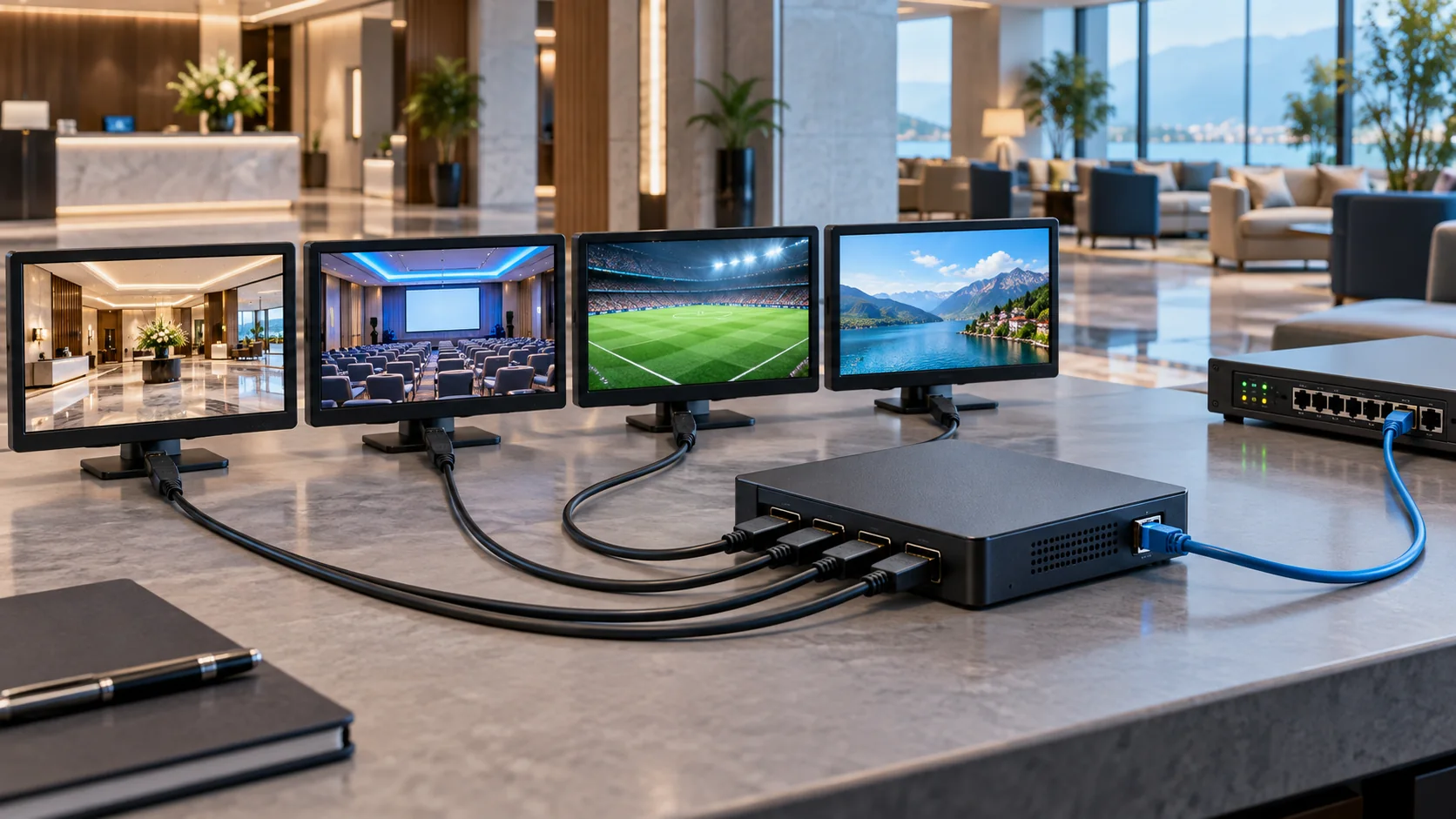
Make one row for each physical input and carry that identity through the output stream and television channel list. A clear schedule prevents swapped pictures, missing audio and duplicated destinations. It also lets the supplier quote a repeatable configuration instead of an unspecified four-channel box.
| Input | Source information | Output information | Acceptance evidence |
|---|---|---|---|
| 1 | Device, connector, timing and audio format | Programme name, codec and destination | Expected picture and sound on each receiver type |
| 2 | Same fields, independently recorded | Unique destination and documented port | No unintended source or audio substitution |
| 3 | Record any different frame rate or format | Required bitrate and receiver group | Simultaneous operation with inputs 1, 2 and 4 |
| 4 | Include permitted source restart behaviour | Saved settings and channel-list entry | Recovery after an agreed maintenance test |
This is a worksheet structure, not a suggested channel lineup. Replace every placeholder with the real devices, firmware versions and service names. Give the installation team access to the approved schedule and record who can change it after handover.
Record operating states, not just model names
A source may present a different output when it boots, plays live video or enters standby. Record the intended operating state and any automatic resolution changes. A successful picture from a laptop during a demonstration does not establish compatibility with the source used at the property.
Include the rights holder or internal owner responsible for authorising each feed. Technical connectivity does not grant redistribution rights, and a protected HDMI output must use an authorised, compatible path. Do not plan around bypassing content protection as a commissioning step.
Confirm input timing, audio and simultaneous encoding
Ask the supplier to confirm the exact combination of input resolution, frame rate, scan type, audio format and output settings across all four channels. A maximum input specification and a maximum output specification may describe different operating limits. Test the combination that will actually be deployed.
Check source and receiver compatibility separately
For example, accepting an input at a particular frame rate does not prove that the encoder outputs the same frame rate. Likewise, an H.264 output label does not establish compatibility with every receiver profile, level or transport format. Record the proposed settings and confirm them on each representative television or set-top box.
Check audio on all inputs, including the intended language, stereo handling, sampling configuration and receiver output path. Silent pictures often lead teams to troubleshoot the network first, although the audio format or source configuration may be responsible. Confirm the source locally before changing the delivery network.
The current SOUKA four-channel HD encoder page identifies the SKD2210, four HD signals, H.264 video, MPEG/AAC audio and four SPTS outputs over UDP or RTP. These are the model-specific statements to start from; obtain written confirmation of input timings, simultaneous workload, firmware and the required audio mode.
Do not transfer H.265, 4K, SRT or automatic failover capabilities from another model or a category-level description. If a requirement is absent from the model documentation, list it as unconfirmed. The H.264 and H.265 selection guide covers the receiver and codec decisions in more detail.
During the bench test, run all four agreed sources together. Then change one source to another approved operating state and observe the remaining streams. The result should establish both the changed channel’s behaviour and whether unrelated channels remain within the agreed acceptance criteria.
Match SPTS, transport and channel identities to receivers
Confirm the complete output format, not just the word IP. An SPTS carries one programme within a transport stream; the application, middleware and receiving device must understand how to obtain and decode it. Four SPTS outputs are not automatically a single four-programme multiplex.
Keep three types of identity distinct
The network destination identifies where the stream is sent. Transport-stream identifiers describe content inside that stream. The guest-facing channel number or name may be assigned by middleware or a receiver channel list. Document the relationship rather than assuming these three identifiers are interchangeable.
Where the device exposes service IDs, programme names or packet identifiers, record their actual supported settings. Avoid assuming every encoder permits every field to be edited. Check whether the receiver needs a direct stream address, a channel list, a portal entry or another supported discovery mechanism.
UDP and RTP are also different layers of description. IETF RFC 768 defines UDP, while RFC 3550 describes RTP sequence numbers, timestamps and associated monitoring. RTP itself does not guarantee timely delivery or reserve network resources.
Use the exact protocol and encapsulation combination accepted by the receiving system. A successful playback test in a desktop player is useful evidence, but it is not a substitute for testing the installed television application. Keep the working address, transport settings and receiving software version with the acceptance record.
Prevent accidental duplication by checking the four configured destination and port combinations together. If another encoder already uses the same destination, resolve the conflict before connecting the new unit. Allocate addresses through the network owner rather than copying a supplier’s laboratory defaults.
Budget bandwidth and agree the network boundaries
Calculate traffic at each relevant link, using all four active outputs and any additional copies or profiles. The aggregate encoded video rate is only a starting point. Audio, transport packaging, protocol overhead, traffic peaks and other services also consume capacity.
A transparent four-channel example
Assume four programmes, each configured for 6 Mbit/s video and 0.128 Mbit/s audio. The combined elementary-stream rate is 4 × (6 + 0.128) = 24.512 Mbit/s, before transport overhead. These illustrative values are not recommended quality settings or a tested limit of any listed product.
If each programme also needs a separately encoded 3 Mbit/s video version with the same audio rate, that adds 12.512 Mbit/s. The combined figure becomes 37.024 Mbit/s before overhead, but only if the proposed equipment supports the extra simultaneous profiles. Arithmetic cannot establish that processing capability.
| Delivery condition | What changes | What to verify |
|---|---|---|
| One multicast version per programme | Streams are replicated along the distribution tree | Actual forwarding, memberships and link utilisation |
| Separate unicast copies | Traffic increases on the links carrying those copies | Concurrent destinations and source-port throughput |
| Additional encoded version | Processing and output traffic may both increase | All required profiles operating simultaneously |
| Source or receiver restart | Traffic and acquisition behaviour may change | Observed recovery without disrupting other services |
For IPv4 multicast, the IGMPv3 specification describes host membership reporting. Switch snooping, the querier, VLAN boundaries and routed delivery must be configured for the actual network. Enabling a checkbox labelled multicast is not a complete network design.
Agree whether management and media share an interface and how administration is restricted. Record switch ports, VLANs, address ownership and the responsible network engineer. The HDMI IPTV network design guide develops these delivery and troubleshooting boundaries beyond a single encoder.
Run a receiver-based acceptance test
Accept the system using the real receiving environment and all four sources running together. Define the observation period, pass conditions and evidence before the test. A supplier demonstration can inform the procedure, but the hotel’s receiver mix and network path determine the final result.
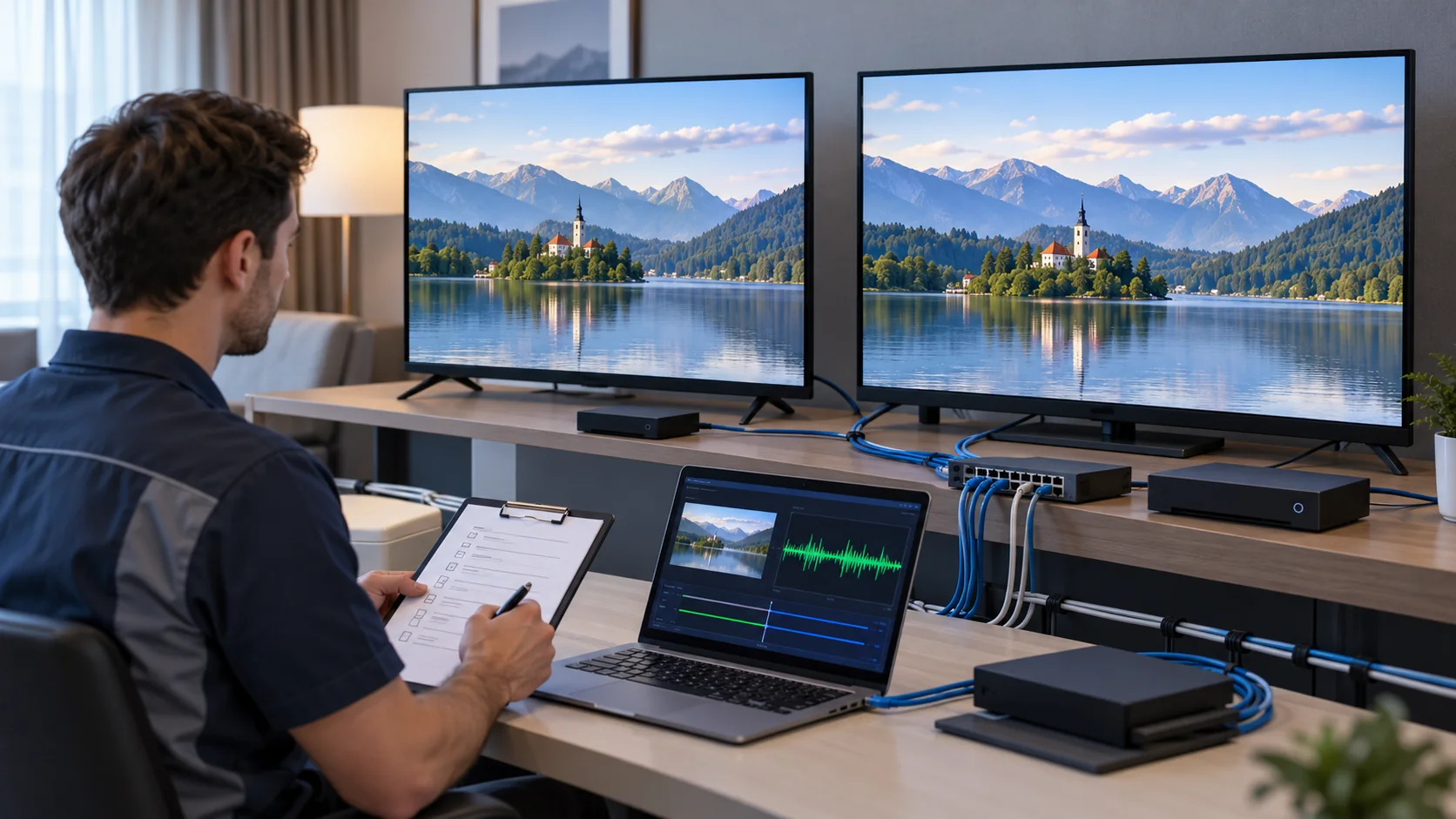
Use a sequence that isolates faults
- Verify each authorised source directly and record picture and audio formats.
- Check each encoder input and its matching stream on a local test network.
- Enable all four outputs and confirm the agreed simultaneous settings.
- Test each representative receiver model through the intended distribution path.
- Repeat channel changes, standby and source restart conditions agreed for the project.
- Record failures, make controlled corrections and repeat the affected checks.
Use varied, representative material: motion, fine text, dark areas and speech help expose different issues. Keep the test source and output settings consistent when comparing configurations. Record visible problems and receiver observations rather than relying only on an encoder status light.
Measure end-to-end delay if the application requires it. The source, encoder, network buffers, player and display can all contribute; the encoder’s quoted latency is not the complete viewing delay. Agree a measurement method and a pass threshold appropriate to the intended room or public-area use.
Include audio/video synchronisation, correct programme identity and stable playback in the record. Where monitoring tools expose packet loss or timing observations, save those results alongside the receiver outcome. Do not invent numerical acceptance limits after seeing the test result; establish them jointly before procurement or commissioning.
A useful defect report names the source, input, output address, receiver model, firmware, time and reproduction steps. That detail makes corrective work faster than a report that simply says IPTV freezes. Preserve a known working configuration so that changes can be compared and reversed.
Plan maintenance, recovery and handover
A four-channel encoder is a shared dependency for the programmes connected to it. Decide how those programmes will be restored after an equipment failure or maintenance event. A saved configuration is valuable, but it does not provide a replacement device, compatible source routing or automatic switchover.
Make recovery executable by the site team
Document how to connect an approved spare, restore its settings and confirm the four outputs. Include the firmware version, any licences, network allocation and access arrangements needed. Test the procedure during an agreed maintenance window, with permission from the network and television service owners.
Avoid making the spare use a live unit’s address while both are connected. Record which unit is active and how duplicate streams are prevented. If automated protection is required, obtain a specific design and demonstrate it; do not infer that two network connectors or an extra chassis provide seamless failover.
The handover package should contain the source schedule, output settings, receiver test matrix, configuration backup, permitted administration method and support contacts. Store secrets securely rather than printing credentials in a broadly shared commissioning report. Identify who approves firmware updates and how to return to a known working release.
Record the date and scope of the accepted configuration. A later source-player update, replacement television or changed network policy can affect behaviour without any encoder hardware change. Use the original evidence as a baseline and retest the affected path whenever these dependencies change.
Assign a named owner to the configuration record and make the approved copy available to the people who answer support calls. Label the four source cables and the corresponding output entries consistently. After a replacement device is installed, verify every channel rather than checking only the first picture that appears. A short handover rehearsal can reveal missing access details, unavailable source remotes or an undocumented receiver setting before those gaps become an operational problem. Keep a simple change log stating what changed, why it changed, who approved it and which acceptance checks were repeated. This makes future expansion easier to assess without relying on memory.
What should the quotation and purchase checklist include?
Request a configuration-specific quotation with both included functions and unresolved requirements stated clearly. This makes competing offers comparable and reduces the chance of discovering missing licences, unsupported input timings or extra integration work after delivery. Treat a four-channel label as the start of the specification.
| Quotation item | Required detail |
|---|---|
| Hardware and firmware | Exact model, revision, interfaces and supported release |
| Four-source workload | Input timings, audio modes, codecs and concurrent outputs |
| Receiver compatibility | Representative devices, software and output packaging |
| Integration | Channel-list responsibility, network scope and administration |
| Acceptance and support | Agreed tests, evidence, defect handling and support scope |
| Commercial scope | Accessories, licences, mounting, delivery and spare arrangements |
For a hotel project, attach the source schedule and identify the existing middleware and receiver types. If the wider project combines television with guest services, use the hotel IPTV solution as the system discussion point. Do not make the encoder responsible for integrations supplied elsewhere.
Compare the complete accepted configuration rather than the lowest unit price. Confirm what happens if the proposed firmware cannot meet a stated requirement and who owns corrective testing. A clear scope is particularly useful when the encoder supplier, network contractor and television installer are separate companies.
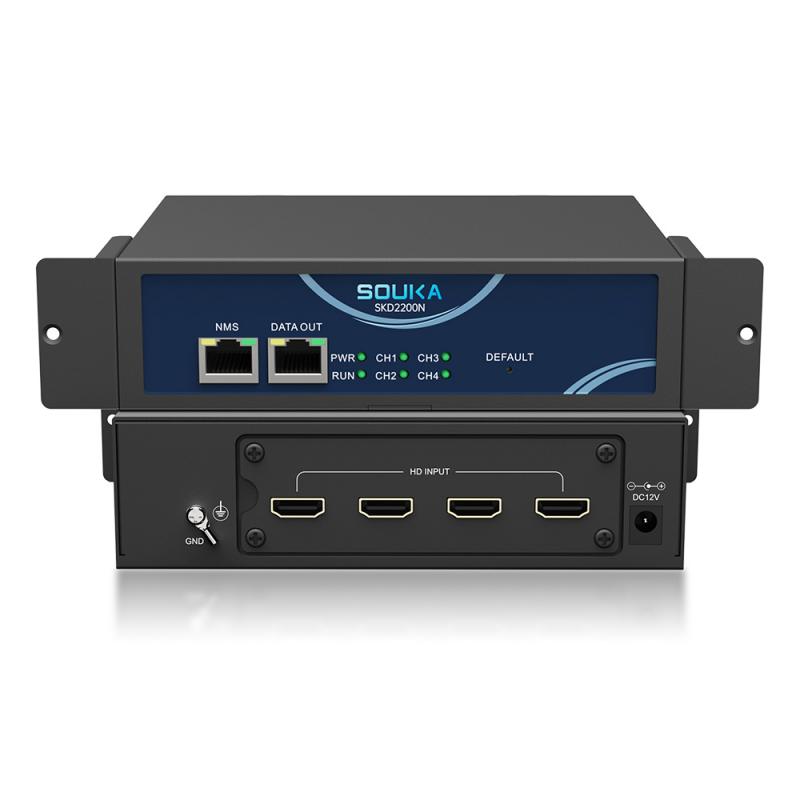
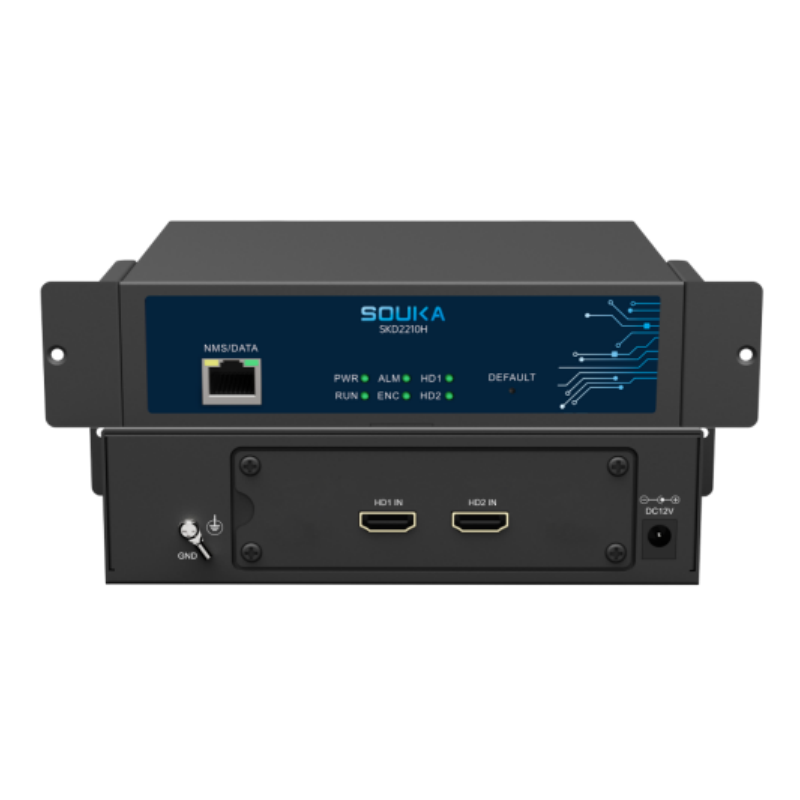
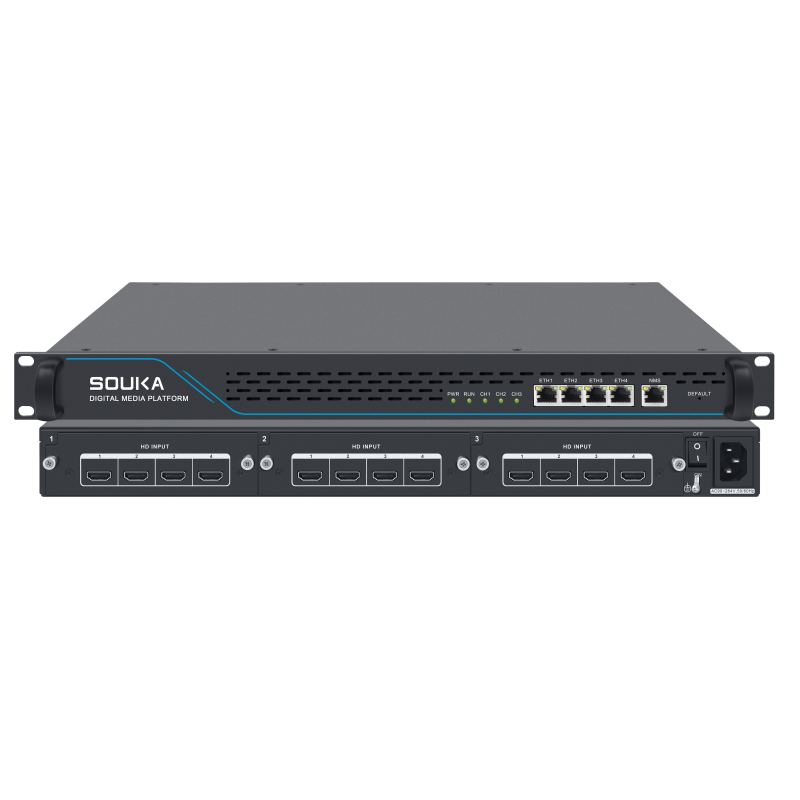
The related products below are candidates for discussing four-channel, smaller-unit and modular alternatives. They are not a statement that every model meets the same specification. Ask SOUKA to review the actual source list and confirm a suitable configuration before ordering.
Related Products
Related Solutions
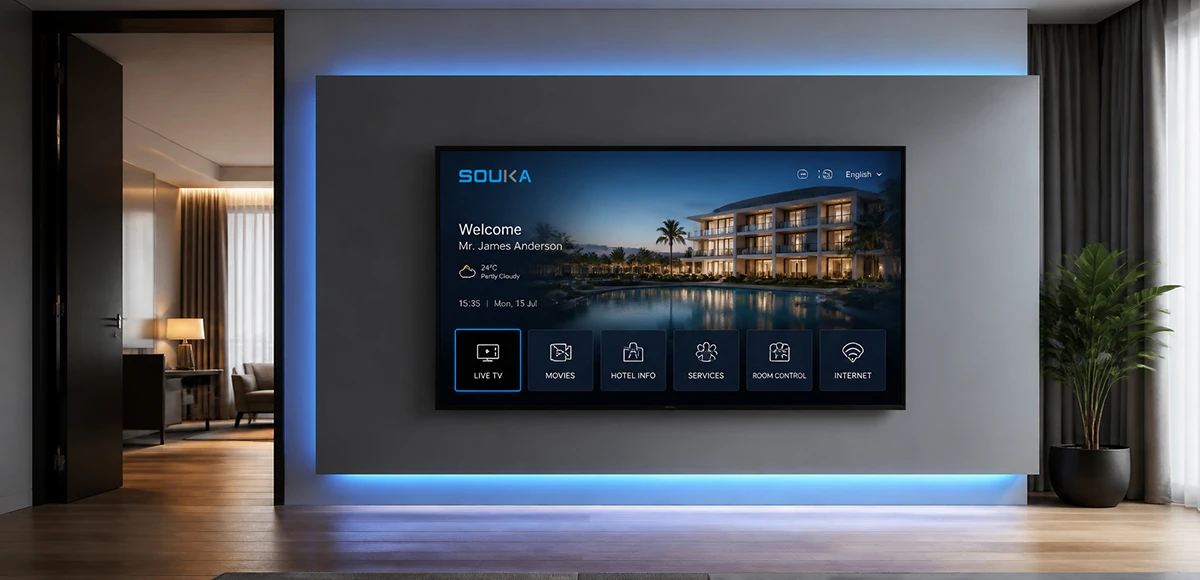
IPTV Solution for Hotels
Deliver lag-free 4K live TV to every guest room, customize your interactive brand interface with zero coding, and automate database workflows. Our carrier-grade Linux streaming matrix bridges natively with global property management systems to eliminate integration friction and slash hardware deployment overhead.
Explore Solutions
IPTV Solution for Hospital
Deliver zero-downtime 4K live broadcast, interactive patient education channels, and doctor-patient service portals across wards and consultation rooms. Powered by SOUKA’s high-concurrency streaming core, our carrier-grade system natively bridges with Hospital Information Systems (HIS) while strictly isolating video multicast traffic from sensitive medical telemetry networks.
Explore Solutions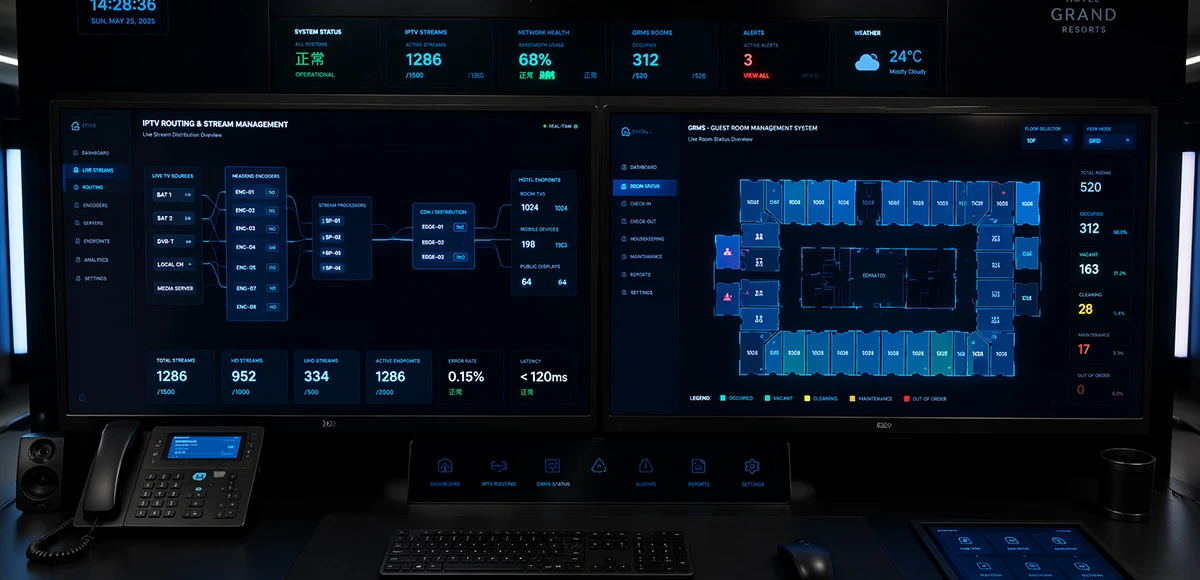
Integrated IPTV & GRMS Solution
Unify carrier-grade 4K IPTV streaming and autonomous RCU room controls into a single, cohesive hospitality IoT architecture. SOUKA bridges interactive in-room entertainment, smart lighting scenes, dynamic HVAC energy optimization, and native PMS database synchronization—slashing hardware CapEx, simplifying structured cabling, and delivering seamless guest experiences.
Explore Solutions
IPTV Solution for Hotels
Deliver lag-free 4K live TV to every guest room, customize your interactive brand interface with zero coding, and automate database workflows. Our carrier-grade Linux streaming matrix bridges natively with global property management systems to eliminate integration friction and slash hardware deployment overhead.
Explore Solutions
IPTV Solution for Hospital
Deliver zero-downtime 4K live broadcast, interactive patient education channels, and doctor-patient service portals across wards and consultation rooms. Powered by SOUKA’s high-concurrency streaming core, our carrier-grade system natively bridges with Hospital Information Systems (HIS) while strictly isolating video multicast traffic from sensitive medical telemetry networks.
Explore Solutions
Integrated IPTV & GRMS Solution
Unify carrier-grade 4K IPTV streaming and autonomous RCU room controls into a single, cohesive hospitality IoT architecture. SOUKA bridges interactive in-room entertainment, smart lighting scenes, dynamic HVAC energy optimization, and native PMS database synchronization—slashing hardware CapEx, simplifying structured cabling, and delivering seamless guest experiences.
Explore SolutionsFrequently Asked Questions
Conclusion
A 4 channel IPTV encoder should be chosen and accepted as four complete source-to-receiver paths. The practical sequence is straightforward: identify the sources, confirm simultaneous encoding, assign unique streams, budget the actual traffic and test the receiving equipment. Preserve those settings and the recovery procedure for the people who will support the hotel.
Prepare your four-source schedule, receiver models and network requirements, then request a configuration review. A documented test plan makes the proposal easier to compare and gives the installation team a clear definition of completion.