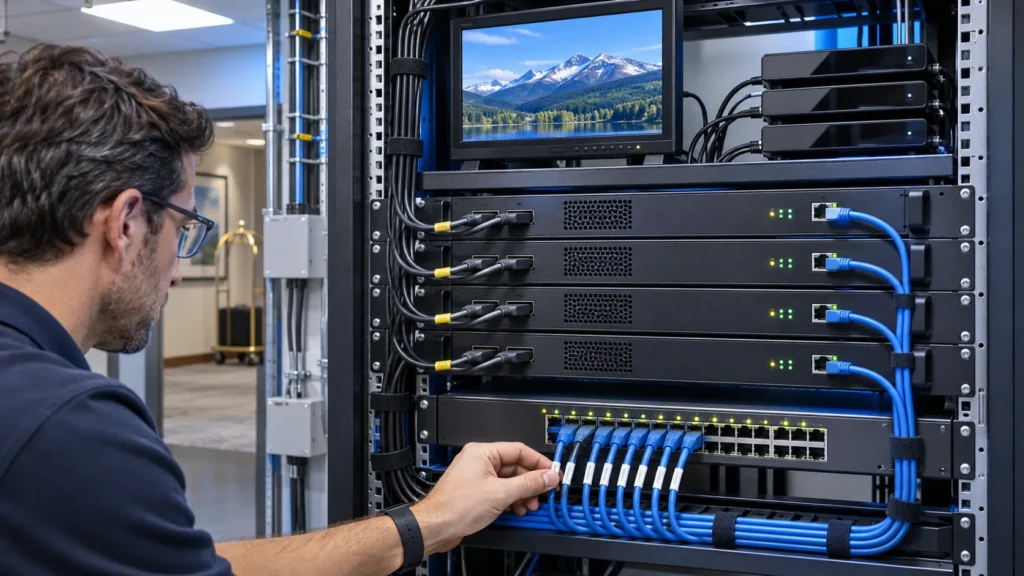
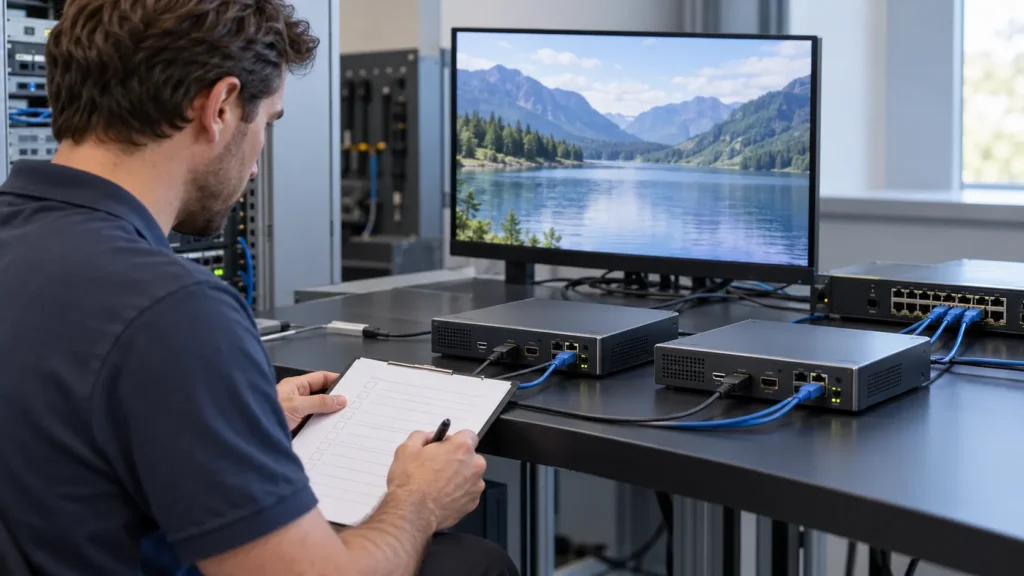
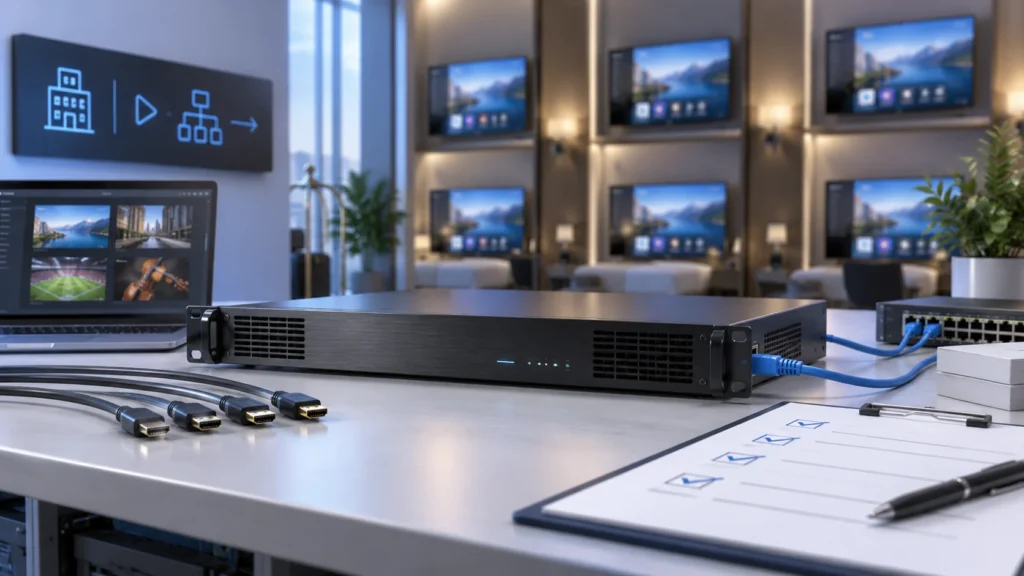
Choosing an HDMI IPTV encoder for a hotel means matching the actual source output to the network and guest television. This guide explains when HDMI encoding is needed, what to specify, how to investigate a black screen, and which tests to request before buying. Start with one representative source and receiver, then build an evidence-based channel schedule.
When does a hotel need an HDMI IPTV encoder?
An HDMI IPTV encoder accepts compatible HDMI audio and video and compresses them for delivery over an IP network. It suits a source that provides an authorised HDMI output, such as a local information player or approved programme receiver. The correct choice depends on the source, encoded stream and receiving device working together.
Encoding is one stage in a service. It does not provide programme rights, guest room middleware or a complete network by itself. Begin with the SOUKA IPTV streamer and encoder range, then identify what each channel needs at the connection point. Avoid buying another encoding stage when a compatible compressed IP service is already available.
Distinguish encoding from other conversion paths
An HDMI extender carries a video connection to another location. An HDMI-to-RF modulator prepares channels for coaxial distribution. An HDMI-to-IP encoder creates compressed network streams. A tuner gateway acquires broadcast services and can forward them over IP. These functions can appear together in a headend, but they solve different interface problems.
For a mixed building, draw separate paths to the room television. A coaxial receiver and an IPTV application may need different outputs even when they share the same programme source. Use the hotel HDMI and IPTV network guide to place the encoder within the wider delivery architecture.
Prepare a source schedule with channel name, source owner, source model, connector, video timing, audio format and intended endpoint. Add the required daily operating pattern and recovery owner. This schedule makes supplier proposals comparable and gives the commissioning team a precise starting point.
Specify the HDMI input before choosing the encoding profile
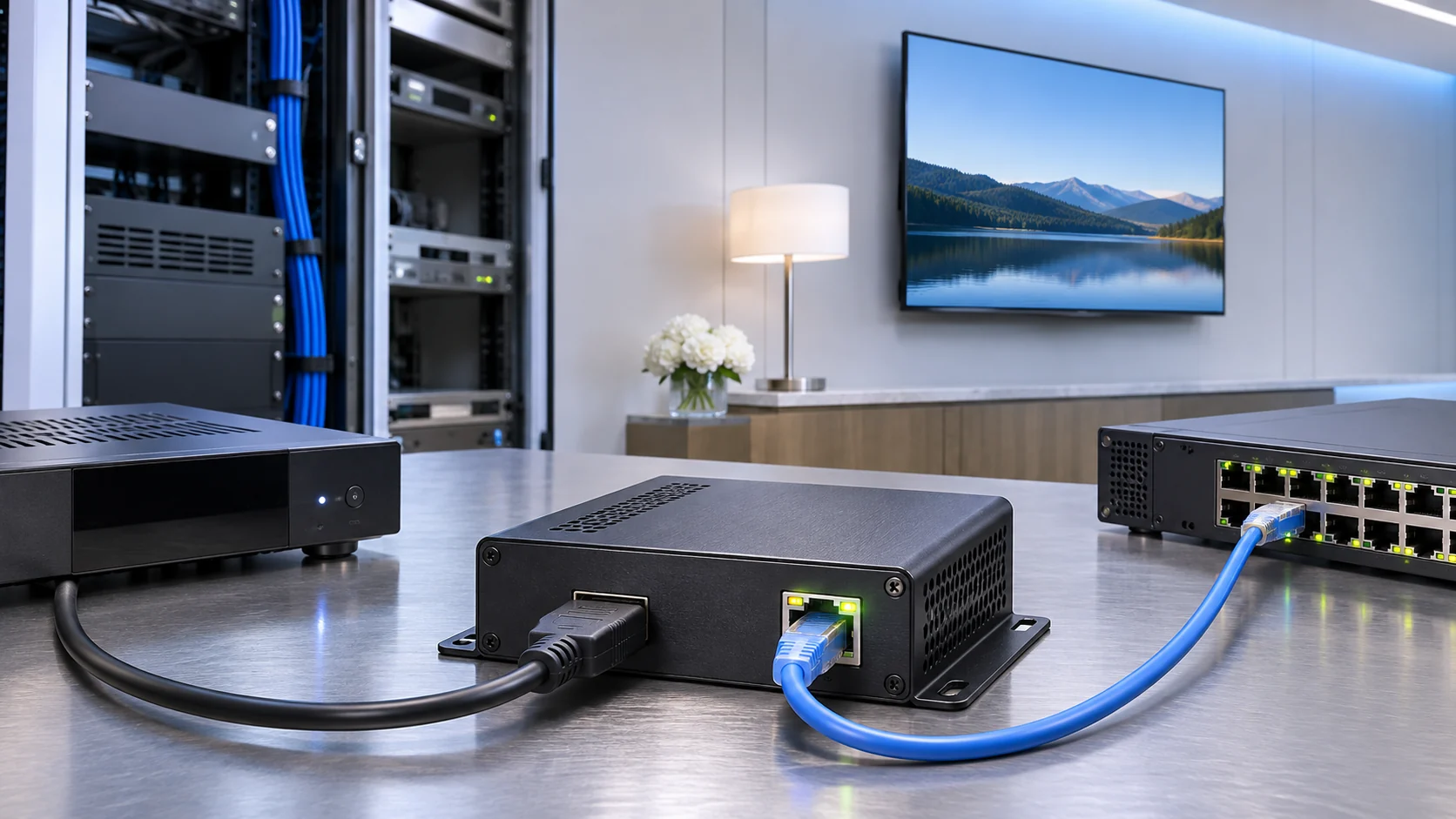
Specify the input as an exact timing and audio combination, rather than simply writing HD or 4K. Record resolution, progressive or interlaced scan, frame rate and the source device's output setting. Then state the required encoded output separately. Accepting an input does not establish that the encoder can produce every output format.
Check what happens after a restart
HDMI equipment exchanges display capability information through EDID. A source can select its output according to the information it receives. During a pilot, record the timing reported at the encoder and repeat the check after the source restarts, the cable is reconnected and the encoder loses power. Save the working configuration with the test report.
Keep compatibility evidence specific to the selected models and firmware. The same connector does not prove that two devices support the same timing, colour format or audio behaviour. If a project needs scaling or deinterlacing, ask where that processing occurs and inspect motion, fine text and edges on the room display.
Record the HDMI cable route and actual cable used. Test a short known-working connection first, then the proposed installation cable. A failure on a longer path needs connection and signal-integrity checks before changes to encoding bitrate. Avoid changing the source, cable and encoding profile simultaneously, because the result will no longer isolate the cause.
For procurement, attach one passing source-and-encoder combination to the specification. Include the source output menu, detected input status and playable output sample. Ask the supplier to flag any untested source families explicitly. An exception list is more useful than a blanket compatibility statement.
Supplier manuals can help distinguish the controls being tested. For example, the Extron NAV E 121 user guide documents input monitoring, EDID management and HDCP configuration separately. It is a reference for the diagnostic distinction, not evidence that a SOUKA encoder offers the same controls or uses the same transport system.
Resolve a black screen by separating EDID, permissions and playback
A black screen needs staged diagnosis: prove the source output, verify encoder input acquisition, inspect the encoded stream, and finally test the guest receiver. A picture missing at the HDMI input calls for different checks from an output stream that reaches the television but cannot be decoded. Keep those observations separate.
EDID capability exchange and HDCP content protection address different issues. A source may output a timing the encoder cannot accept, or it may restrict the intended connection. Confirm the authorised commercial distribution method with the content provider. Do not assume an encoder's HDMI specification permits every protected source or redistribution use.
| Observation | First checks | Evidence to save |
|---|---|---|
| No detected HDMI input | Source output, cable, selected input and accepted timing | Source setting and encoder input status |
| Input detected but no usable encoded picture | Supported source path and configured encoding profile | Input status, output sample and supplier findings |
| Stream plays on a test player but not the room TV | Codec, profile, transport, audio and receiver configuration | Same sample tested on both devices |
| Picture fails after a restart | EDID negotiation, saved settings and startup sequence | Restart sequence and recovery observations |
Listen to the audio during every picture test. A source menu may use different audio settings from the programme itself. Verify the required language, stereo or multichannel handling and synchronisation. A silent programme can otherwise be mistaken for a general stream failure.
Keep a known-working source and receiver available for comparison. Change one variable, repeat the same sequence and record the result. Escalate with the exact source, firmware, input status and stream sample, rather than a screenshot of a blank television alone.
Match codec and transport to the hotel receiver
Specify the video codec, profile, level, frame rate, audio format and delivery protocol as one receiver contract. H.264 or H.265 support alone is insufficient. The receiving application must also accept the stream structure and network delivery method. Validate a sample on every important television or set-top-box family before ordering the full channel count.
A HEVC HDMI IPTV encoder can be useful where the receiver estate and quality target support HEVC. Compare it with H.264 using the same source and display. Do not assume a fixed percentage saving or identical decoding support across older devices. The H.264 versus H.265 comparison separates those decisions from headline compression claims.
Name the actual output format
UDP, RTP, RTSP and HLS are not interchangeable labels for the same output. Ask what payload or container is sent, how a receiver obtains it, and whether the offered implementation supports the hotel's player. For example, RFC 6184 defines an RTP payload format for H.264 video; codec support by itself does not identify packetisation or session details.
Record whether each service leaves as a separate single-programme transport stream or belongs to a multi-programme stream. Agree addresses, ports, service identifiers and channel names with the downstream system owner. Where session descriptions or playlists are needed, include them in the handover package and test them after a fresh receiver startup.
Treat channel acquisition and end-to-end delay as measured service behaviours. Encoder processing, keyframe settings, receiver buffering and network joins can all contribute. Use one agreed source-to-screen measurement method. If the supplier quotes a latency figure, ask which stages, settings and devices it includes.
Size HDMI channels and network outputs separately
Count simultaneous HDMI inputs, encoded profiles and output sessions independently. A four-input device does not necessarily provide unlimited versions or destinations per channel. State the required workload with codec, resolution, frame rate, audio and rate control. Request a demonstration with every planned channel operating together, using the actual output configuration.
A simple planning example
Suppose four channels each produce a measured total IP service rate of 8 Mb/s. One copy of all four services requires 32 Mb/s on that path. If the designer provisionally reserves 25% for peaks and growth, the planning figure is 40 Mb/s. These are illustrative assumptions, not SOUKA performance claims or a universal allowance.
Replace those assumptions with measured rates and the project's growth requirement. If the quoted bitrate describes video only, add the rest of the transmitted service before sizing links. Check variable-rate peaks, additional profiles and recording or preview destinations. The bottleneck may sit downstream of a fast encoder port.
For multicast, identify the links that carry one service copy and where switches replicate it. For separate unicast sessions, count the simultaneous sessions and confirm the originating device's limits. Do not multiply a multicast encoder output by every room without checking the distribution design. The hotel IPTV distribution system guide covers VLAN and forwarding boundaries.
Include one failure scenario in the calculation. If a standby encoder takes over, document the channels and traffic that move to it. Identify configuration, addressing and cable changes needed for that recovery. A spare is only useful when the team can restore the agreed service with a repeatable procedure.
Compare model-specific evidence instead of category claims
Compare HDMI encoder models against their own specifications and a shared test schedule. Family-level marketing describes a range and may include capabilities absent from the chosen unit. Ask for written confirmation of the exact input, output, channel density and firmware in the quotation, especially where 4K, HEVC or multiple protocols are required.
| SOUKA option | Published model detail | Question for the proposal |
|---|---|---|
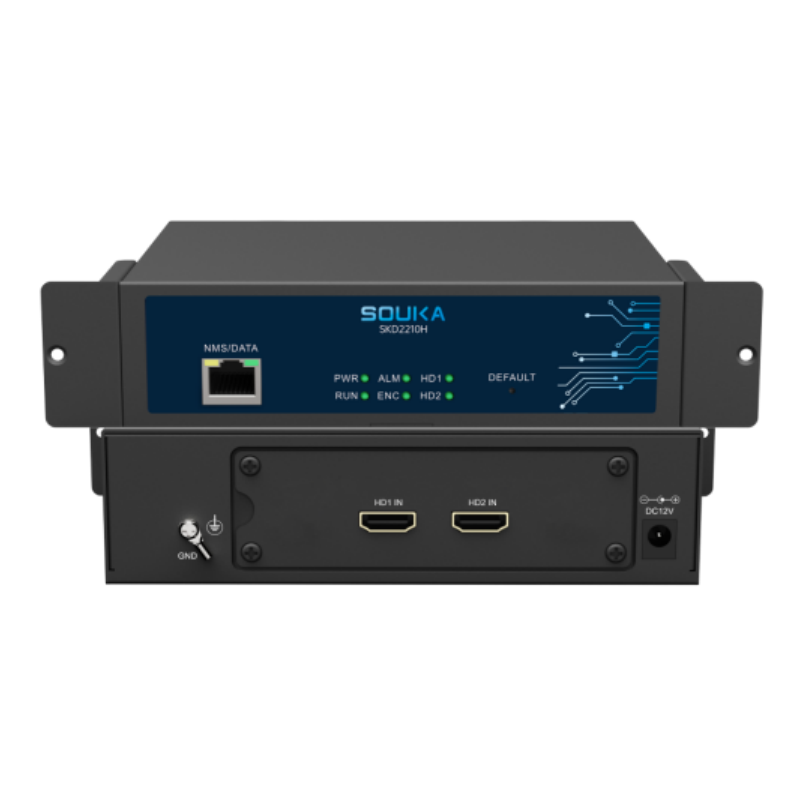
| SKD2210H dual-channel HD encoder | The page lists two HD inputs, H.264/AAC and output up to 1080p30. | Will both proposed sources and the required transport work together? |
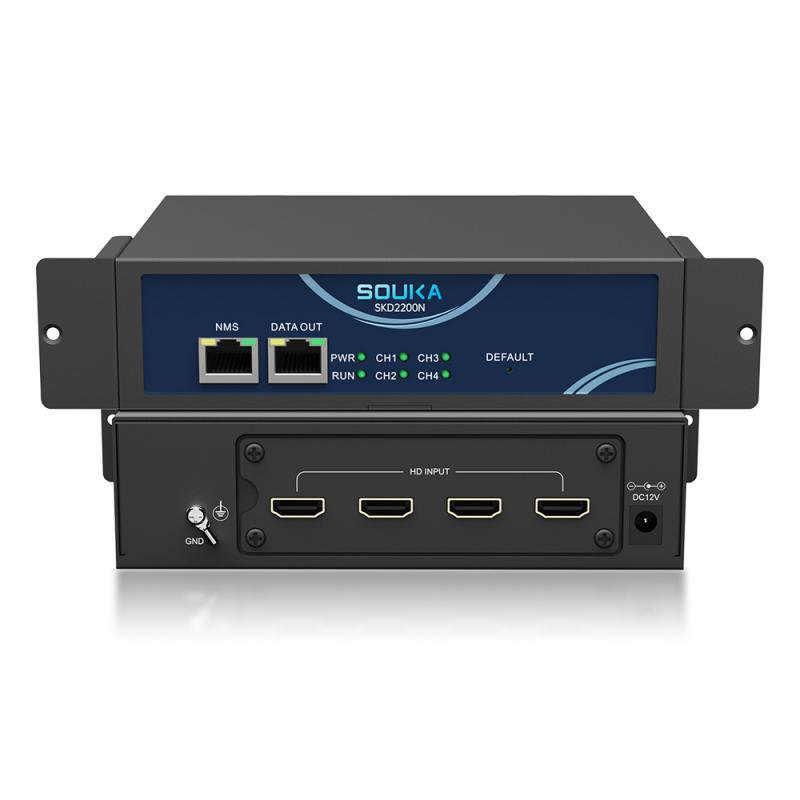
| SKD2210 four-channel HD encoder | The page describes four HD signals, H.264 and four SPTS outputs over UDP or RTP. | Which input timings and audio settings pass the hotel receiver test? |
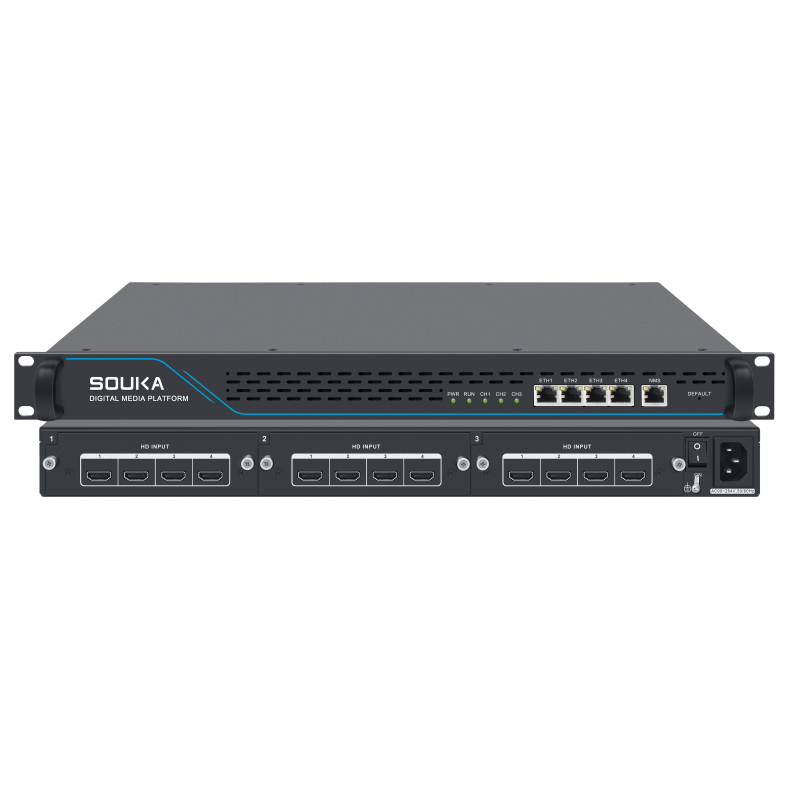
| SKD1510 multi-channel HD encoder | The specification lists twelve HD inputs and H.264/H.265 encoding up to 1080p30. | What complete workload and failure domain does the offered configuration support? |
These published details establish comparison points, not acceptance of a particular installation. Confirm the current offered configuration with SOUKA and retain the supplier's response. A listed 1080p input or output must not be represented as verified 4K encoding. For a genuine 4K HDMI IPTV encoder requirement, specify the needed input and encoded output timing separately and request an appropriate model demonstration.
Evaluate physical installation too: power supply, mounting, ventilation, connector access and service clearance. Use the selected unit's requirements rather than a general rack diagram. Include spare power arrangements, cable labels and the software version in the bill of materials.
For chassis selection and the wider encoder stage, consult the HD IPTV headend encoder commissioning guide. Keep the HDMI source acceptance schedule alongside that architecture so responsibility is clear at each handoff.
Run an HDMI-to-IP acceptance test before site rollout
Accept the service through the planned source, encoder, network path and guest endpoint. A laptop playback test helps isolate faults, but it does not replace acceptance on the hotel's television or set-top box. Agree pass conditions in advance and retain the configuration, sample stream and results for each representative receiver family.
- Prove source acquisition. Check picture and audio with the approved HDMI output timing and actual programme material.
- Verify the stream. Record codec, profile, output transport, service rate, addresses and channel mapping.
- Check room playback. Test startup, channel changes, audio synchronisation, required language and any applicable captions.
- Load all channels. Run every planned input and profile together, observing output traffic and receiver behaviour.
- Test recovery. Restart the source and encoder in agreed sequences, then verify the service returns correctly.
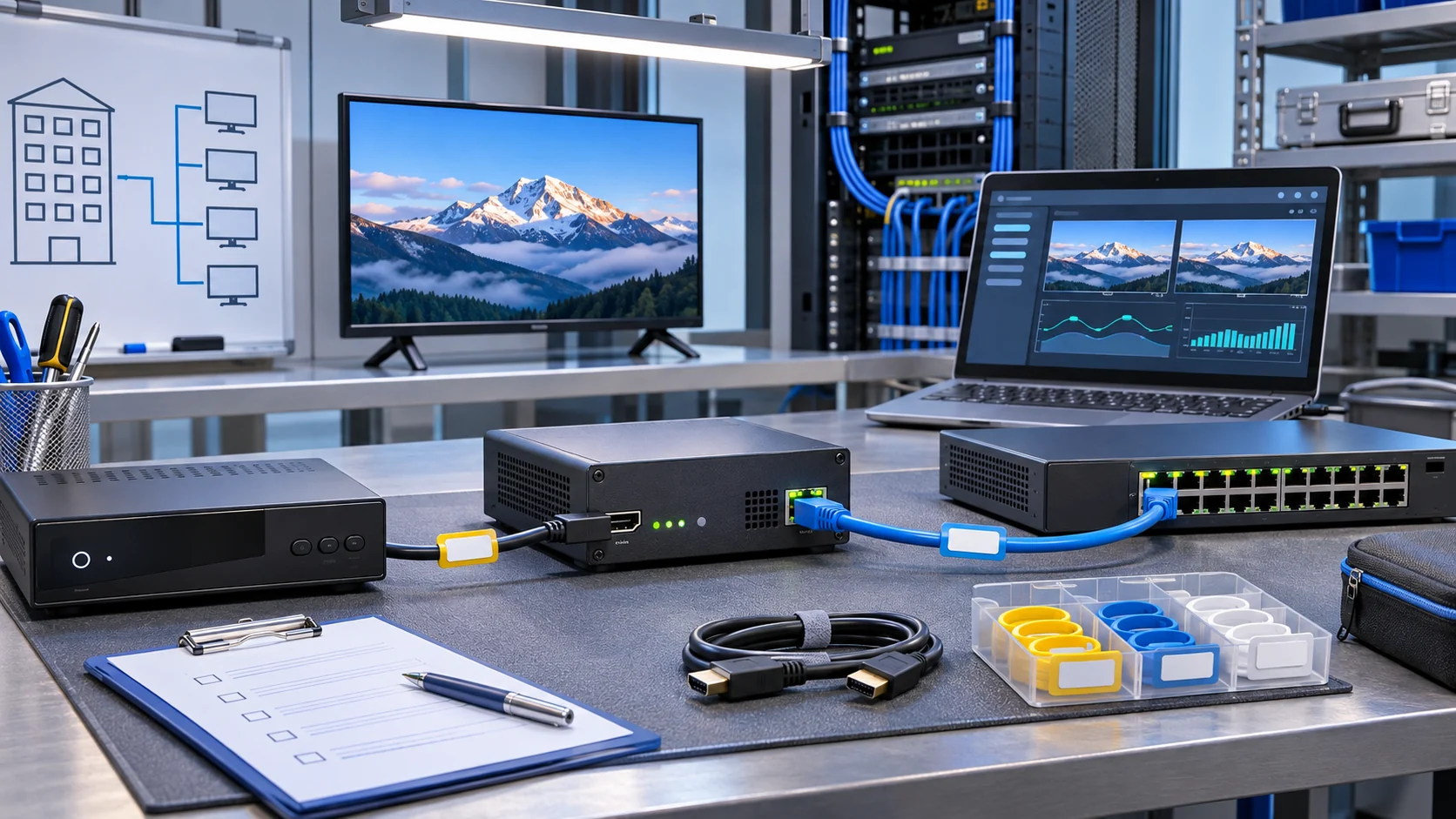
Include motion, small on-screen text, darker scenes and speech in the sample sequence. Compare the same material at each proposed profile. Save visible observations with the traffic report; a stable network counter cannot establish that audio is synchronised or that a news caption is readable.
Choose the trial duration and restart events with the project team. Log faults with times, affected channels and the exact step that reproduces them. Assign an owner and retest unresolved exceptions before extending the installation. After the pilot passes, freeze an approved reference profile and use it to validate subsequent units.
Make the pilot representative of operation
Include the normal source control procedure in the pilot. If staff change a receiver channel or the information player restarts overnight, repeat that event while observing the encoded service. Check whether the guest channel retains the expected picture, sound and channel identity. Save any manual recovery steps that remain necessary.
Test installation boundaries as well as the bench connection. Use a room on a representative network path, with the receiver settings that hotel staff will maintain. Ask another operator to repeat the written startup sequence. This reveals hidden dependencies on an installer's laptop, an unsaved setting or a source left in a special demonstration mode.
At handover, distinguish a passing test from an assumption. List untested receiver models, optional features and planned future sources. Give each item an owner and a decision point. This keeps a successful initial installation from being interpreted as a guarantee for equipment or workloads outside the agreed scope.
What should a useful HDMI IPTV encoder quotation contain?
A useful quotation connects a model and price to a documented service requirement. Send the channel schedule, source details, receiver list and network handoff before asking for equipment. The supplier should identify the offered configuration, untested combinations, acceptance evidence and support responsibilities, allowing the integrator to compare proposals on the same basis.
Prepare one handover package
- Source model, permitted connection, video timing and audio requirements for every HDMI input.
- Required simultaneous channels, secondary profiles, codecs and output protocols.
- Room television or box models, firmware and sample playback results.
- Address plan, service names, network boundary and measured traffic assumptions.
- Installation requirements, spares, configuration backup and recovery procedure.
- Acceptance checklist, open exceptions and the party responsible for each test.
Ask which changes need a fresh compatibility test. A replacement source, firmware update or new receiver family can alter the service path. Record change approval and preserve the working configuration before applying it. Keep a local recovery guide so a routine replacement does not depend on the original installer being available.
Relate the encoder purchase to the property plan. The SOUKA hotel IPTV solution provides the wider context for guest channels and integration. Where the project combines television and room controls, assess the integrated IPTV and GRMS solution at system level; HDMI encoding alone does not establish that integration.
Compare the initial equipment price with installation effort, compatibility testing, spare handling and recovery time. Keep any financial assumptions transparent rather than inventing a universal payback. A complete technical response lets procurement identify what is included and what still needs engineering work before an order.
Related Products
Related Solutions
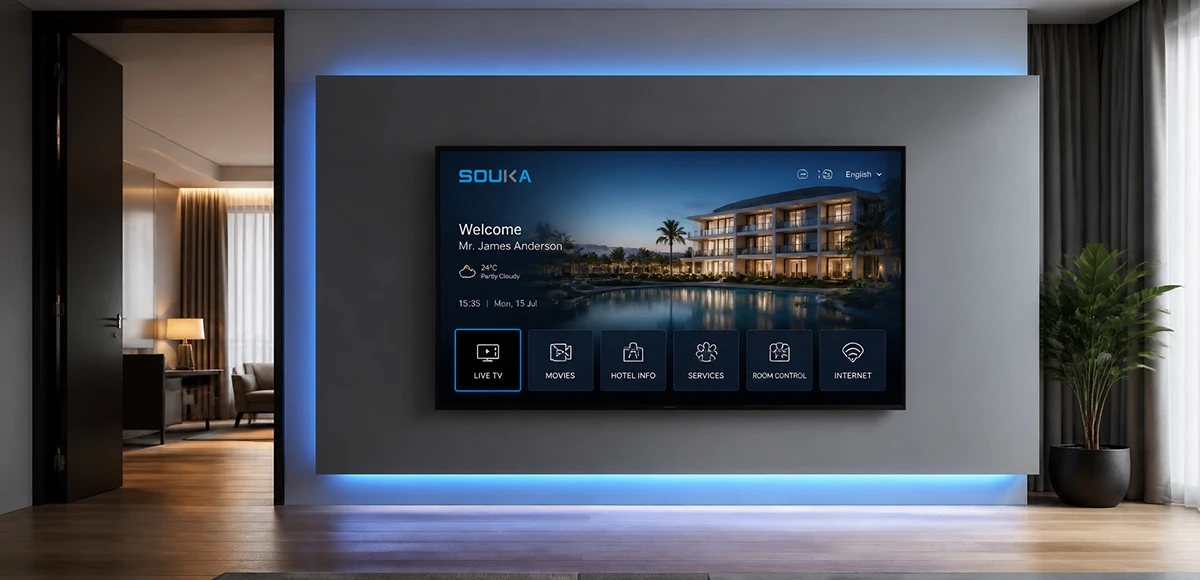
IPTV Solution for Hotels
Deliver lag-free 4K live TV to every guest room, customize your interactive brand interface with zero coding, and automate database workflows. Our carrier-grade Linux streaming matrix bridges natively with global property management systems to eliminate integration friction and slash hardware deployment overhead.
Explore Solutions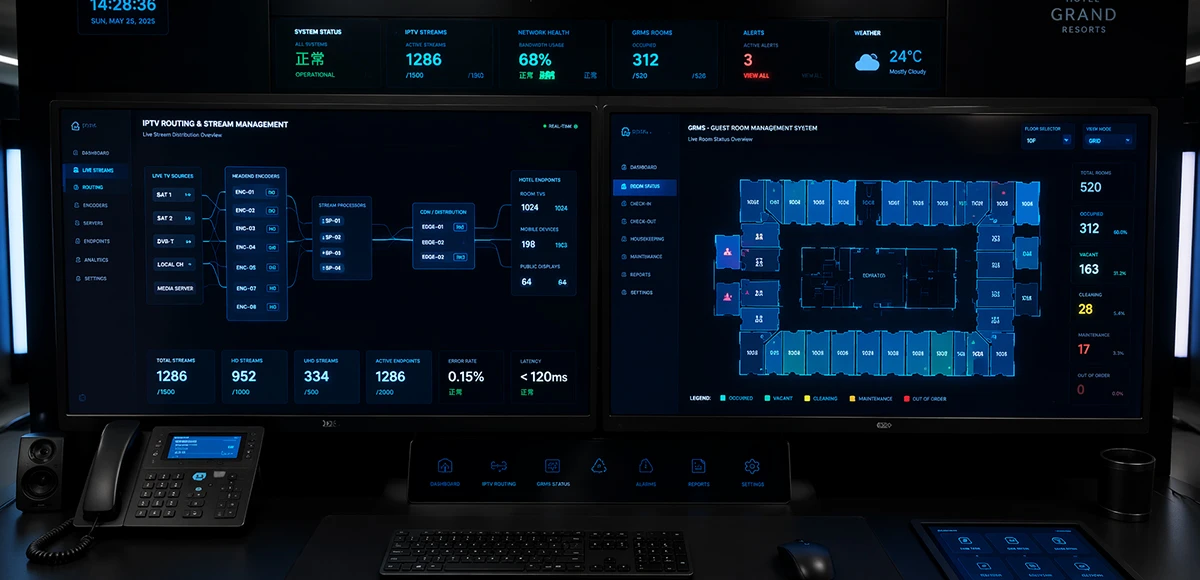
Integrated IPTV & GRMS Solution
Unify carrier-grade 4K IPTV streaming and autonomous RCU room controls into a single, cohesive hospitality IoT architecture. SOUKA bridges interactive in-room entertainment, smart lighting scenes, dynamic HVAC energy optimization, and native PMS database synchronization—slashing hardware CapEx, simplifying structured cabling, and delivering seamless guest experiences.
Explore Solutions
IPTV Solution for Hotels
Deliver lag-free 4K live TV to every guest room, customize your interactive brand interface with zero coding, and automate database workflows. Our carrier-grade Linux streaming matrix bridges natively with global property management systems to eliminate integration friction and slash hardware deployment overhead.
Explore Solutions
Integrated IPTV & GRMS Solution
Unify carrier-grade 4K IPTV streaming and autonomous RCU room controls into a single, cohesive hospitality IoT architecture. SOUKA bridges interactive in-room entertainment, smart lighting scenes, dynamic HVAC energy optimization, and native PMS database synchronization—slashing hardware CapEx, simplifying structured cabling, and delivering seamless guest experiences.
Explore SolutionsFrequently Asked Questions
Yes, in some applications.
If the IPTV streamer outputs standard IP streams, compatible TVs, set-top boxes, or media players may receive the streams directly.
However, for hotel IPTV projects requiring channel management, welcome pages, VOD, advertisements, room information, or centralized terminal management, an IPTV Server is normally used together with the IPTV headend.
Conclusion
The right HDMI IPTV encoder is the unit that passes the hotel's source, stream and receiver requirements under the full planned workload. Define those boundaries first, test one representative path, and save the approved configuration before expanding the lineup.
Send SOUKA your HDMI source list, required channel count, receiver models and network plan through the project enquiry page. Ask for a model-specific proposal and a practical compatibility test. Keep the accepted input timing, output profile and recovery procedure with the final equipment schedule.